// AI RESUME BUILDER • IMPORT · TAILOR · COVER LETTER
Build a resume ready to send.
Import your CV, tailor it to a job with AI, add a cover letter. You approve every change.


Built for careful job applications
Name the grade, subject and students you taught. Choose a lesson, assessment or planning decision that shows how you adjusted instruction after seeing student work.

Give the grade band, subject and number of sections where relevant.
Five sections of Grade 7 and Grade 8 math.
State whether you followed another teacher’s plan or designed the lesson.
Followed the regular teacher’s plans during substitute assignments.
Attach the tool or activity to the skill students practiced.
Desmos graphing activities on linear equations.
Say what you reviewed and how it influenced your next lesson.
Used item-level results to choose material to re-teach.
Give the grade group, time period and measure for a change in achievement.
Proficiency on common assessments over two school years.
Name what colleagues received or used after a planning meeting.
Shared curriculum maps reviewed before each grading period.
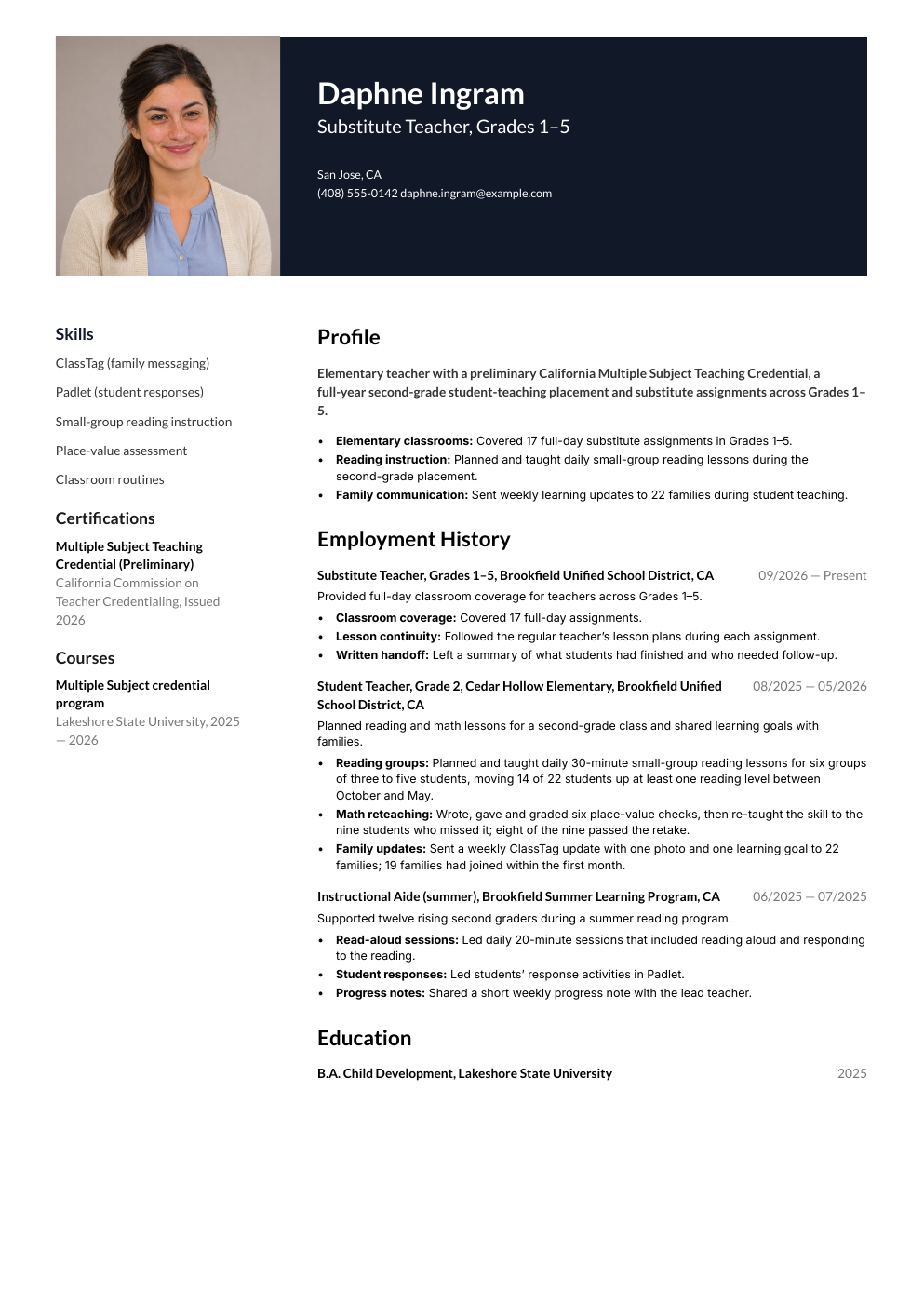
Choose the standard, skill or concept you assessed. A subject label alone leaves out what students practiced.
Say whether you used item-level responses, exit tickets or a piece of written work. Use the term your school used.
Explain what you re-taught or how you regrouped students. If you report progress, identify the same class or subgroup at both points.
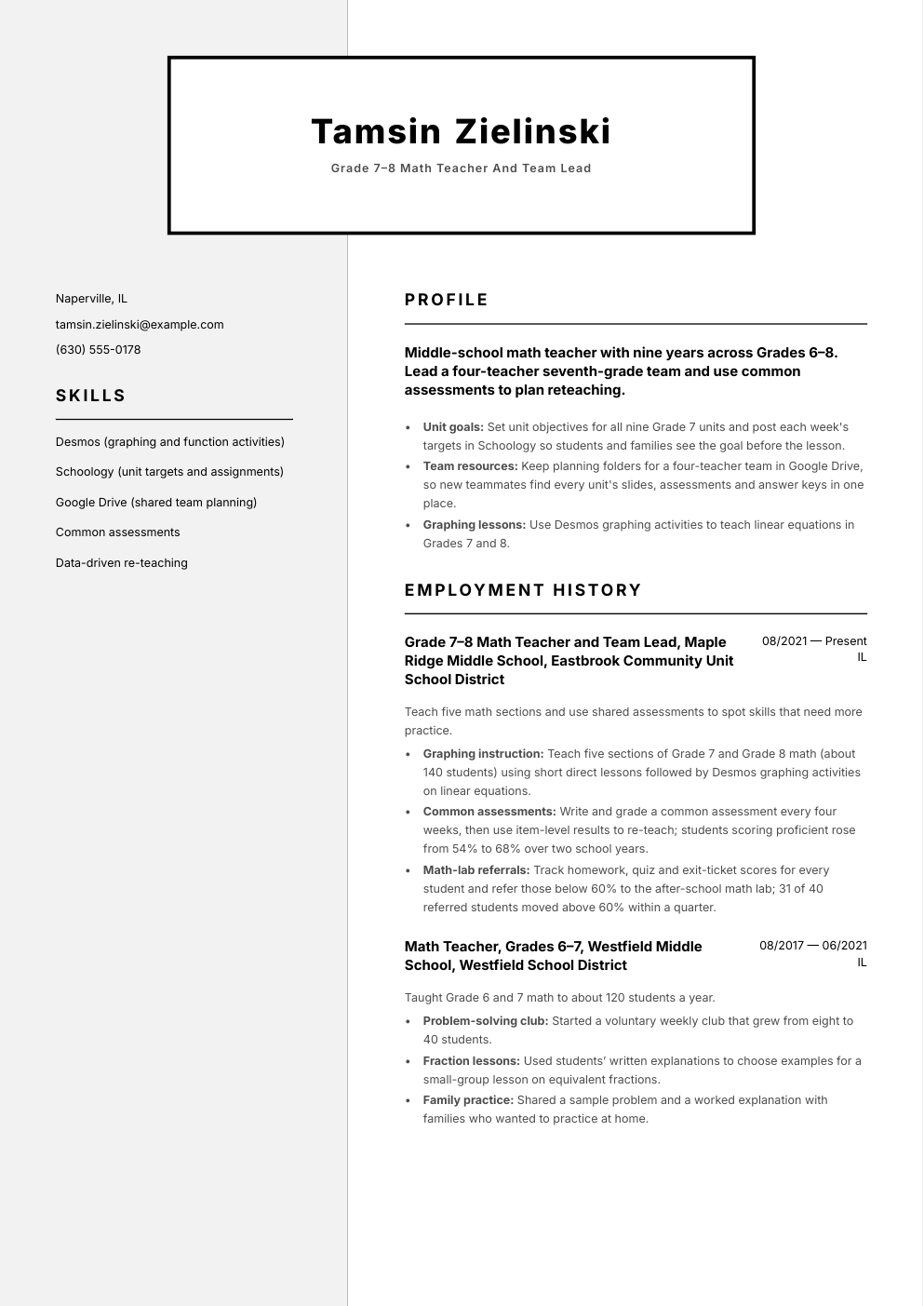
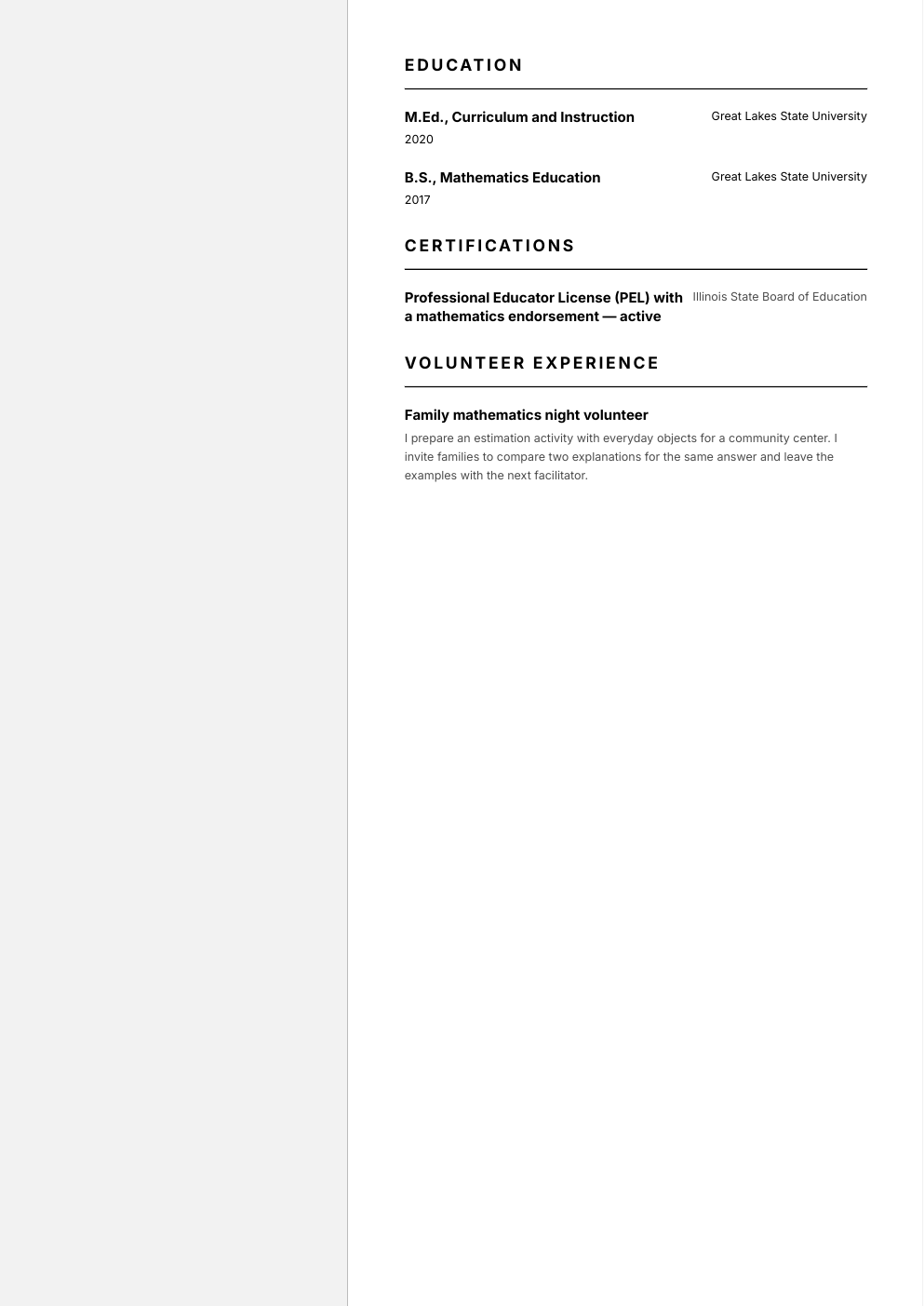
Give the grades, subjects and sections you taught. Keep your class roster separate from the department’s enrollment.
Describe the curriculum map, assessment or planning folder you maintained and who used it.
For mentoring, explain what you observed, when you met and how a next step was agreed. This shows leadership beyond a chair title.
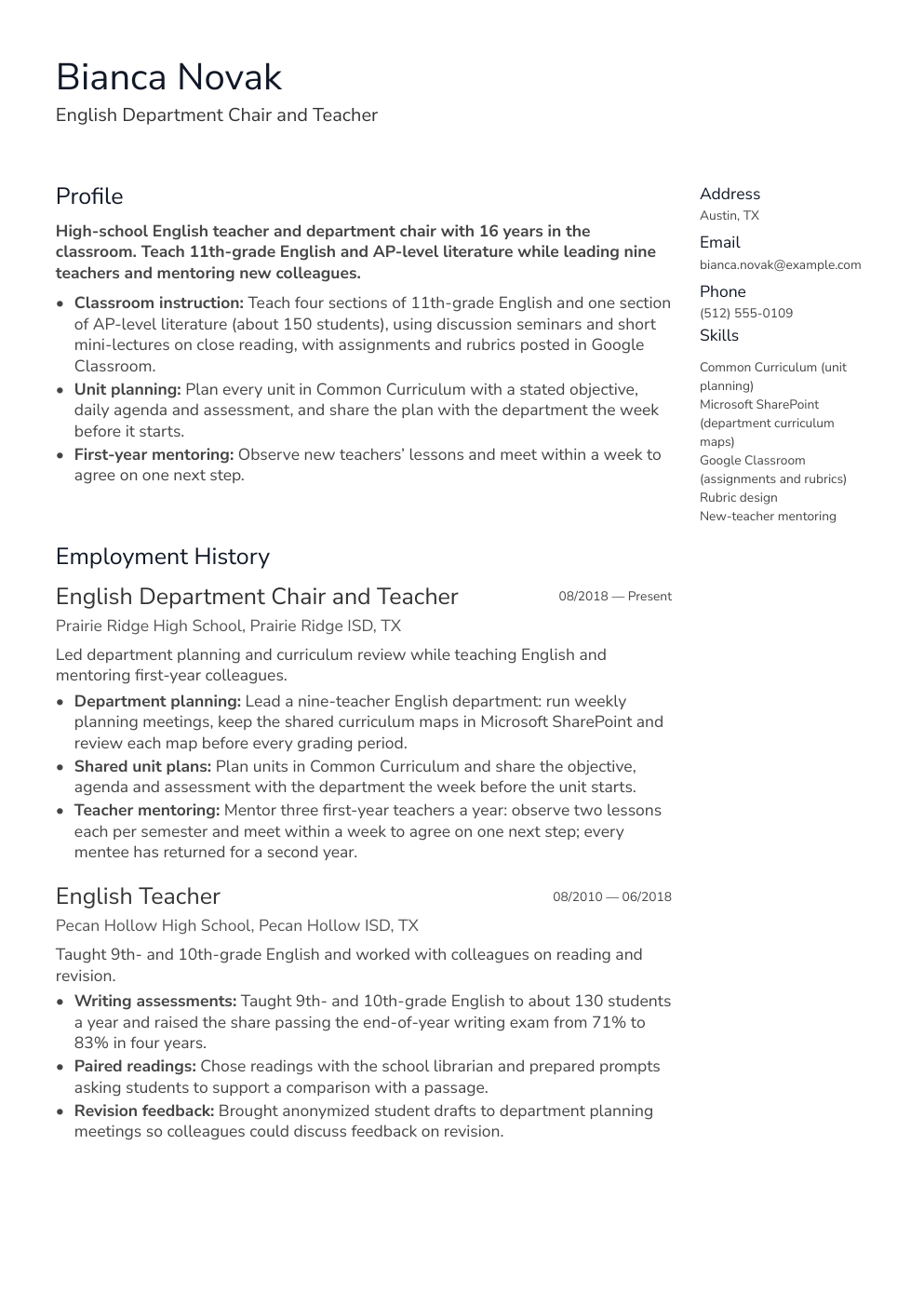
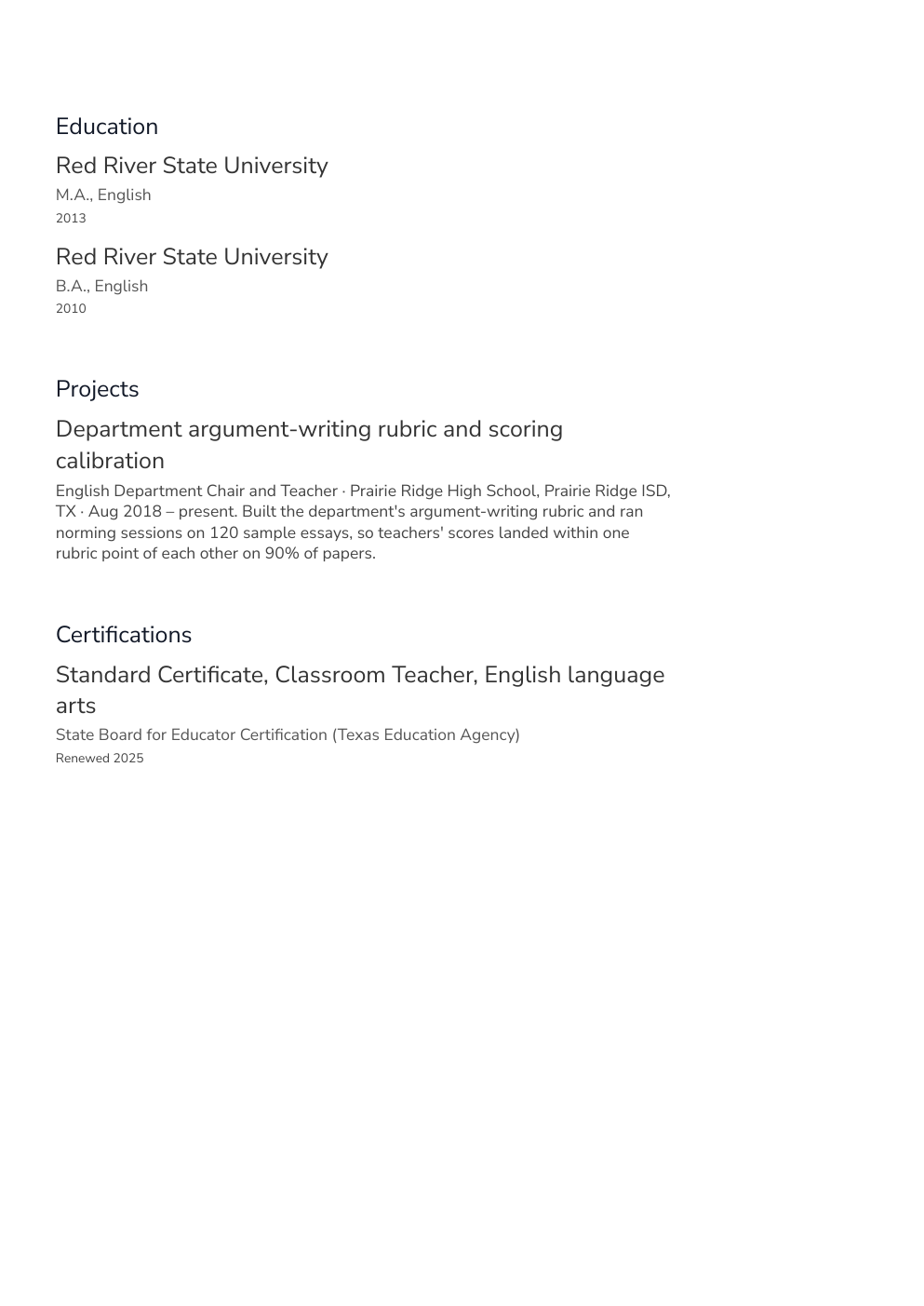
Show your active credential, grade range and subject. Lead your experience with the classroom that best matches the vacancy.
Include the placement dates, grade and subject. Say which lessons or units you planned and which classes you taught under supervision.
Name the assessment, the class or group and the dates. Describe the teaching change alongside the result.
Use an appropriate classroom measure, such as the share of students meeting a rubric standard or progress in a small-group reading check.
Name the change you made for students, such as regrouping from exit-ticket results or adding sentence frames for a writing task.
Describe the support you delivered and how you worked with specialists. Keep students and their records private.
Include tools that did a specific job, such as using the LMS to return rubric feedback. Put the instructional purpose in the bullet.
Describe a routine you introduced and when students used it. Add an observable result if you tracked one.
Include relevant coaching, club or committee work. State your role, who participated and what you organized.
Move the credentials, placements and lessons that fit the vacancy to the top. State any planned credential extension accurately.
Import your CV, tailor it to a job with AI, add a cover letter. You approve every change.
Built for careful job applications
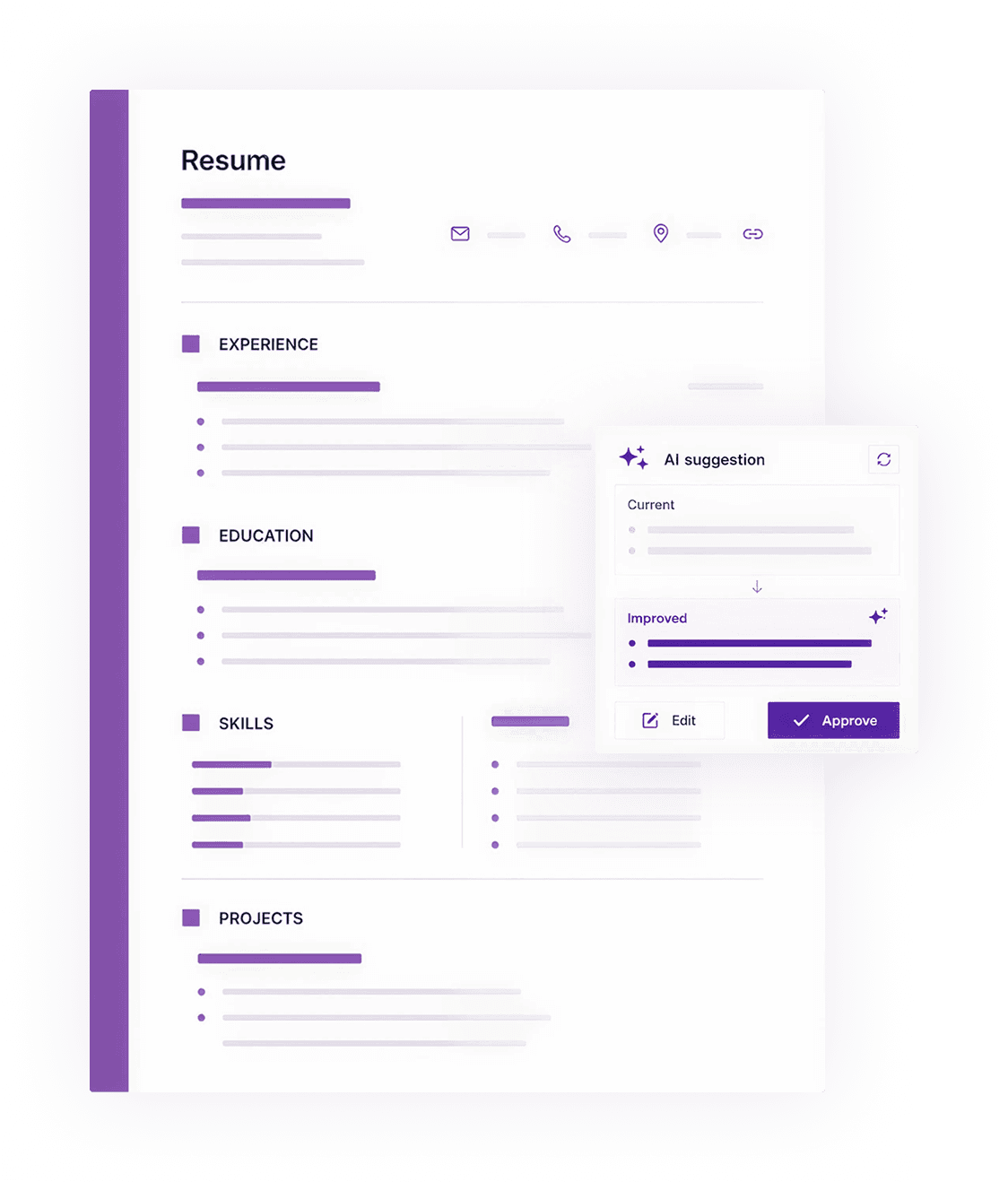
30 resume templates
Choose from professional layouts with real A4 previews.
ATS-friendly templates
Clean headings and text-based structure help hiring systems read the resume correctly.
AI suggestions you control
Rewrite summaries, bullets, and education text, then approve or edit before anything changes.
Job-description suggestions
Paste a role description and review suggestions before applying them.
Export-ready files
Download PDF, DOCX, or TXT when your resume and cover letter are ready.
Start from the CV you already have. Point it at a job description and export a resume and cover letter written for that role.
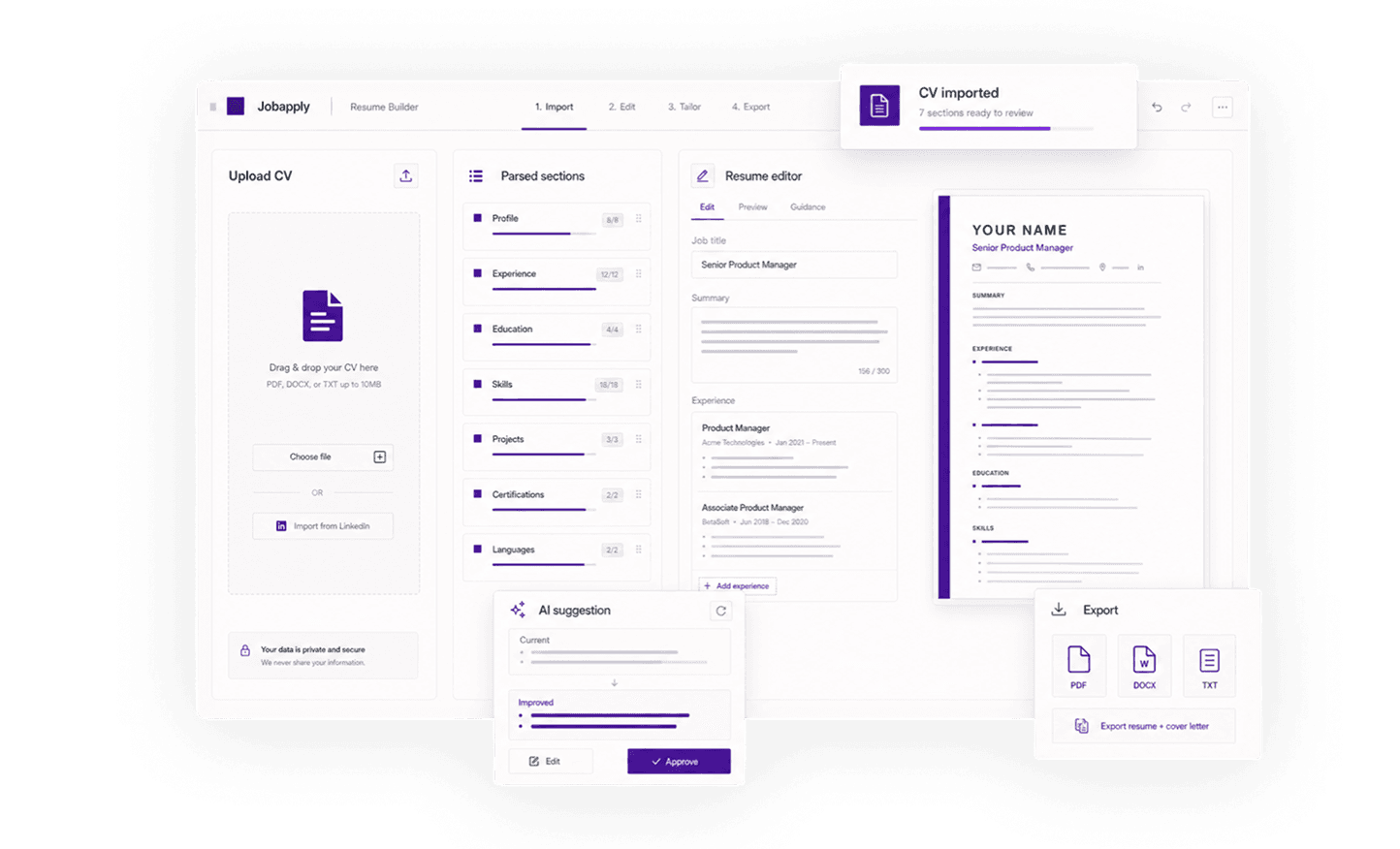
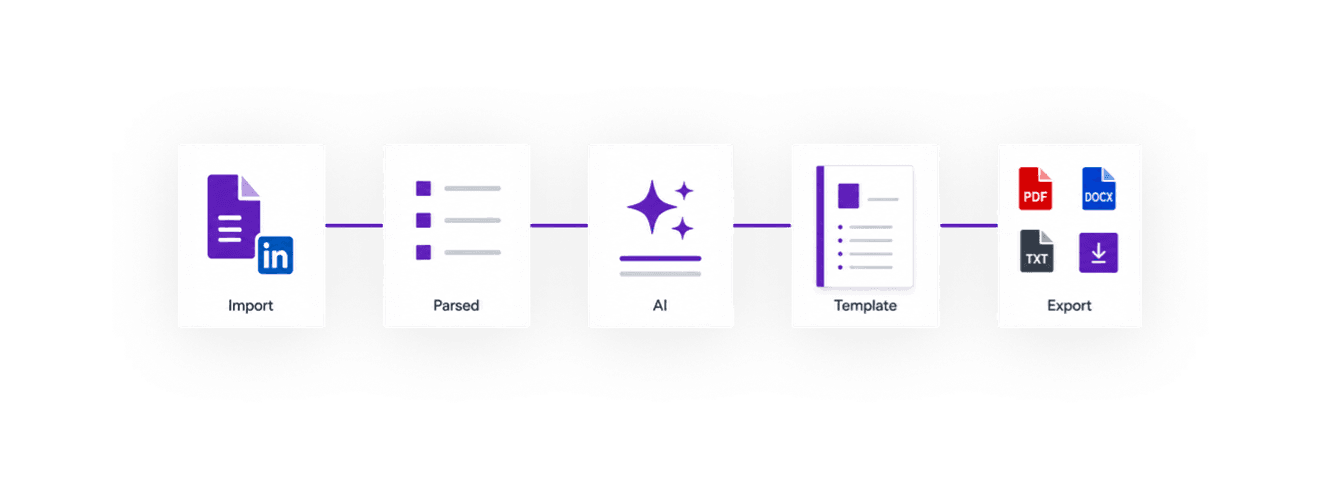
Every AI change appears beside your current text. Accept it, edit it, or skip it.
Start with a file or pasted text, then review the imported sections.
Fill in personal details, experience, education, skills, and optional sections.
Review job-description suggestions before applying them to your resume.


Download resume and cover letter files as PDF, DOCX, or TXT.




Start editing right away
Choose a template, import or add details, and keep editing without an activation gate.
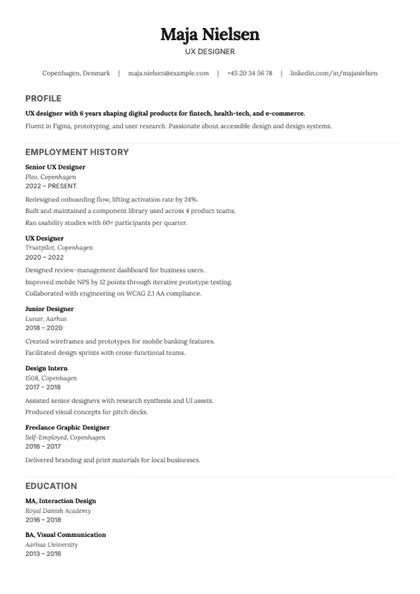
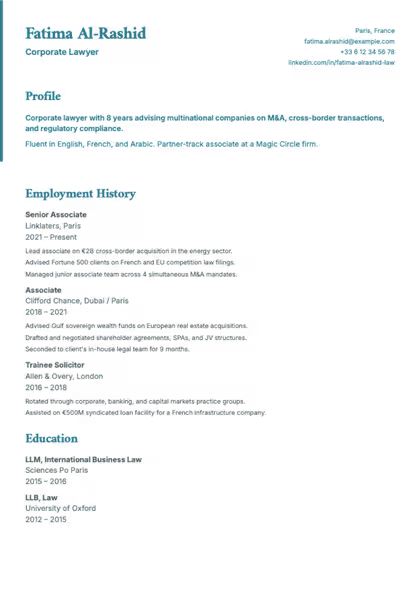
Built for academic CVs — calm serif titles and room for long publication lists.
Use this template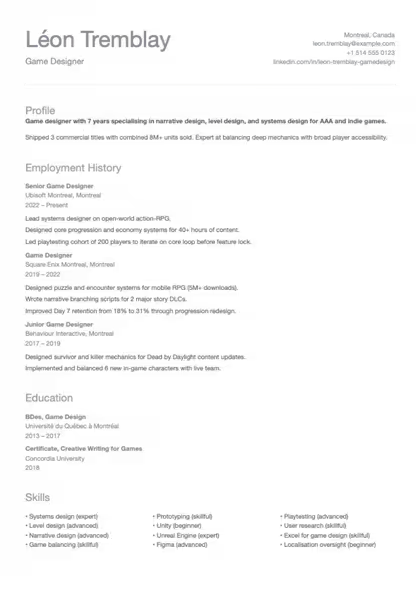
Swiss-minimal and strictly grayscale, for when restraint is the statement.
Use this template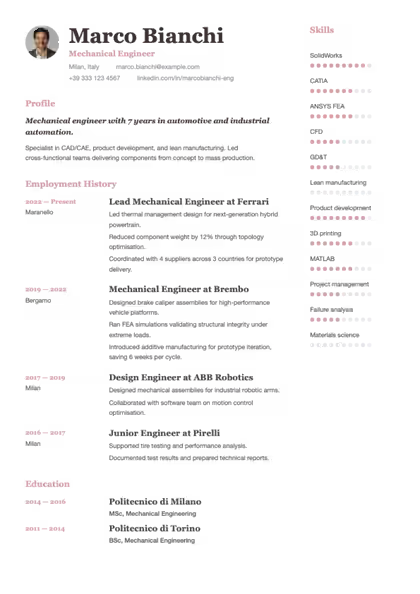
Editorial serifs with a dusty-rose touch — polished without trying too hard.
Use this template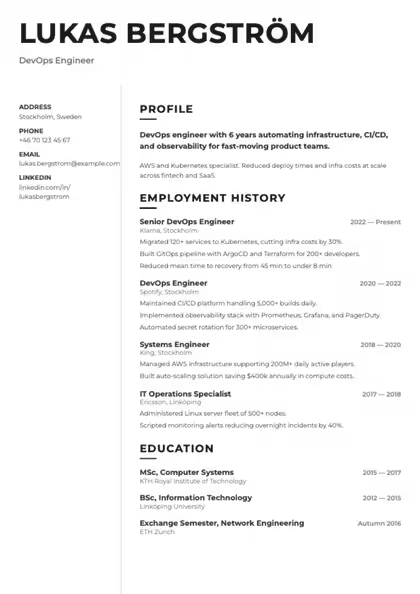
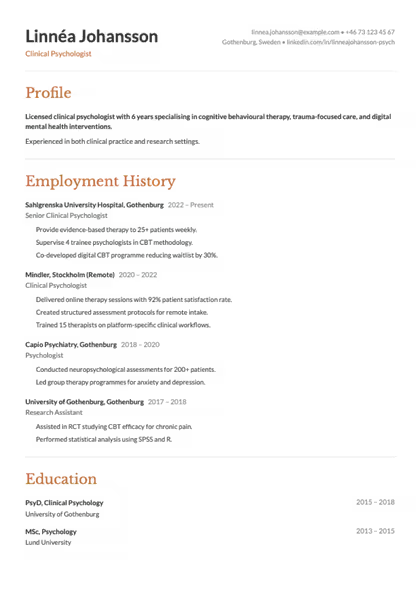
Warm and structured, with an orange accent that keeps formal from feeling stiff.
Use this template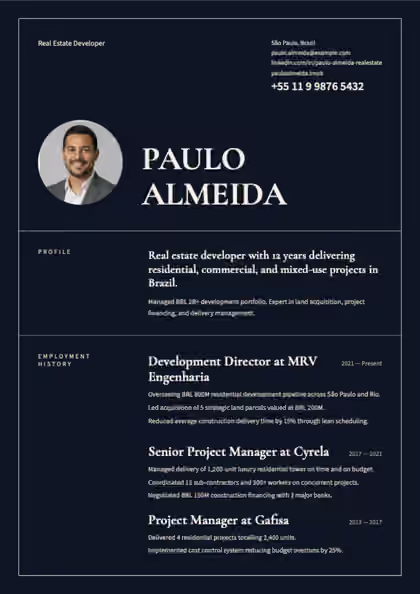
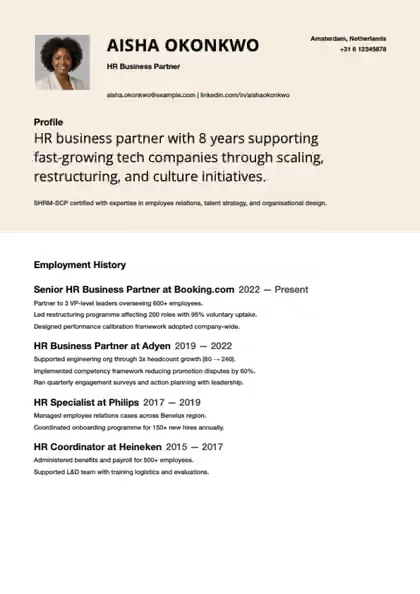
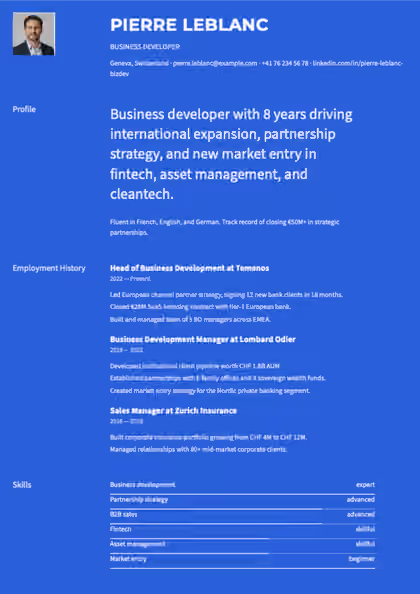
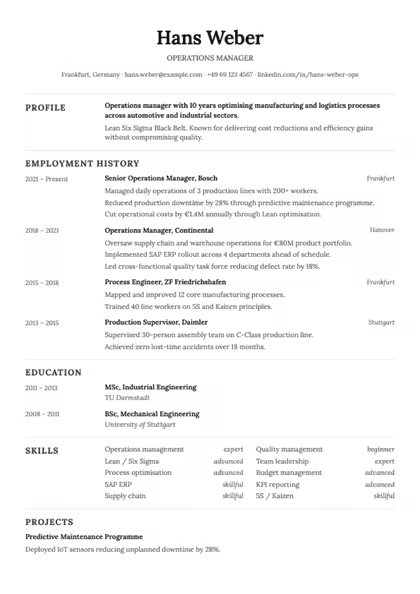
The classic European CV with a date-column timeline recruiters already know how to read.
Use this template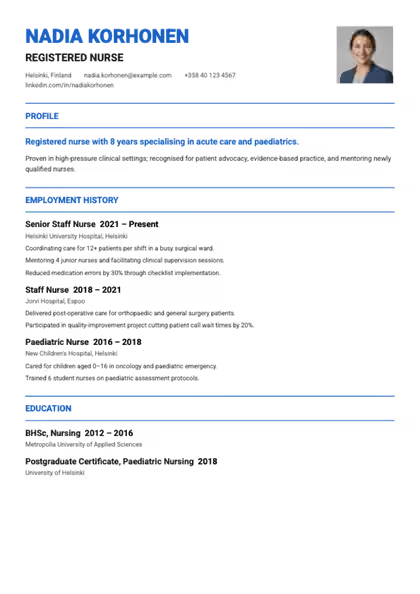
A clean single column with photo — the safe pick that still looks sharp.
Use this template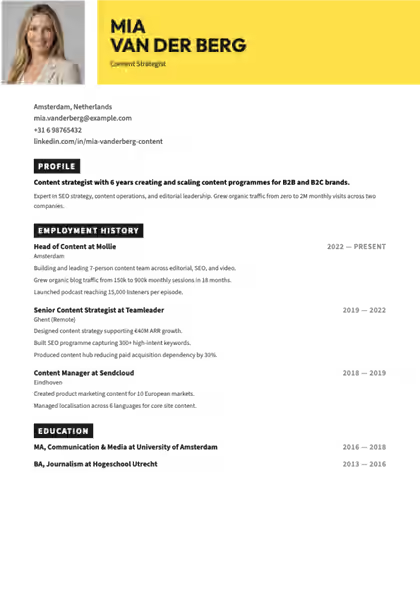
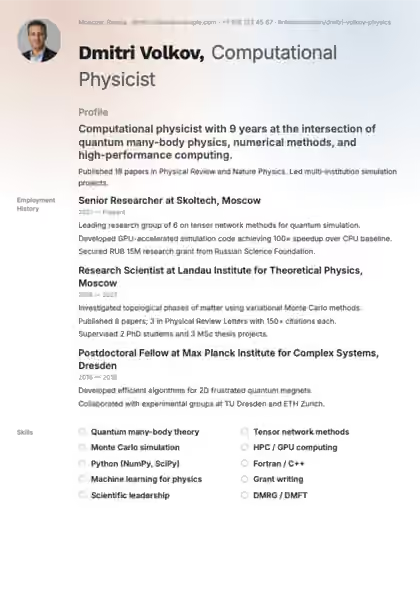
A warm gradient up top, strict left-label structure below — personality and precision.
Use this template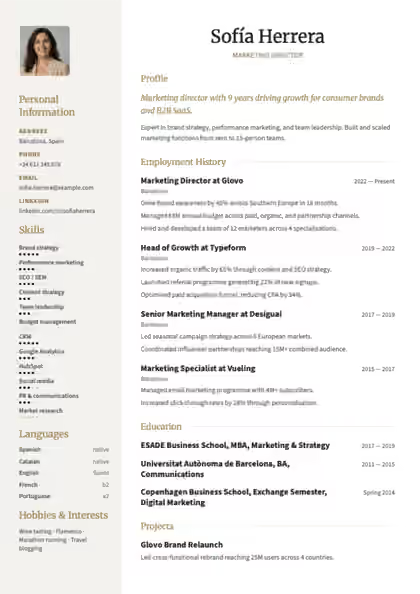
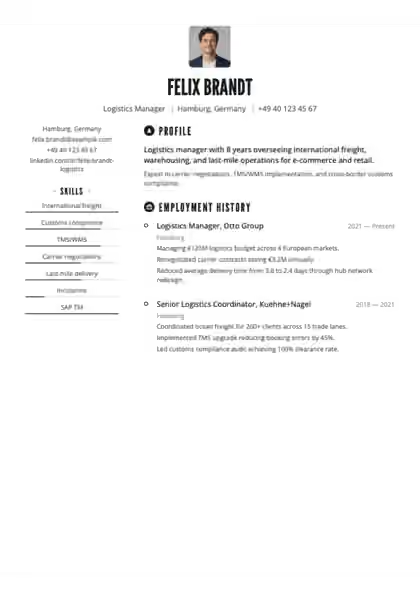
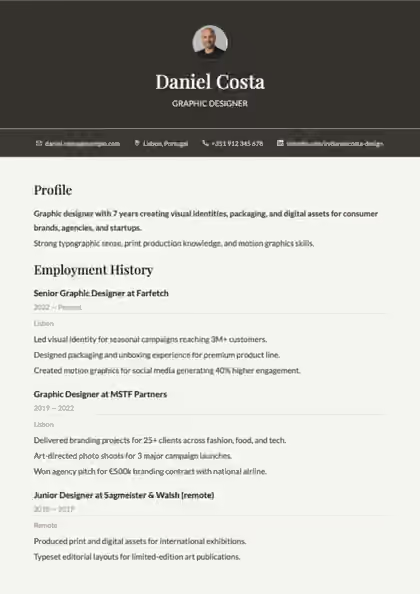
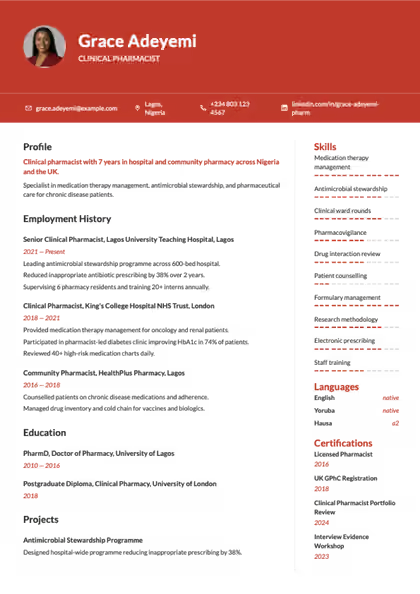
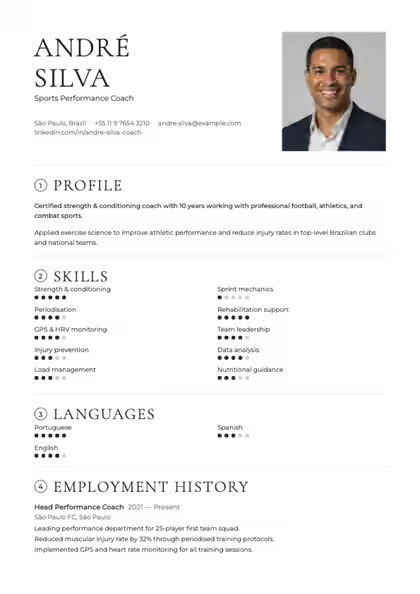
An editorial single column with circled section numbers — crafted, not decorated.
Use this template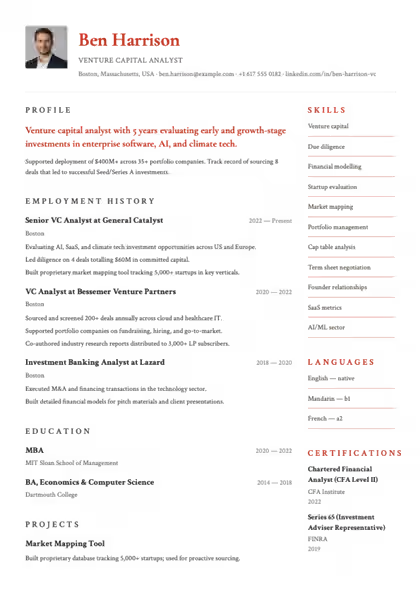
Classic serif two-column with a crimson accent, made for high-stakes applications.
Use this template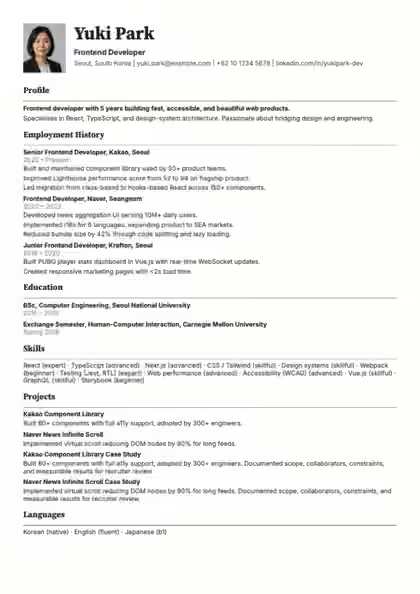
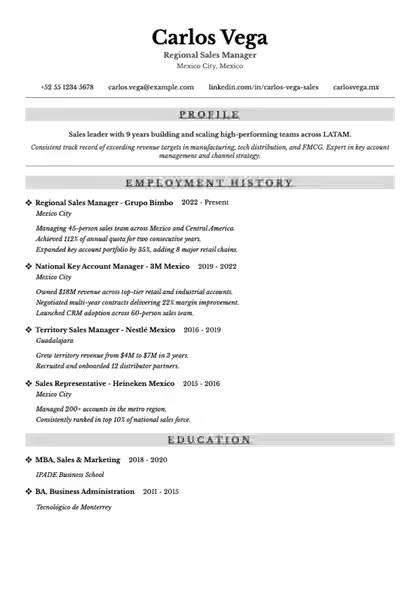
Classical detailing, diamond ornaments, dotted leader lines — fine print done right.
Use this template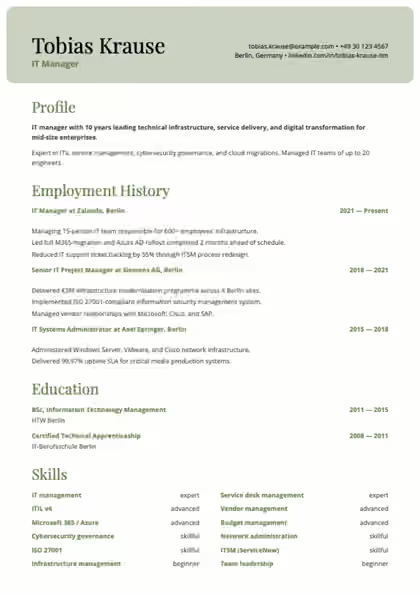
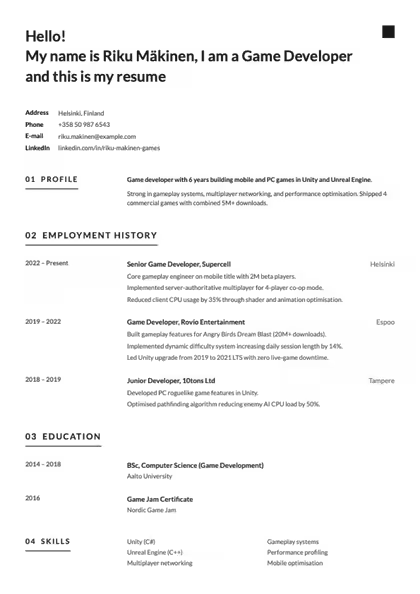
Opens with a greeting, breathes with numbered sections — personal and organized.
Use this template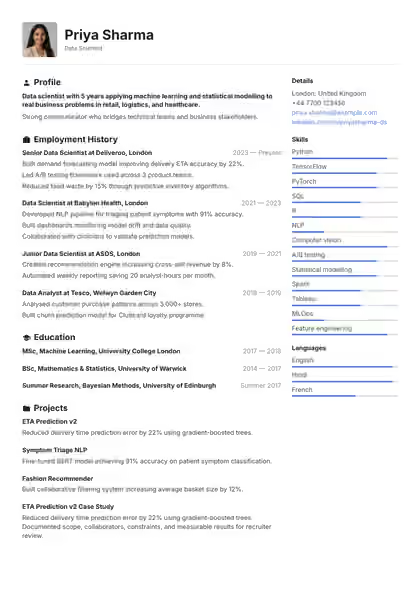
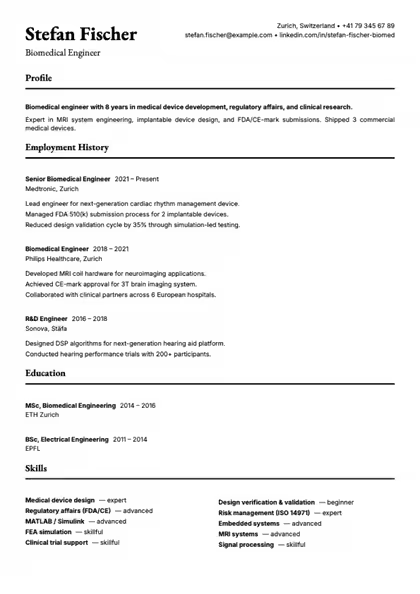
Traditional serifs and bold underline separators, made for deep expertise.
Use this template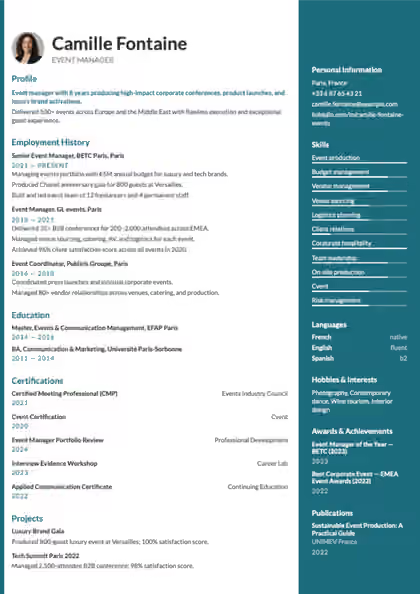
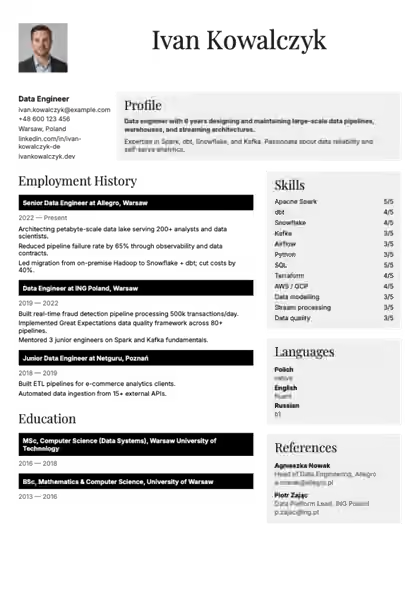
O*NET OnLine, Elementary School Teachers · O*NET OnLine, Middle School Teachers · O*NET OnLine, Secondary School Teachers.