// AI RESUME BUILDER • IMPORT · TAILOR · COVER LETTER
Build a resume ready to send.
Import your CV, tailor it to a job with AI, add a cover letter. You approve every change.


Built for careful job applications
Show what you changed in a working system and how you checked the result. Give a reader the technical decision, the user or team it affected and one measure with a clear unit.

Start with the missing capability or failure rather than a list of technologies.
Clinics needed to change their own reminder preferences.
Tie each language or framework to the part of the system you built.
A React and TypeScript reminder-settings screen.
Give the percentile, units and operating conditions when you have them.
p95 latency fell to 210 ms. Peak traffic reached 120 requests per second.
Name the repeated action the system needed to handle and what a duplicate would mean.
Retrying a payout request could create another payout.
Say what the tests checked and when they ran.
Contract tests on 14 shared gRPC endpoints in CI.
Label an availability objective as a target. Report observed uptime only if measured.
An unchanged 99.95% availability target.
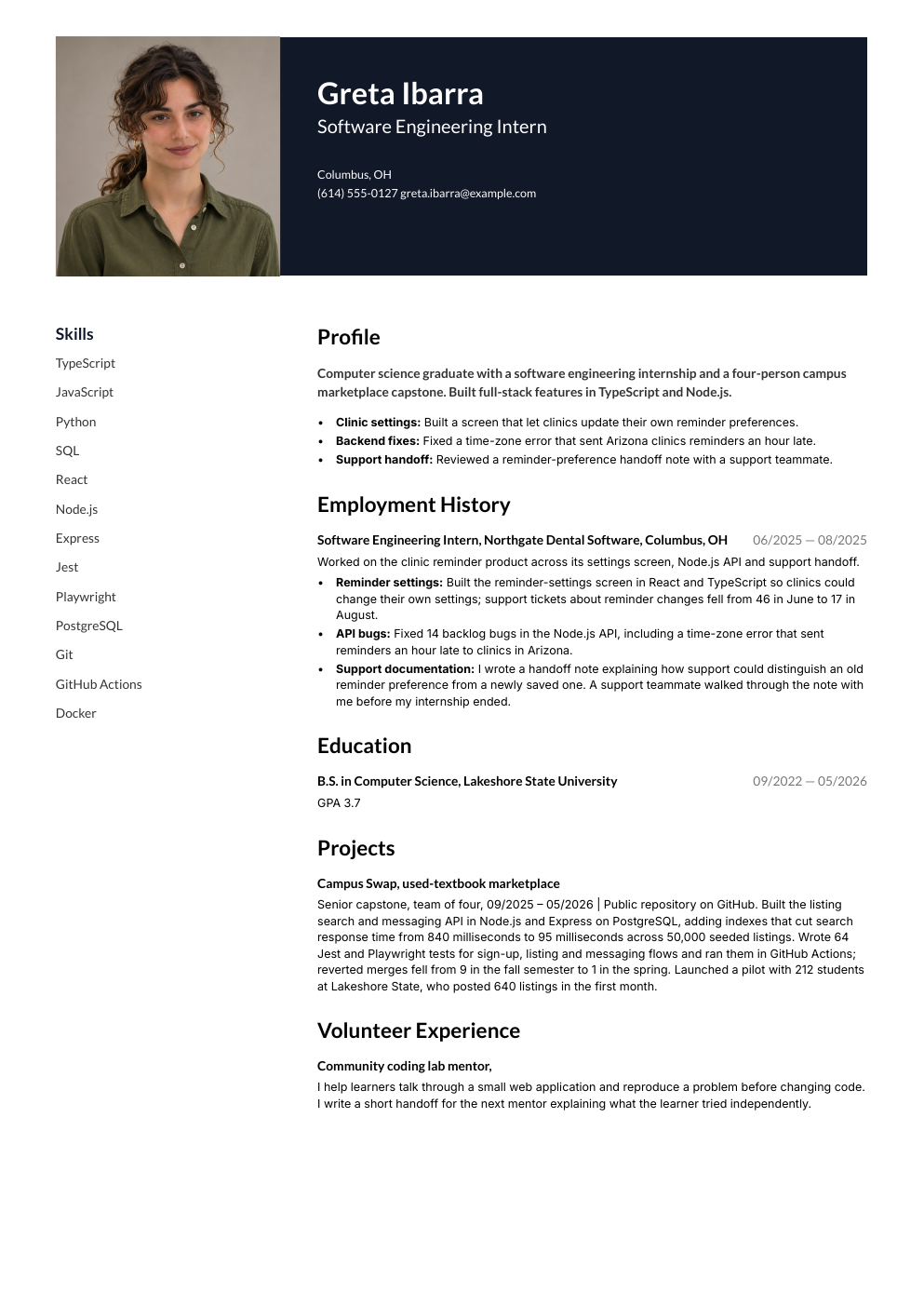
A reminder arriving an hour late is easier to understand than a generic time-zone bug. Identify the affected workflow.
Identify the API, job or interface you modified. You can give a technical explanation without disclosing private code.
Give the regression test, support check or later metric you actually used. Avoid claiming every related defect disappeared.
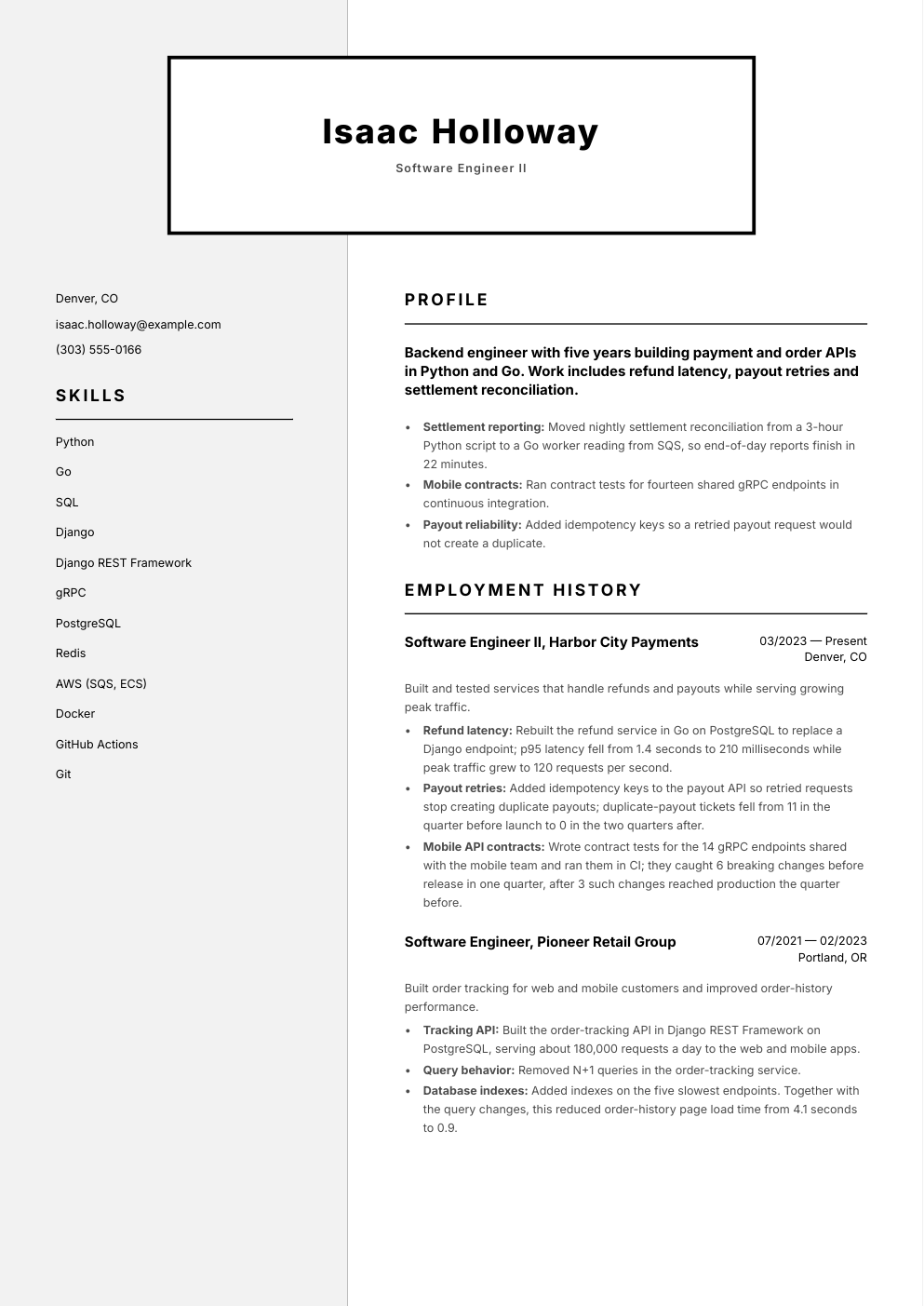
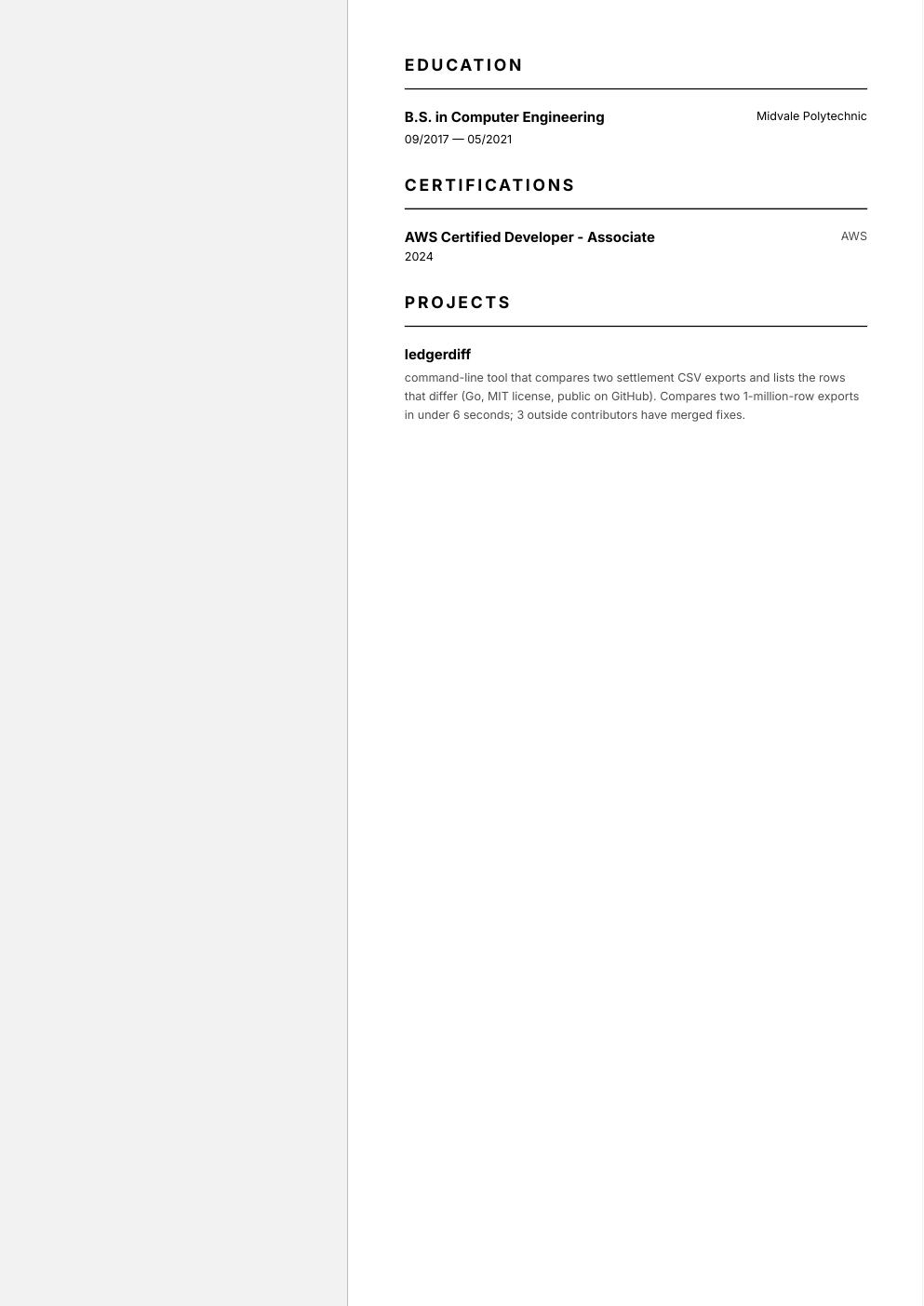
Latency, throughput and data freshness answer different questions. Pick the measure that reflects the problem you addressed.
Include peak requests per second, event volume or another operating condition when known. Label a percentile differently from an average.
If cost or reliability mattered, identify the target or constraint you worked within. Keep a target separate from an observed service result.
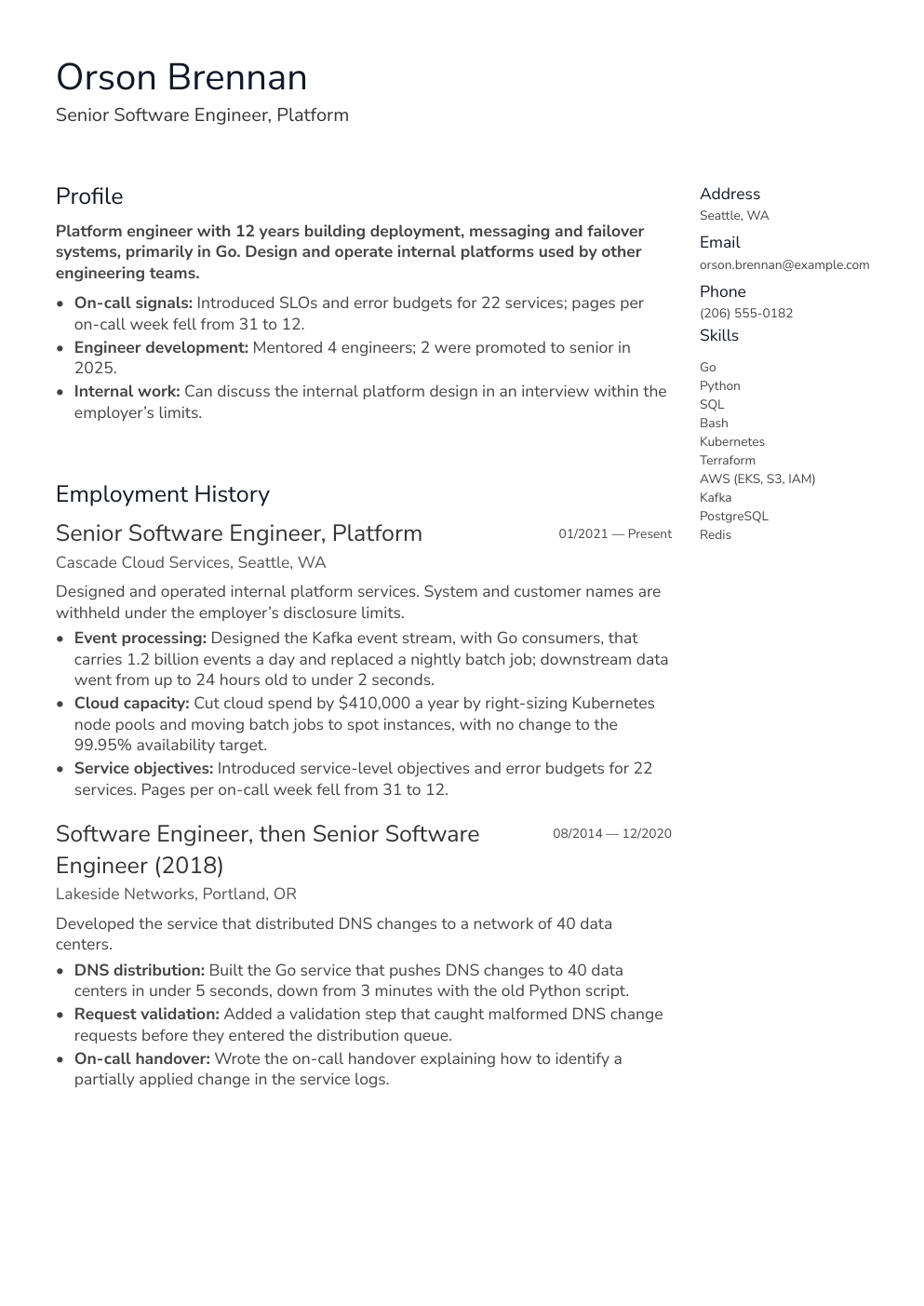
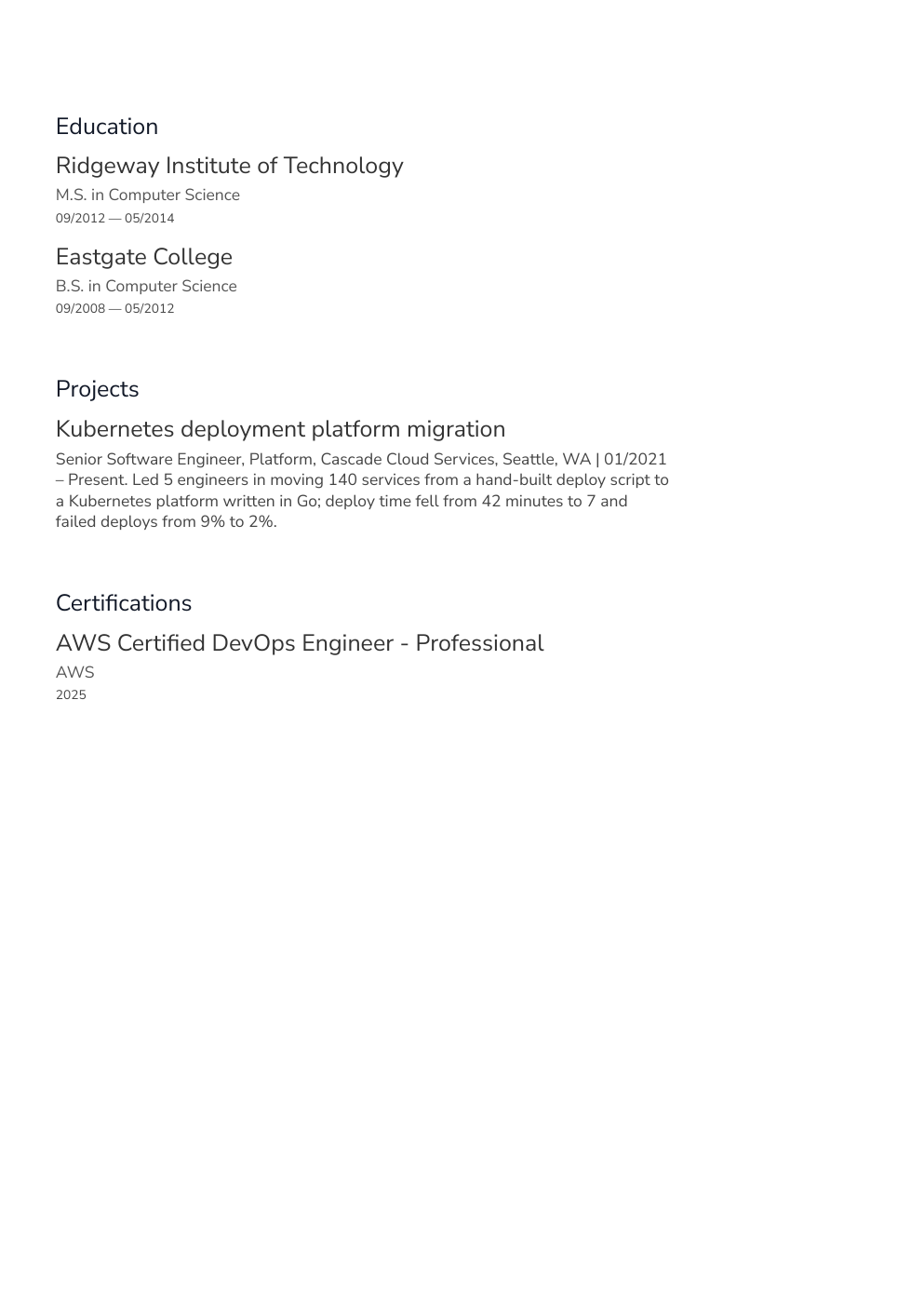
List the languages you can use in an interview. Show the most relevant ones in bullets about software you shipped.
Name the user or system problem, the part you built, and what improved once it was in use.
Yes, especially early in your career. Choose projects someone can run or inspect, and point to the part you designed.
Include it if the repositories you want employers to see are public, documented, and easy to find.
Use a measure tied to the work, such as latency, failure rate, support volume, or build time. Include a baseline or measurement window when you have it.
Describe design decisions you led, services you owned, and how you coordinated changes across teams.
Include it when it demonstrates ownership. Explain the incident, the fix you shipped, or the alert or runbook you improved.
Say what you personally designed, implemented, reviewed, or operated. Give the team result as context.
Use permitted scope, such as system components, releases, or teams served, and describe the improvement you can substantiate.
List relevant tools under skills and connect them to a deployment, migration, or reliability improvement in experience.
Import your CV, tailor it to a job with AI, add a cover letter. You approve every change.
Built for careful job applications
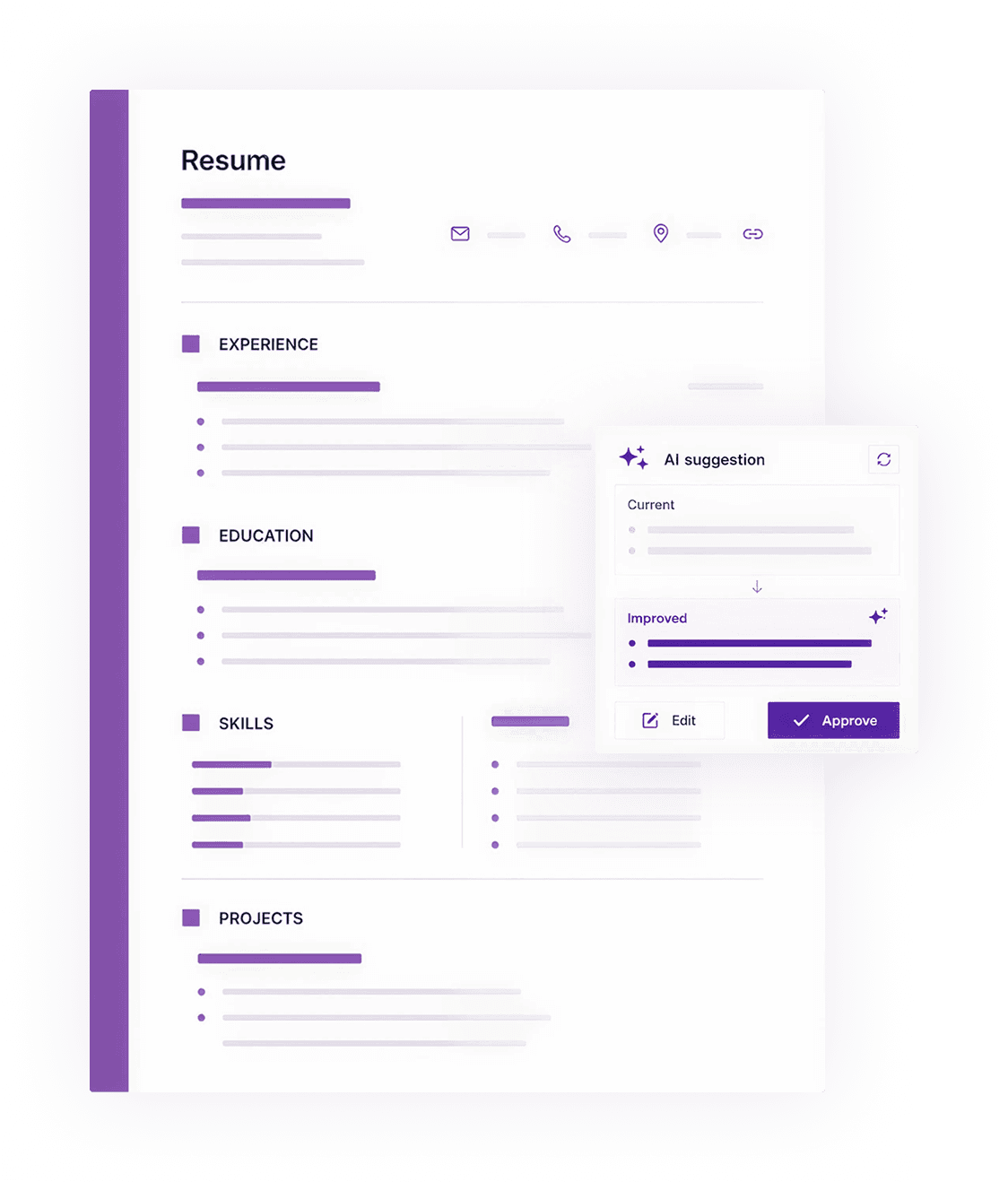
30 resume templates
Choose from professional layouts with real A4 previews.
ATS-friendly templates
Clean headings and text-based structure help hiring systems read the resume correctly.
AI suggestions you control
Rewrite summaries, bullets, and education text, then approve or edit before anything changes.
Job-description suggestions
Paste a role description and review suggestions before applying them.
Export-ready files
Download PDF, DOCX, or TXT when your resume and cover letter are ready.
Start from the CV you already have. Point it at a job description and export a resume and cover letter written for that role.
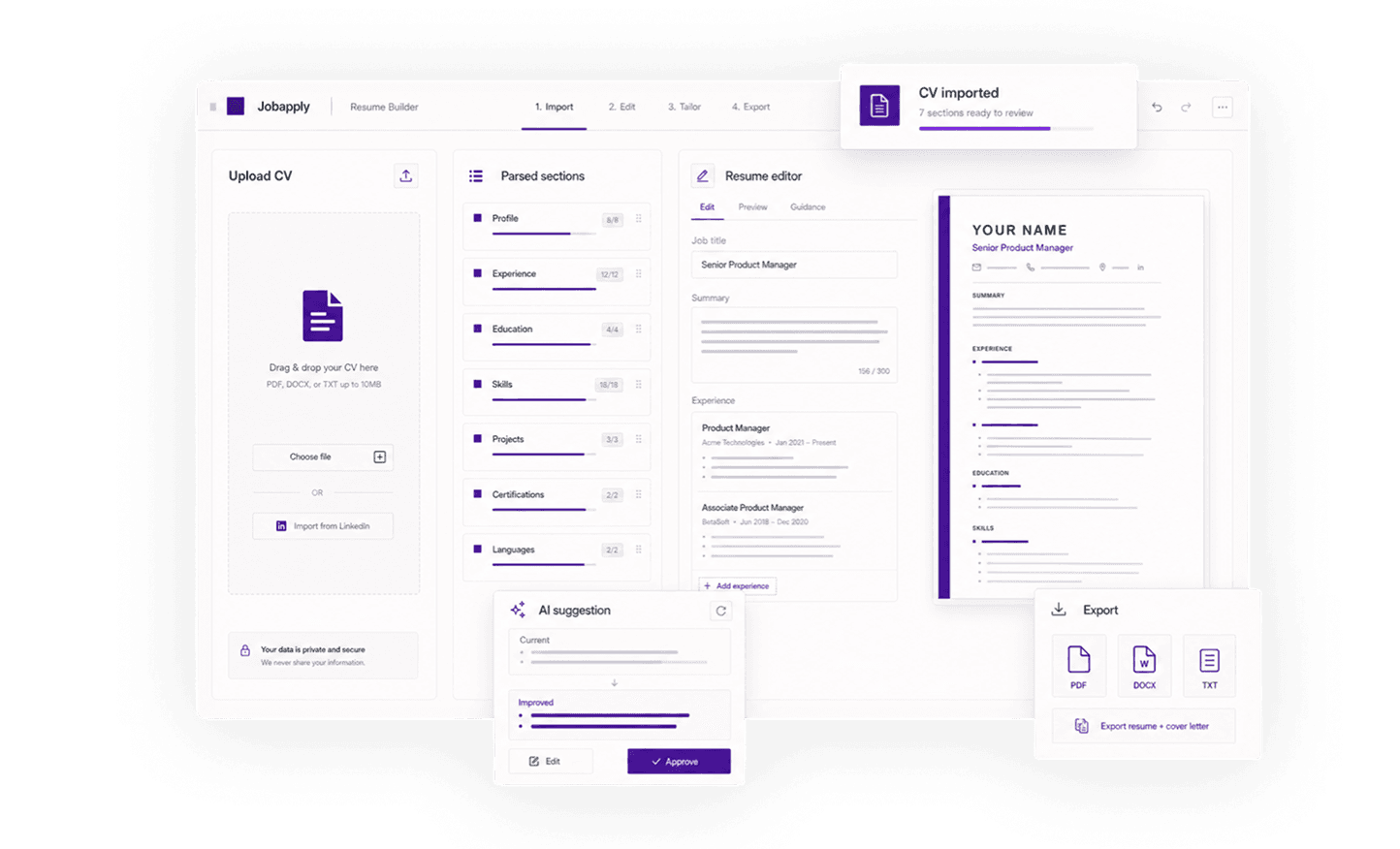
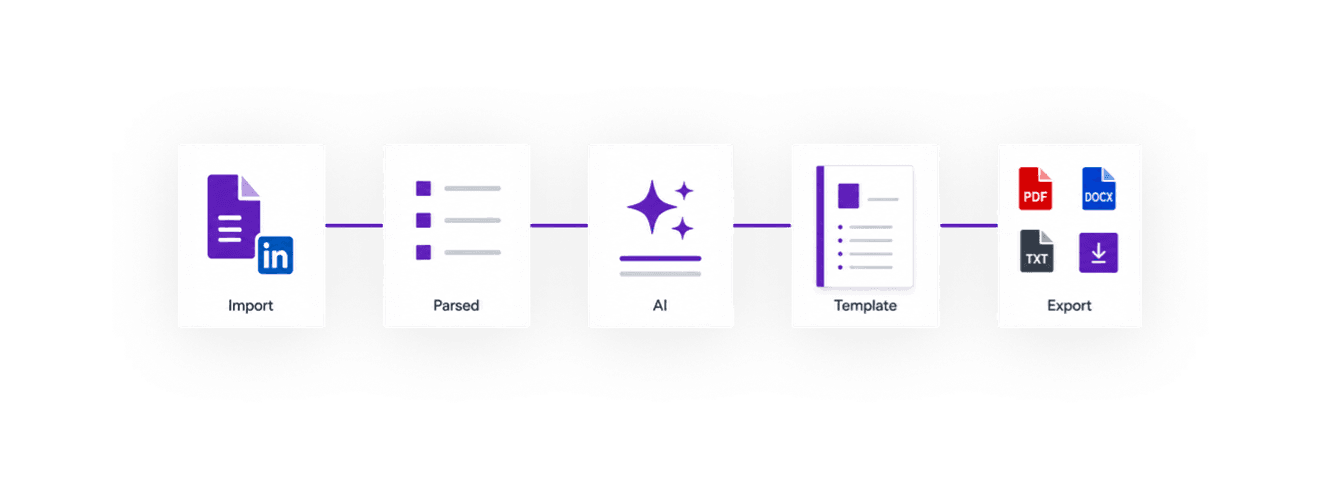
Every AI change appears beside your current text. Accept it, edit it, or skip it.
Start with a file or pasted text, then review the imported sections.
Fill in personal details, experience, education, skills, and optional sections.
Review job-description suggestions before applying them to your resume.


Download resume and cover letter files as PDF, DOCX, or TXT.




Start editing right away
Choose a template, import or add details, and keep editing without an activation gate.
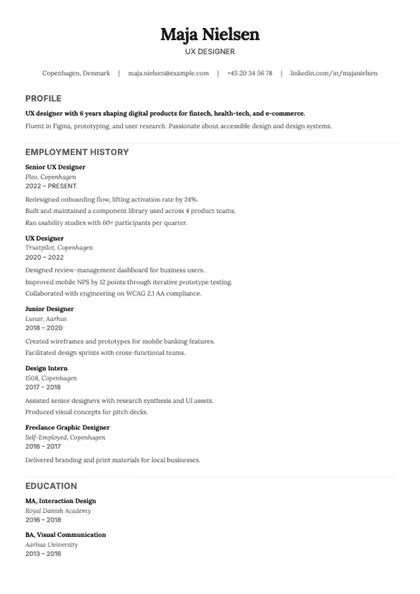
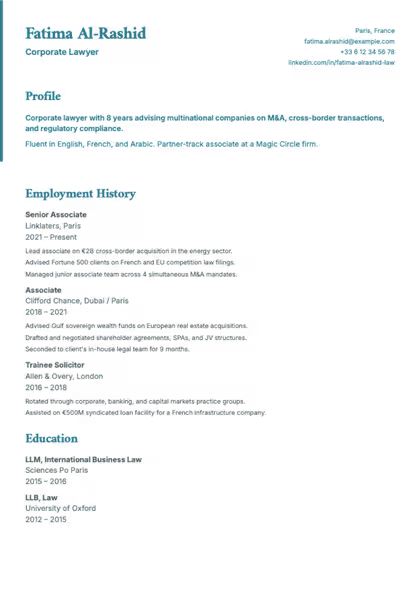
Built for academic CVs — calm serif titles and room for long publication lists.
Use this template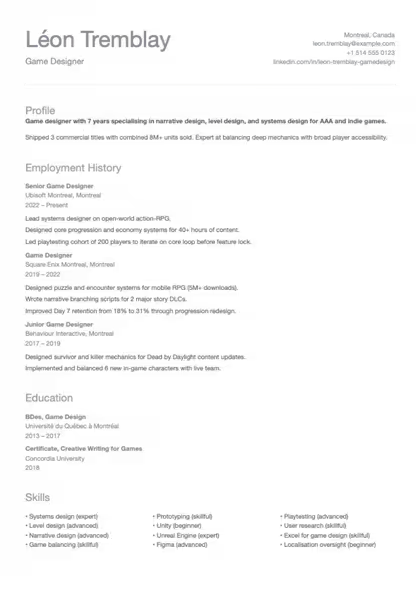
Swiss-minimal and strictly grayscale, for when restraint is the statement.
Use this template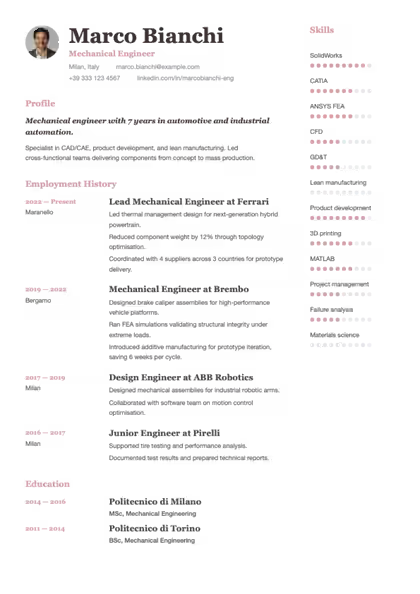
Editorial serifs with a dusty-rose touch — polished without trying too hard.
Use this template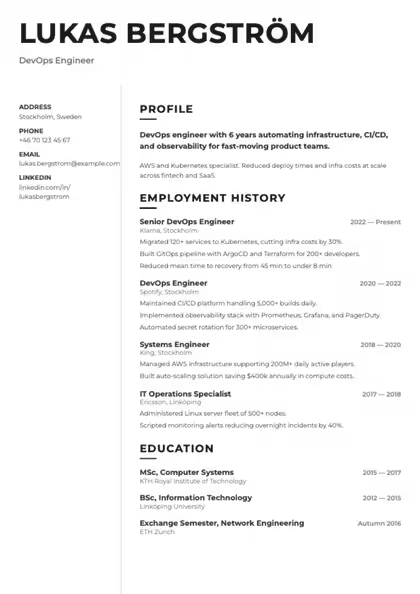
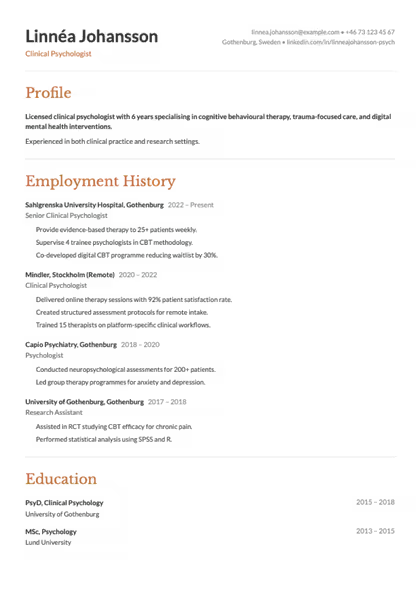
Warm and structured, with an orange accent that keeps formal from feeling stiff.
Use this template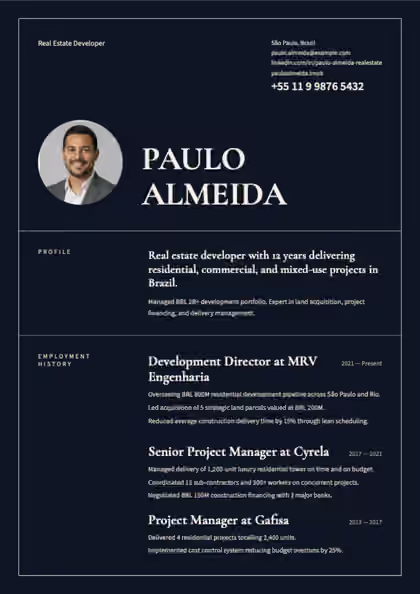
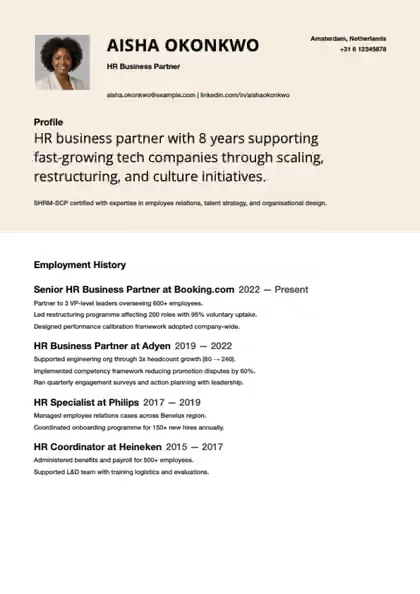
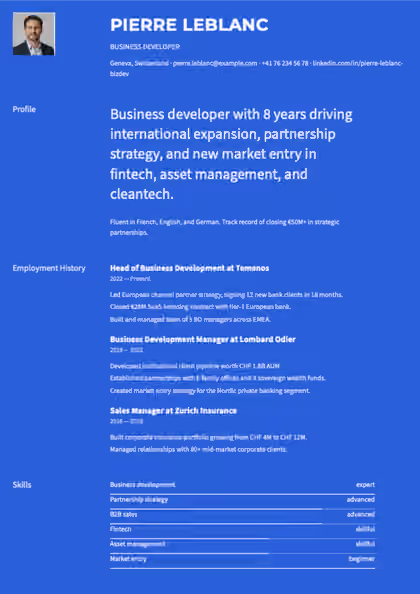
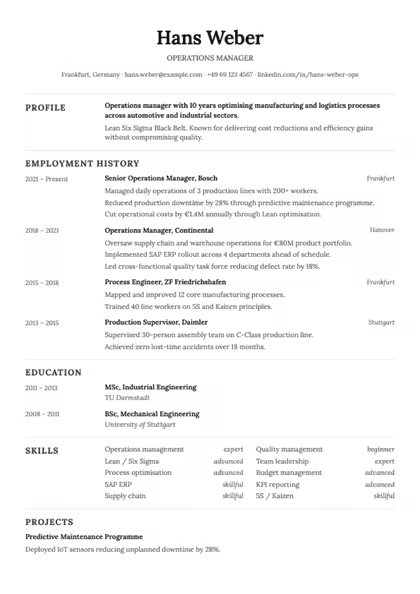
The classic European CV with a date-column timeline recruiters already know how to read.
Use this template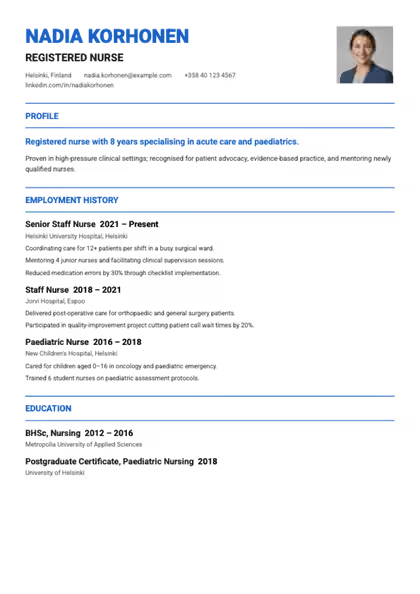
A clean single column with photo — the safe pick that still looks sharp.
Use this template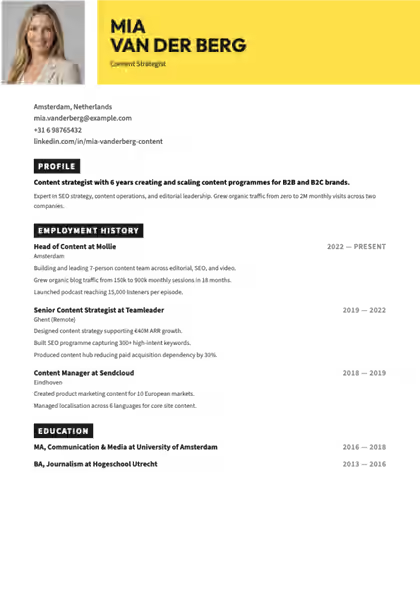
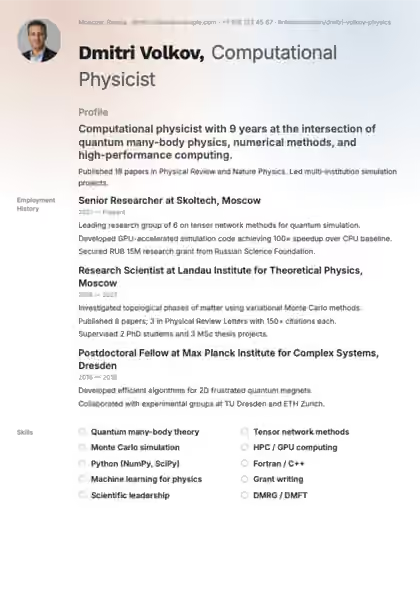
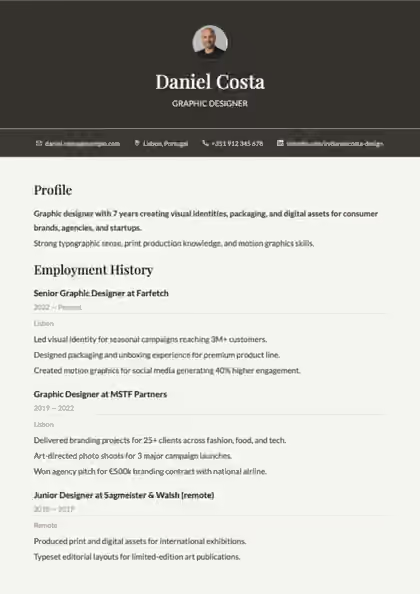
A warm gradient up top, strict left-label structure below — personality and precision.
Use this template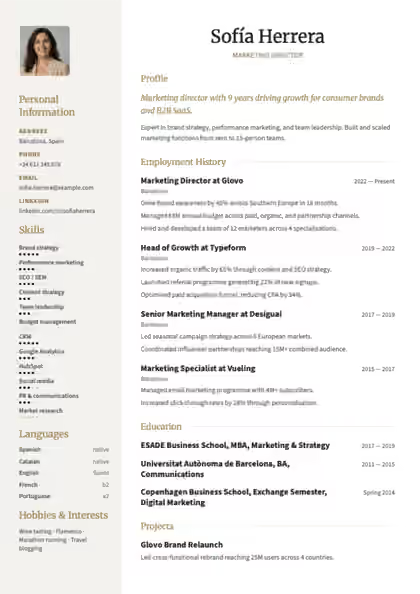
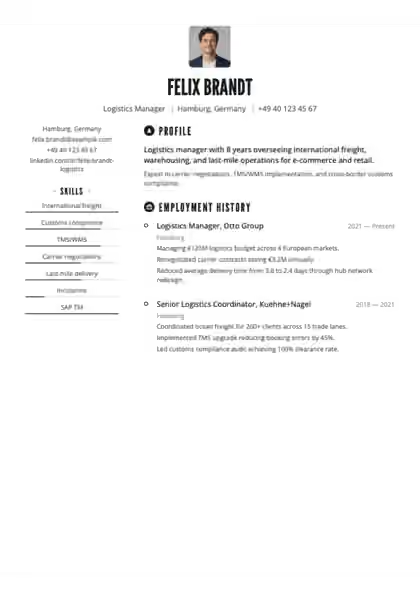
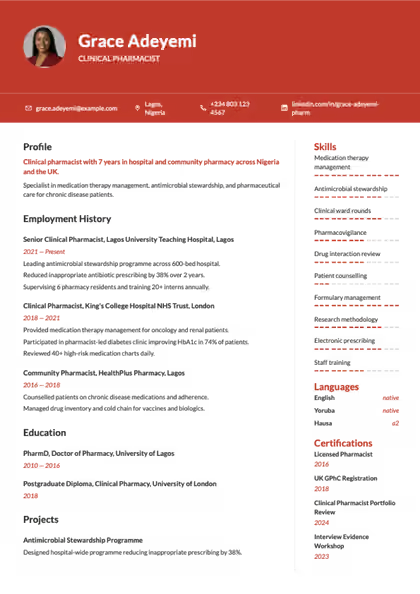
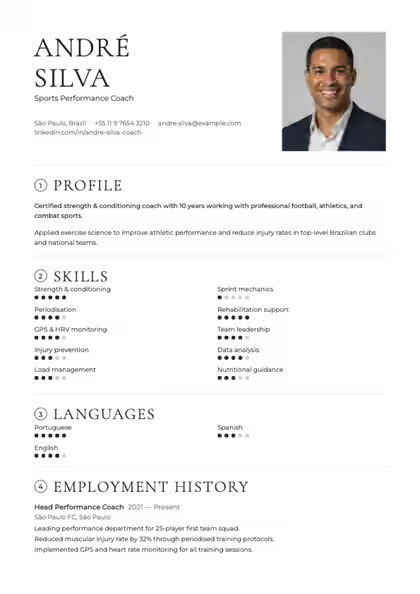
An editorial single column with circled section numbers — crafted, not decorated.
Use this template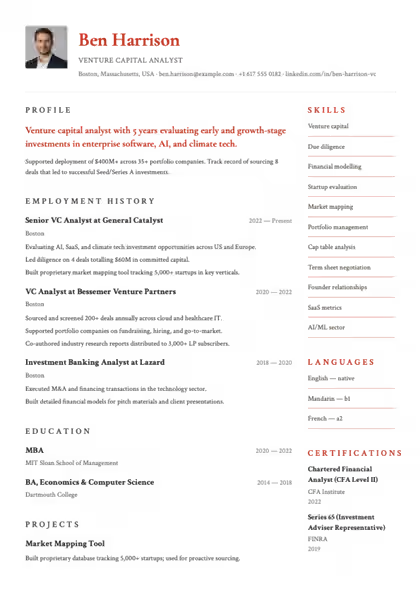
Classic serif two-column with a crimson accent, made for high-stakes applications.
Use this template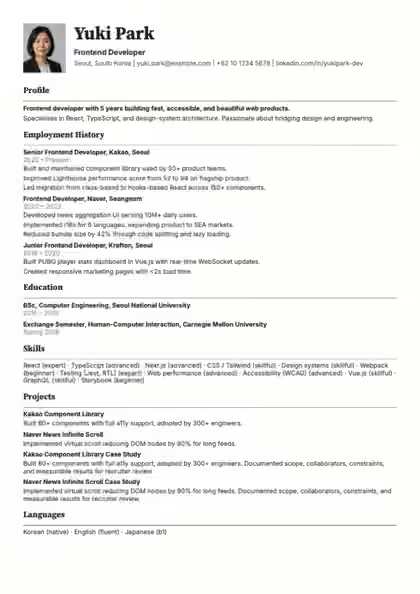
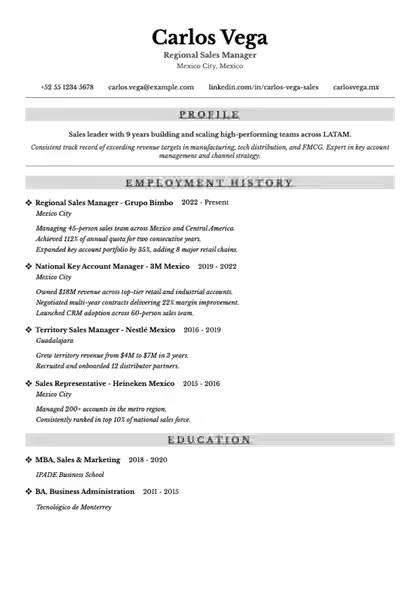
Classical detailing, diamond ornaments, dotted leader lines — fine print done right.
Use this template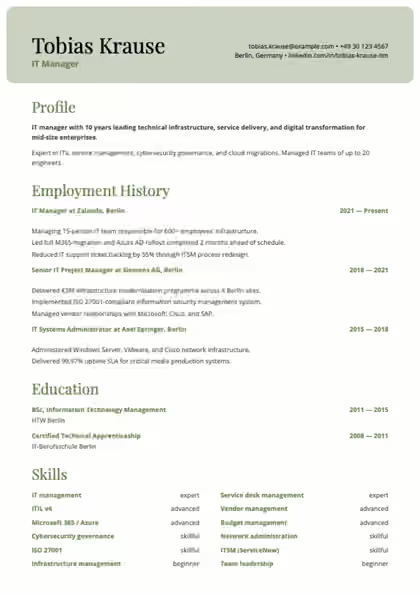
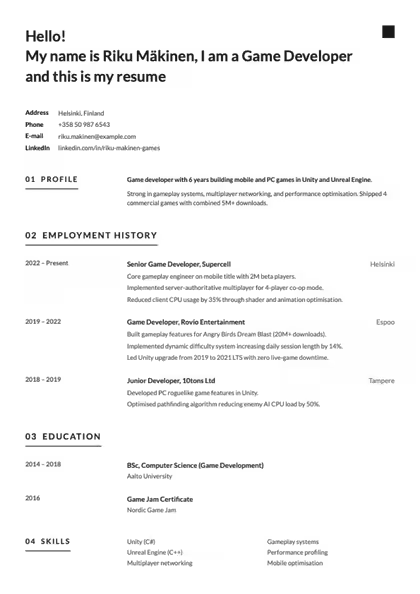
Opens with a greeting, breathes with numbered sections — personal and organized.
Use this template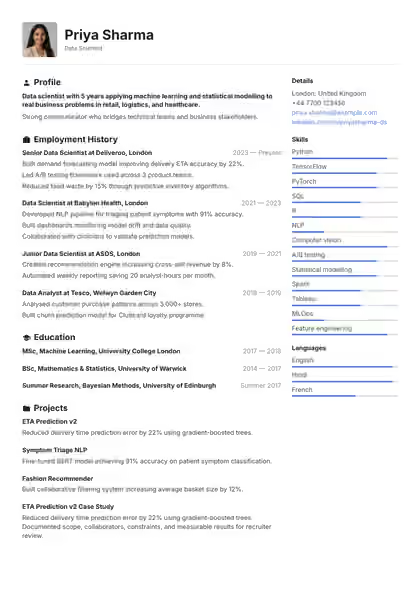
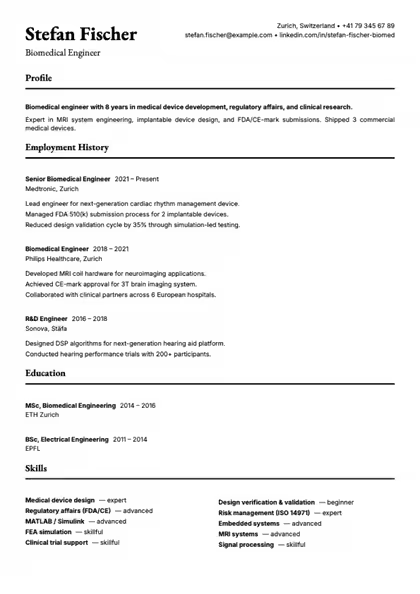
Traditional serifs and bold underline separators, made for deep expertise.
Use this template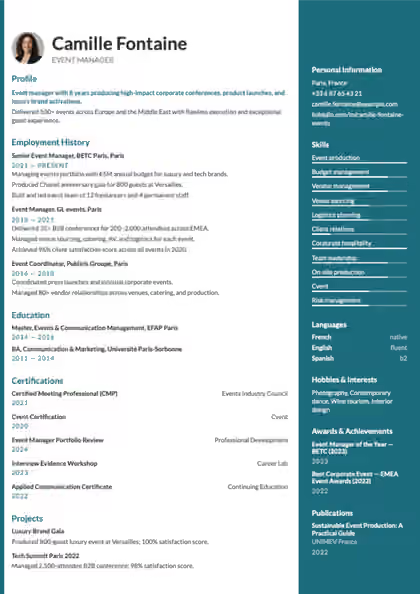
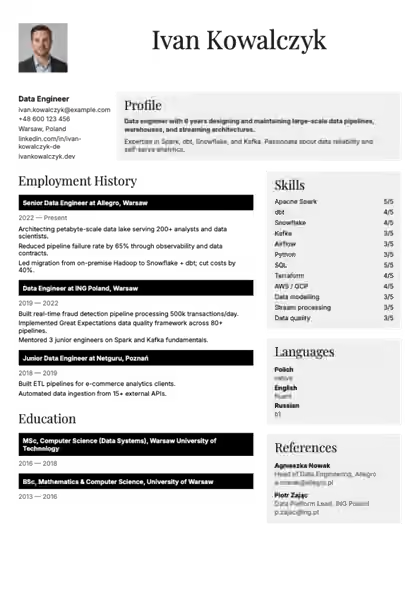
Bureau of Labor Statistics, Software Developers, Quality Assurance Analysts, and Testers · O*NET OnLine, Software Developers.