// AI RESUME BUILDER • IMPORT · TAILOR · COVER LETTER
Build a resume ready to send.
Import your CV, tailor it to a job with AI, add a cover letter. You approve every change.


Built for careful job applications
Show how you supported a patient visit from rooming through documentation or handoff. Identify the clinic or specialty, the duties you performed and where a provider made the clinical decision.

Identify the specialty or outpatient clinic before listing duties.
A dermatology practice.
Give the shift or daily volume and number of providers if relevant.
28 to 32 patients a day across two providers.
Connect the EHR to the information you entered.
Histories and medication lists in eClinicalWorks.
State how you recorded a specimen and where your responsibility ended.
Logged each specimen before courier pickup.
Explain which paperwork you gathered after the provider placed an order.
Payer forms and chart notes.
Use the extern or trainee title and name the supervision when describing clinical experience.
Recorded vital signs under supervision.
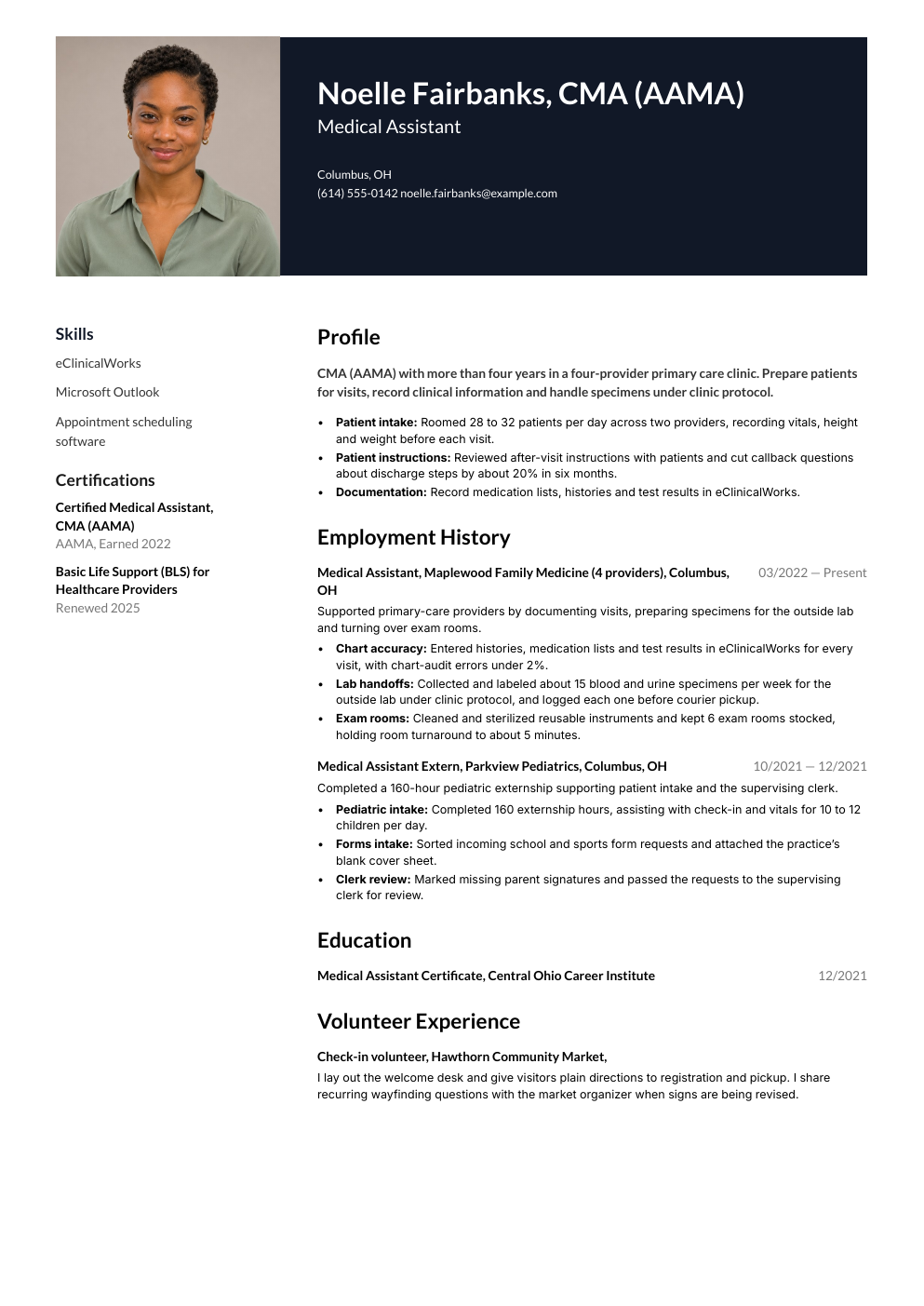
Say which type of clinic you supported and whether the work was an externship, a regular assignment or occasional cover.
Name what you recorded during intake. A reference to charts becomes clearer when it identifies vital signs, histories or medication lists.
Say how the provider received the prepared chart or room. Leave interpretation of results with the person responsible for it.
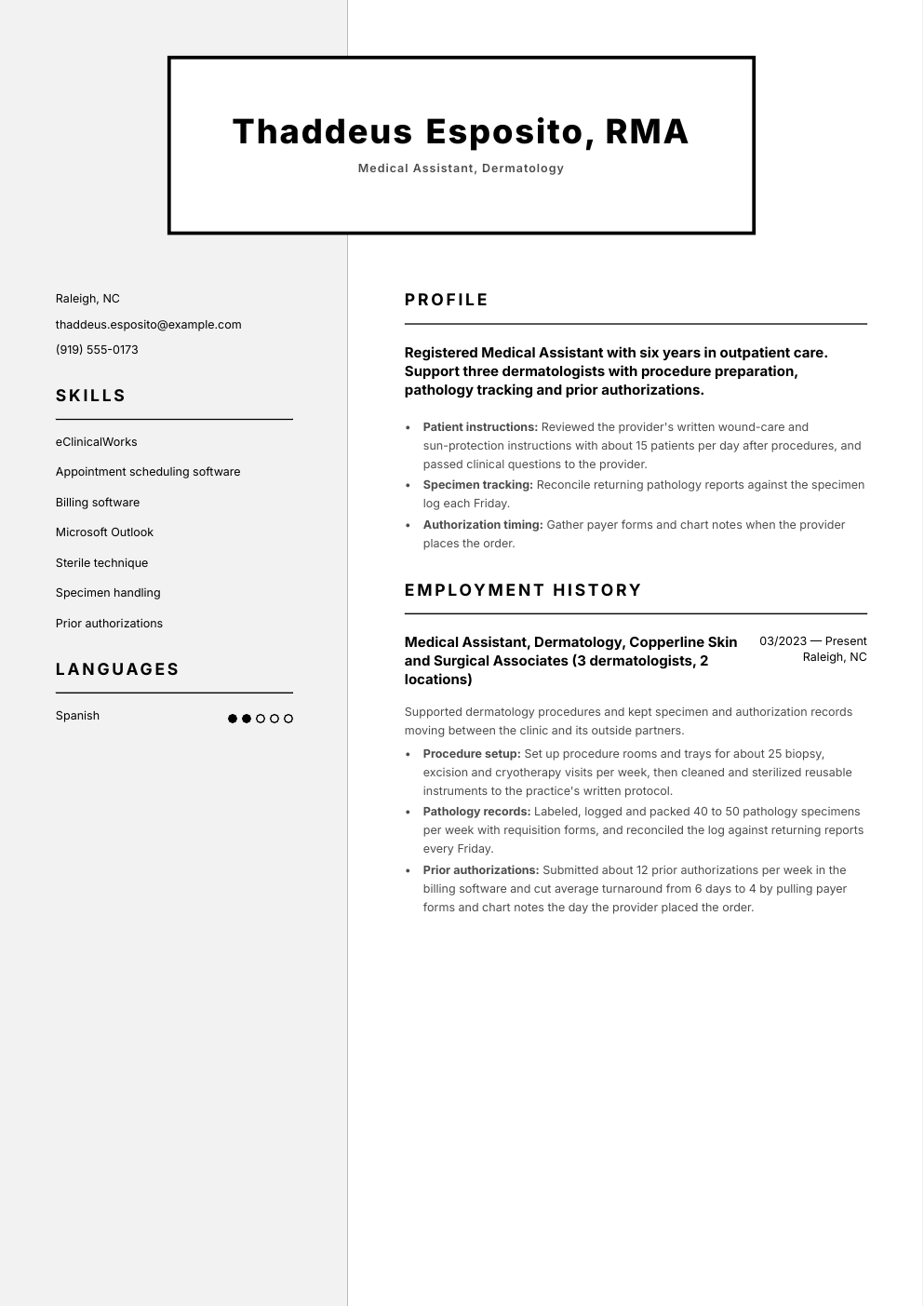
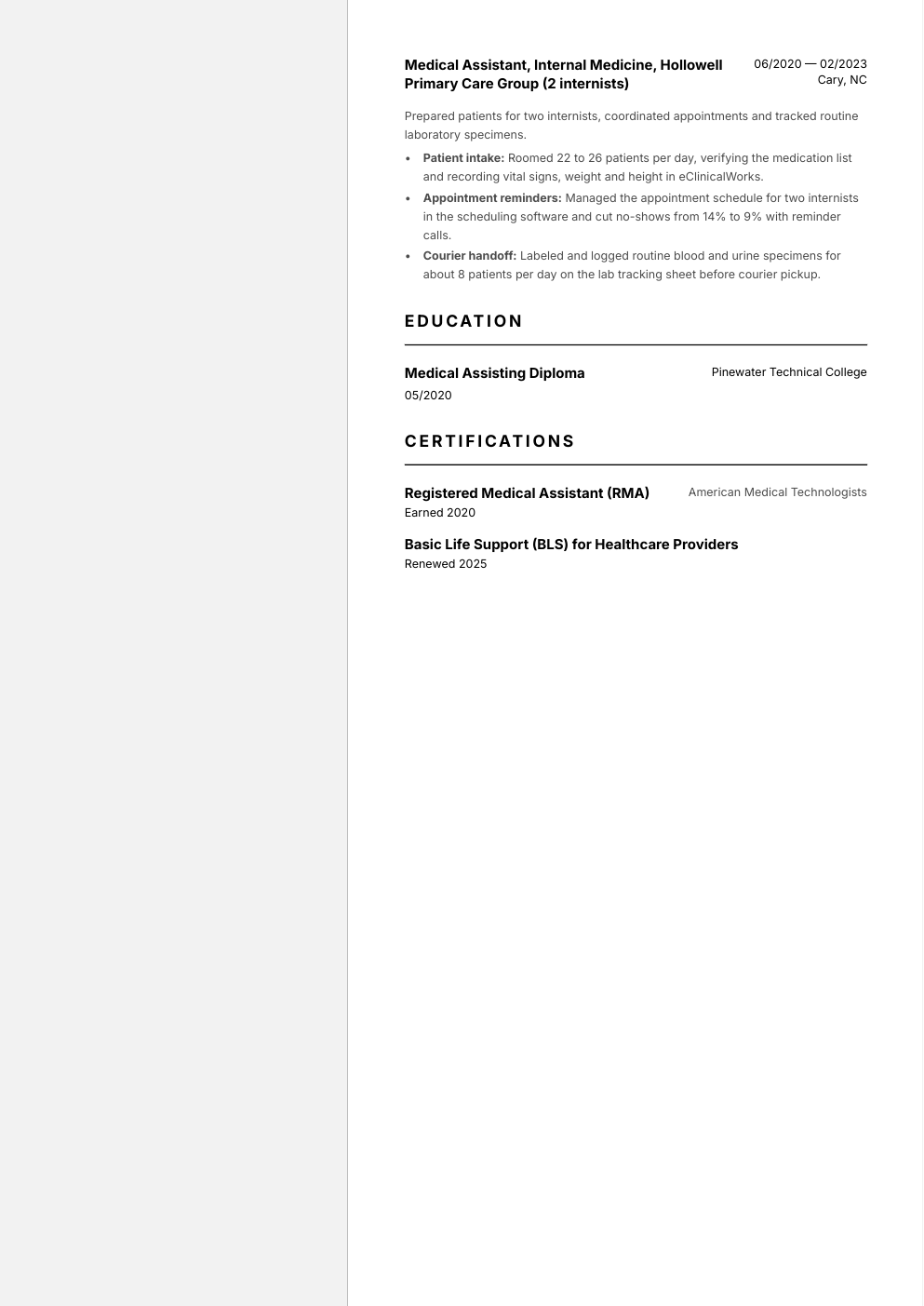
Identify the log or EHR entry you maintained, using the terminology from your clinic.
Distinguish preparing a courier pickup, sending a requisition and receiving a report. Claim only the steps you performed.
Describe how you matched returning reports to the log or checked for a missing item. Include a count or frequency when documented.
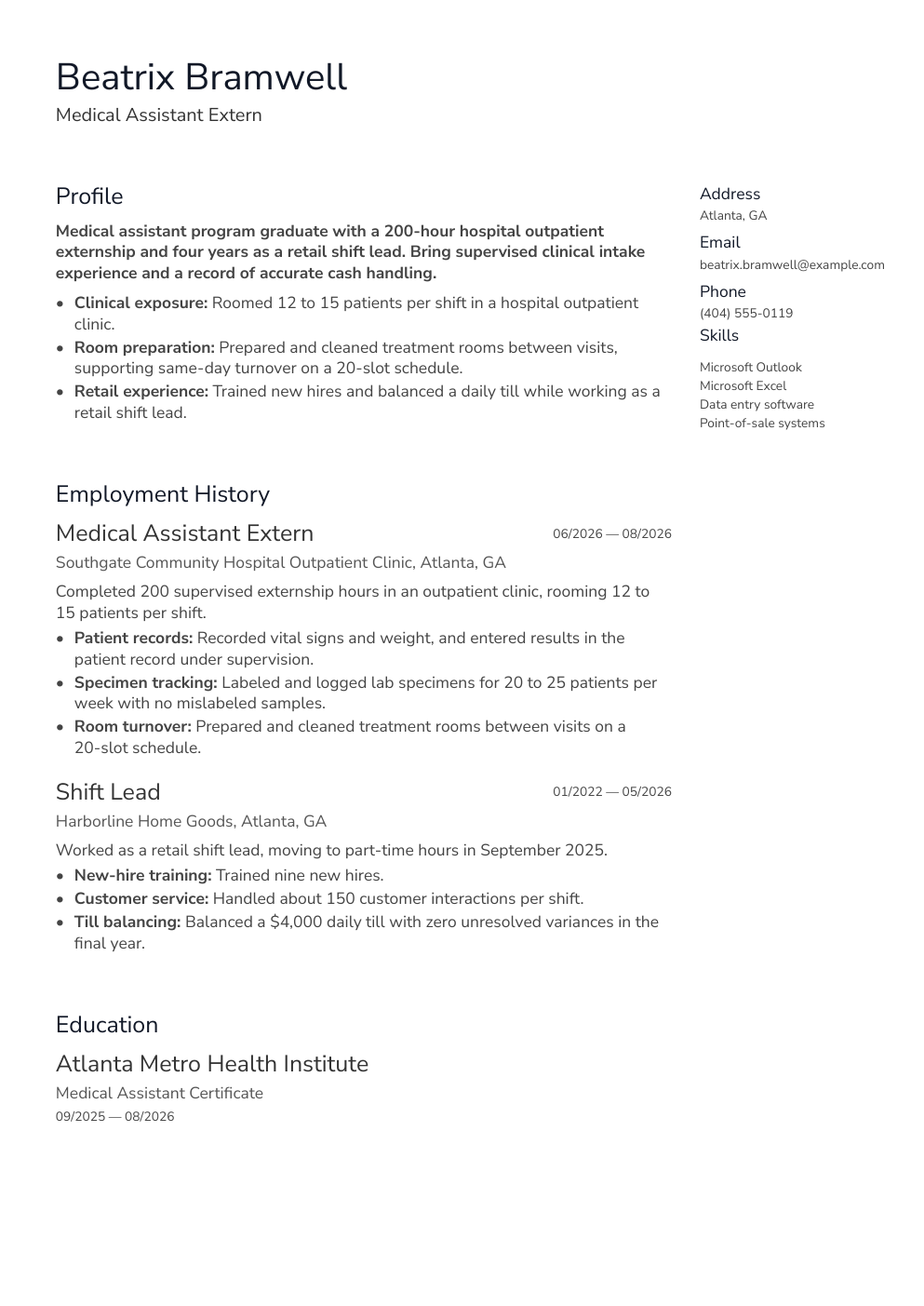
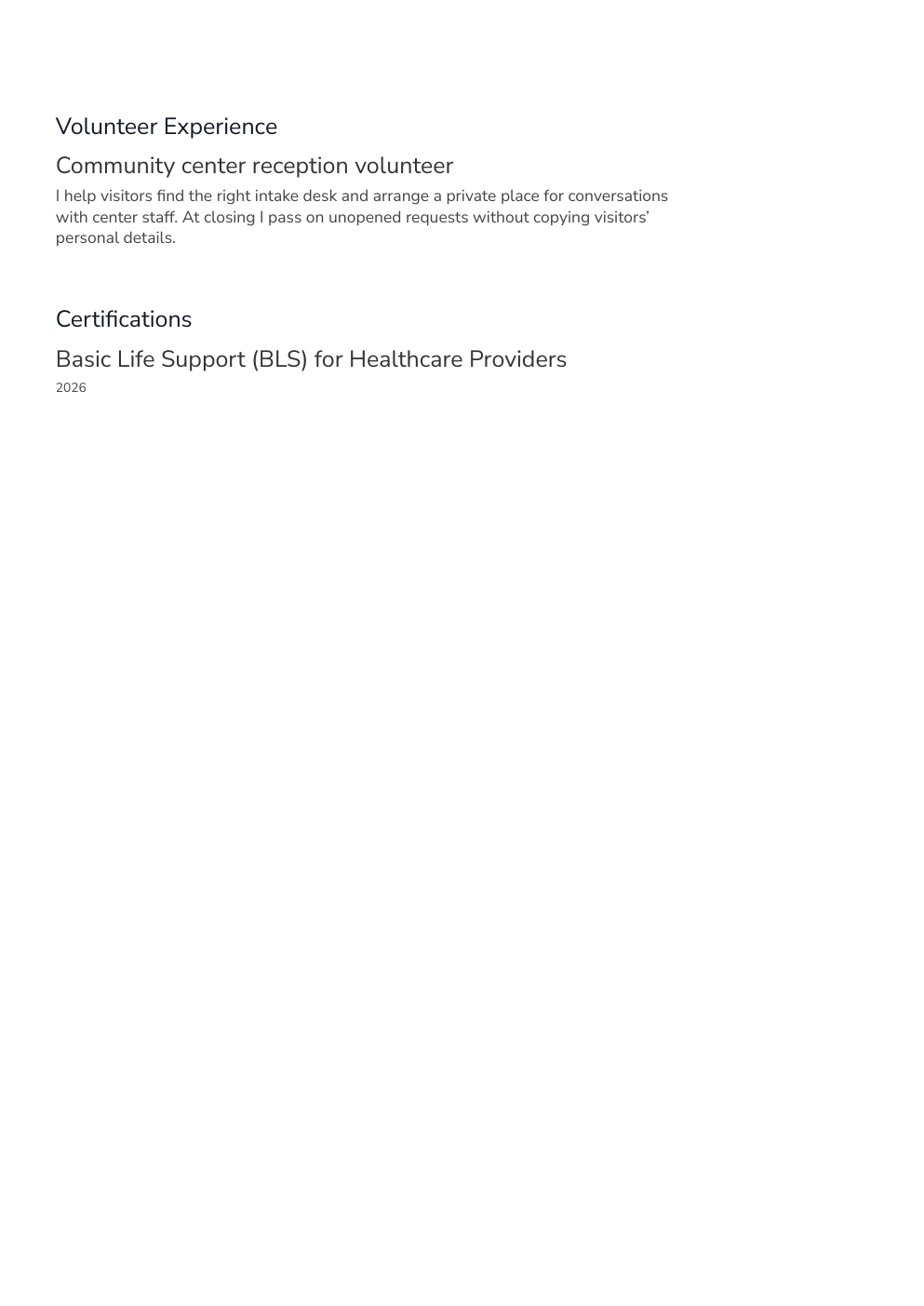
List your current certification and the care setting you know. Follow with the clinical or front-office duties that match the job.
Use an Externship heading under Experience. Give the clinic type, hours completed and procedures you performed under supervision.
Name the procedures you personally performed, such as rooming patients, taking vital signs or setting up an exam room. Keep observed procedures under training.
Yes. Pair the software name with the work you did in it, such as documenting vital signs or routing an inbox message.
Give a typical number of patients you roomed per shift or the number of providers you supported. Use a figure you can explain.
Put the duties the opening emphasizes first. Separate scheduling and insurance verification from rooming, documentation and procedures.
List the status precisely, such as Exam scheduled, with the date. Use the credential initials once awarded.
Describe the clinic, volume and process in aggregate. Leave out names, dates of birth and details that could identify a patient.
Name your change, such as preparing rooms before the first appointment. Add the measured change in room turnover if you tracked it.
Put the externship near the top and list relevant training, supervised procedures and the system you used. Add earlier customer service only where it supports the opening.
Import your CV, tailor it to a job with AI, add a cover letter. You approve every change.
Built for careful job applications
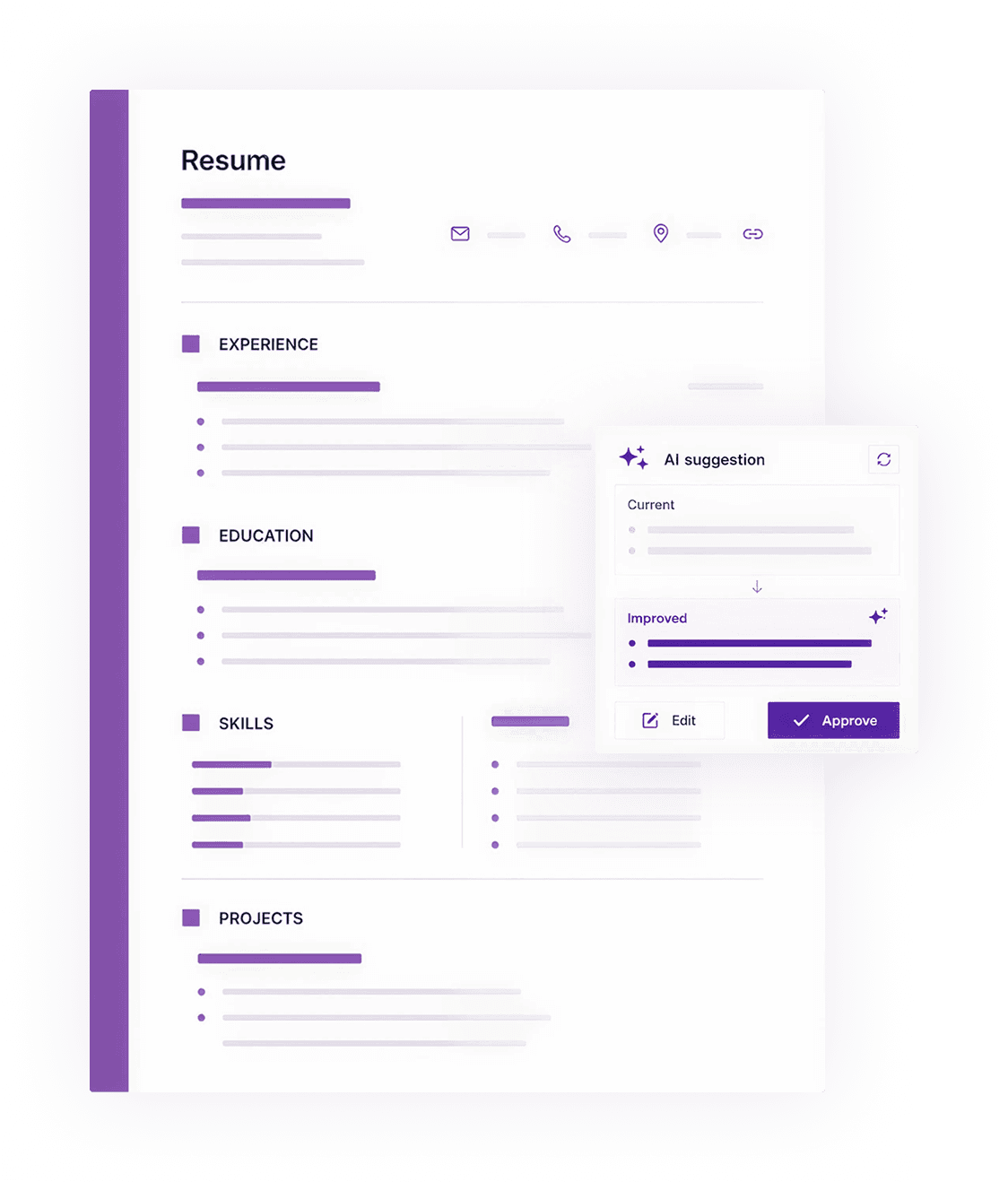
30 resume templates
Choose from professional layouts with real A4 previews.
ATS-friendly templates
Clean headings and text-based structure help hiring systems read the resume correctly.
AI suggestions you control
Rewrite summaries, bullets, and education text, then approve or edit before anything changes.
Job-description suggestions
Paste a role description and review suggestions before applying them.
Export-ready files
Download PDF, DOCX, or TXT when your resume and cover letter are ready.
Start from the CV you already have. Point it at a job description and export a resume and cover letter written for that role.
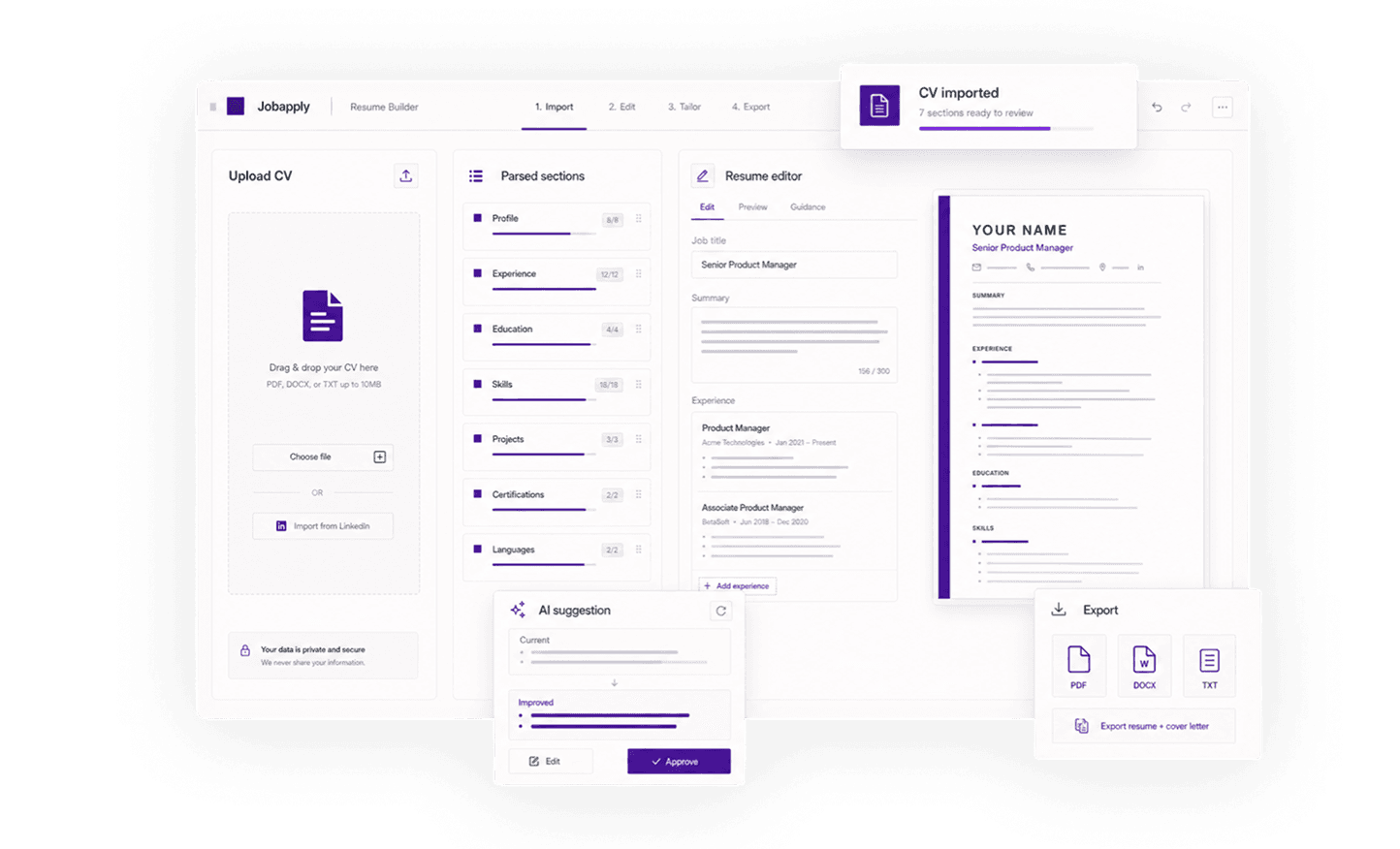
Every AI change appears beside your current text. Accept it, edit it, or skip it.
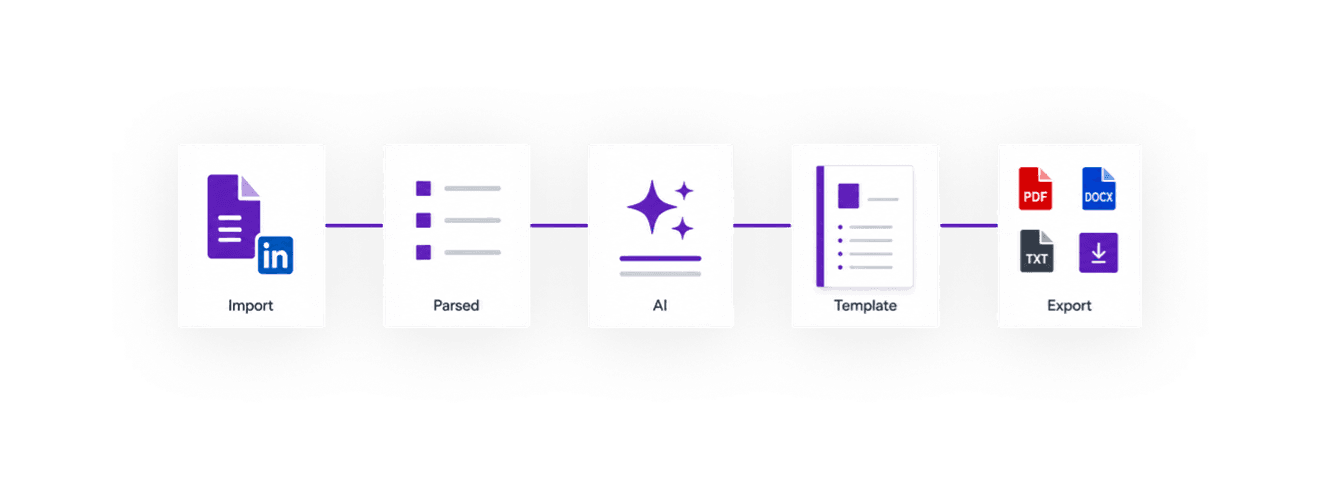
Start with a file or pasted text, then review the imported sections.
Fill in personal details, experience, education, skills, and optional sections.
Review job-description suggestions before applying them to your resume.


Download resume and cover letter files as PDF, DOCX, or TXT.




Start editing right away
Choose a template, import or add details, and keep editing without an activation gate.
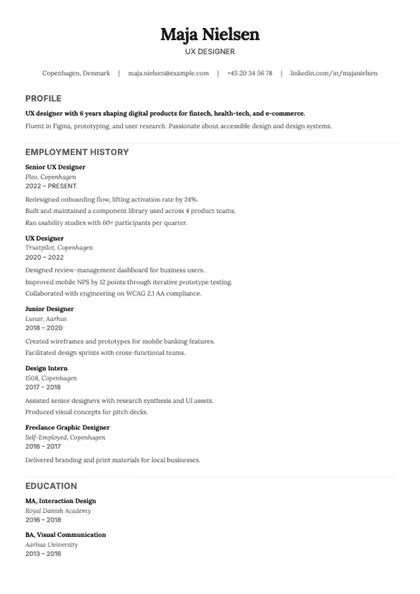
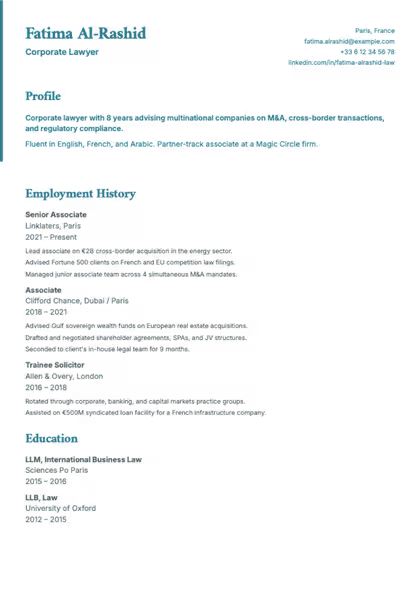
Built for academic CVs — calm serif titles and room for long publication lists.
Use this template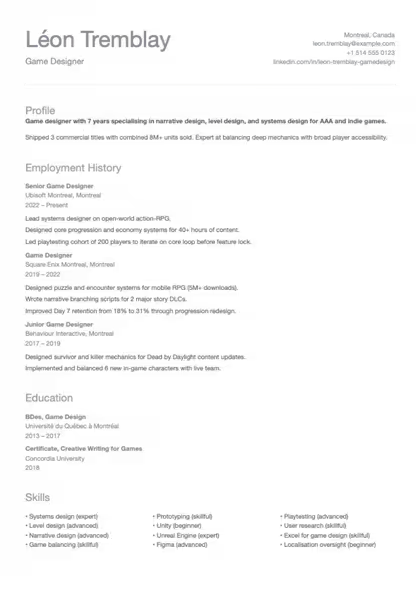
Swiss-minimal and strictly grayscale, for when restraint is the statement.
Use this template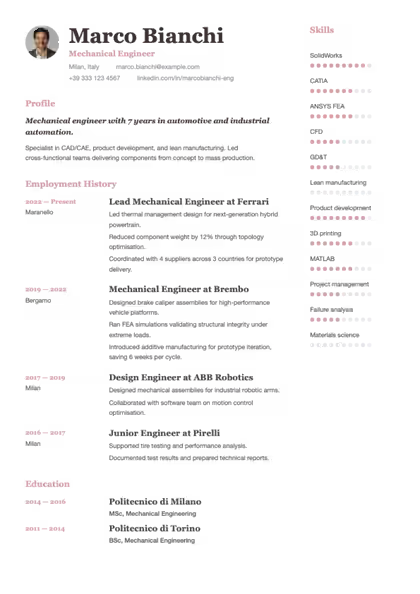
Editorial serifs with a dusty-rose touch — polished without trying too hard.
Use this template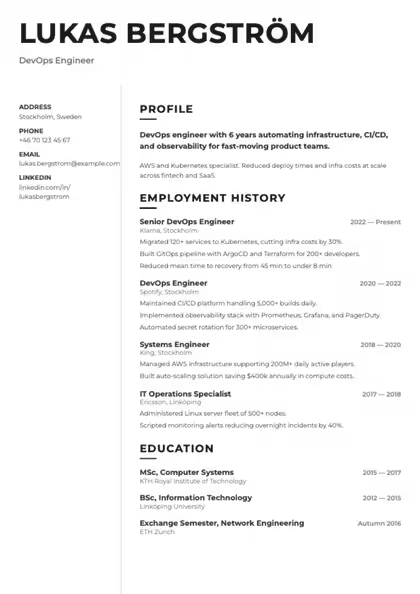
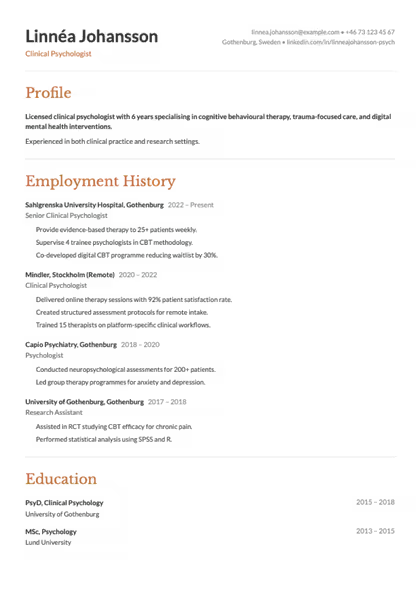
Warm and structured, with an orange accent that keeps formal from feeling stiff.
Use this template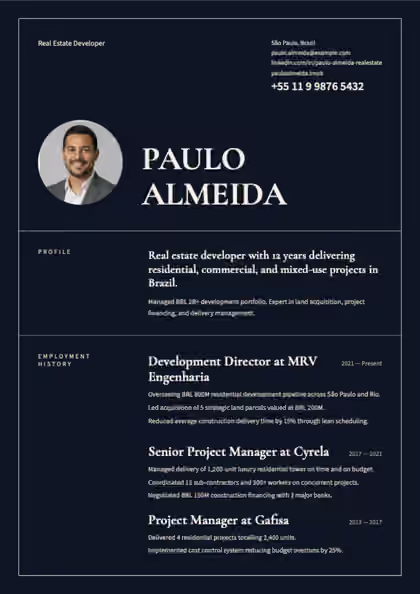
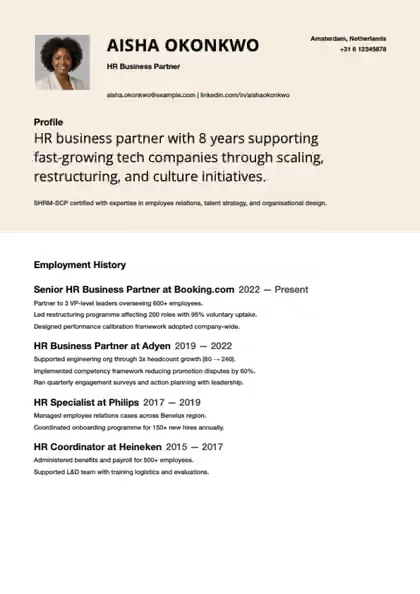
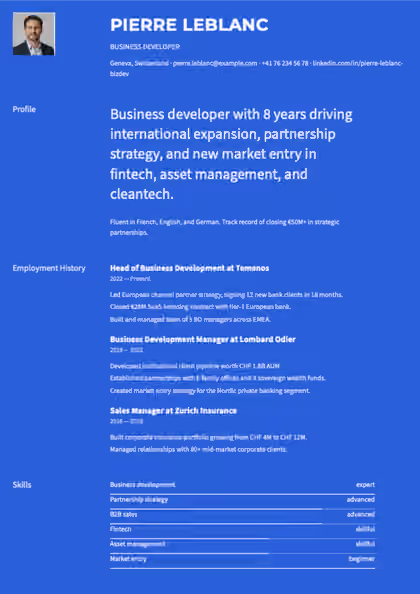
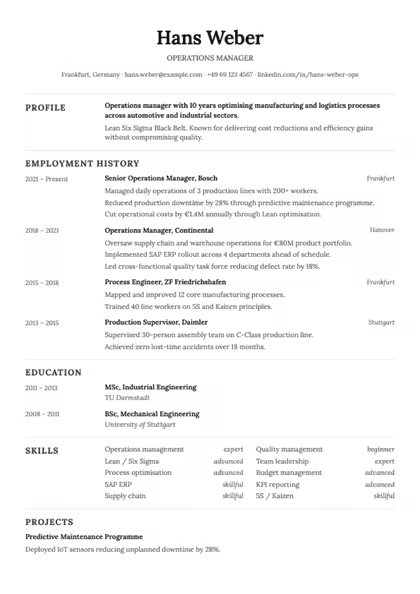
The classic European CV with a date-column timeline recruiters already know how to read.
Use this template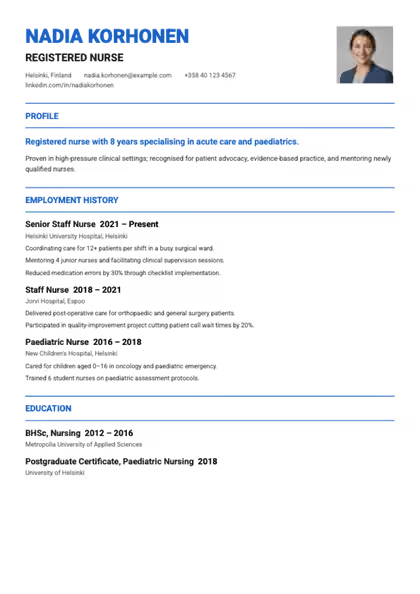
A clean single column with photo — the safe pick that still looks sharp.
Use this template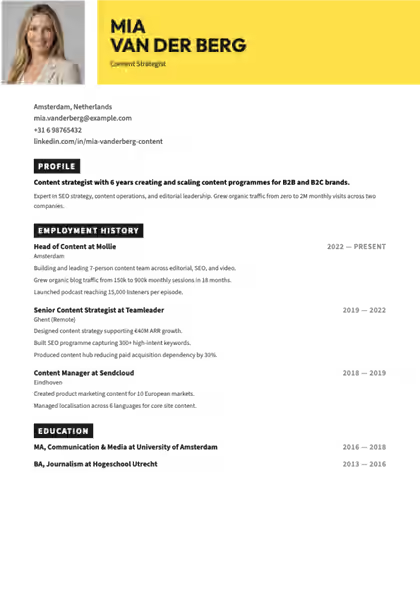
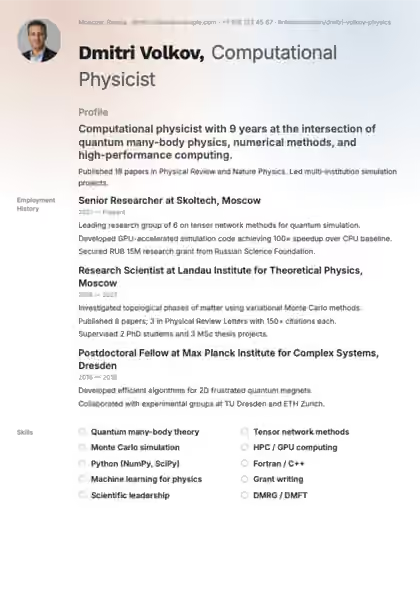
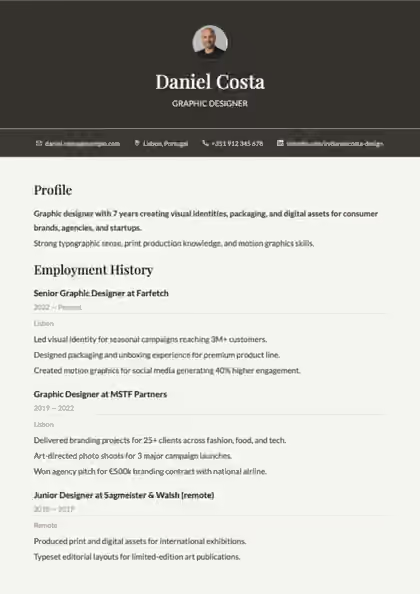
A warm gradient up top, strict left-label structure below — personality and precision.
Use this template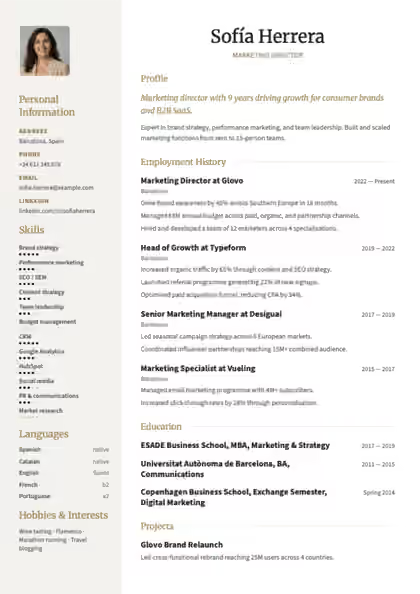
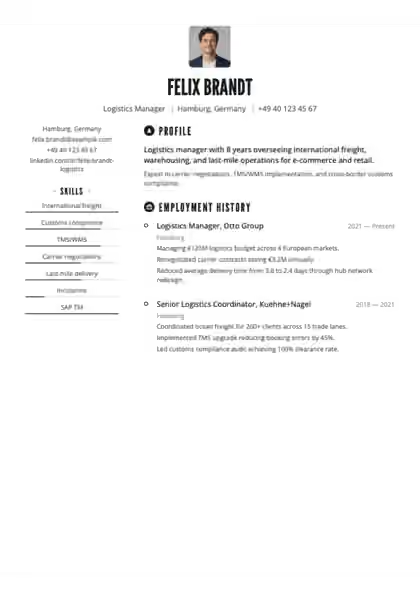
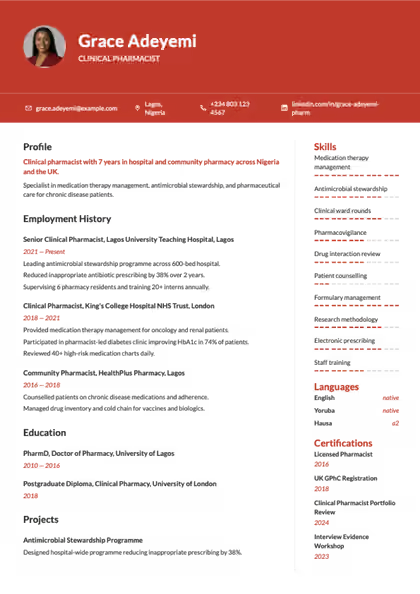
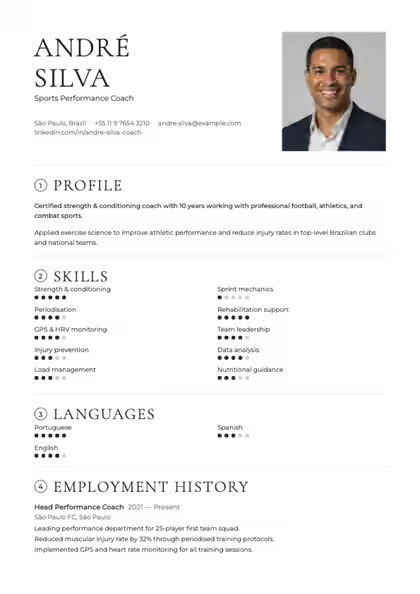
An editorial single column with circled section numbers — crafted, not decorated.
Use this template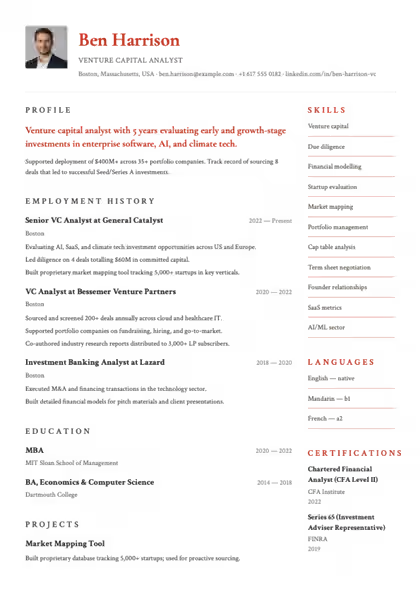
Classic serif two-column with a crimson accent, made for high-stakes applications.
Use this template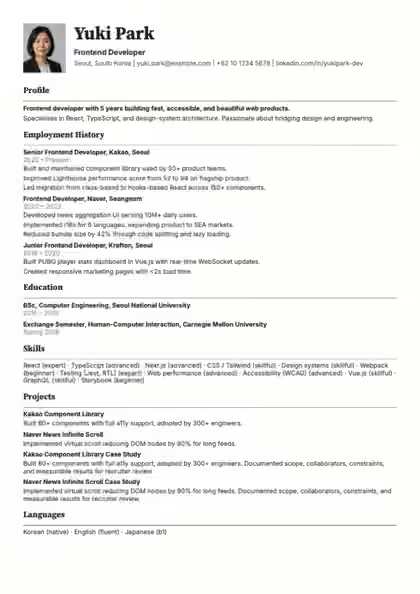
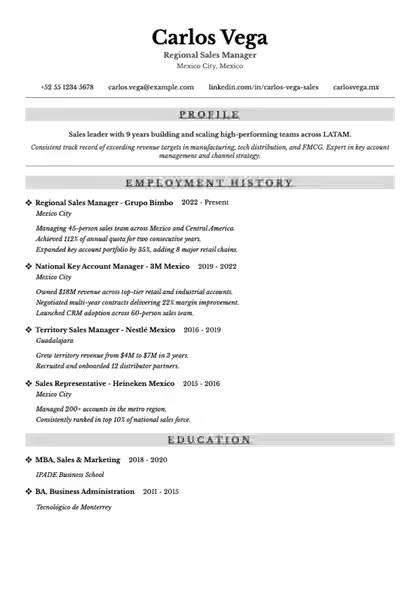
Classical detailing, diamond ornaments, dotted leader lines — fine print done right.
Use this template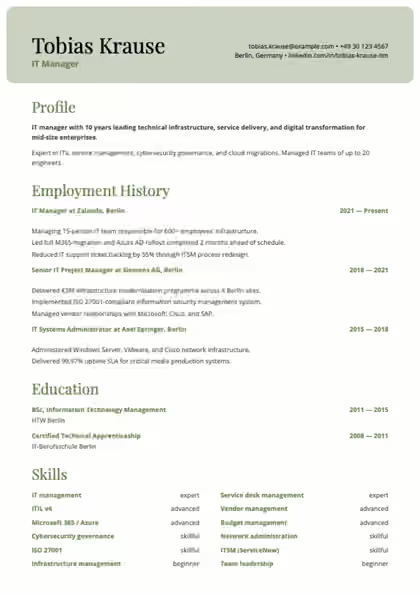
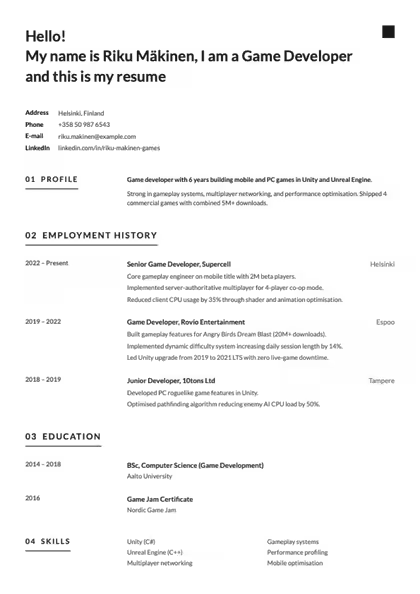
Opens with a greeting, breathes with numbered sections — personal and organized.
Use this template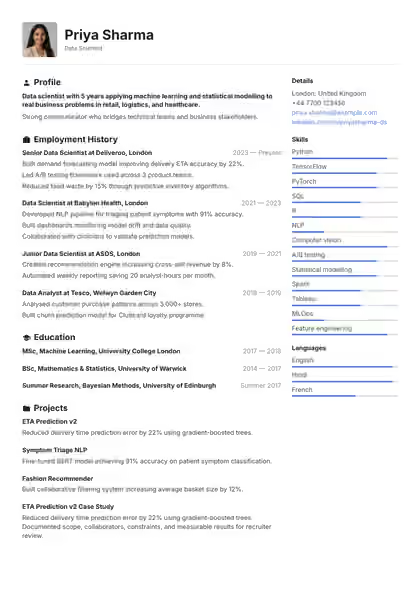
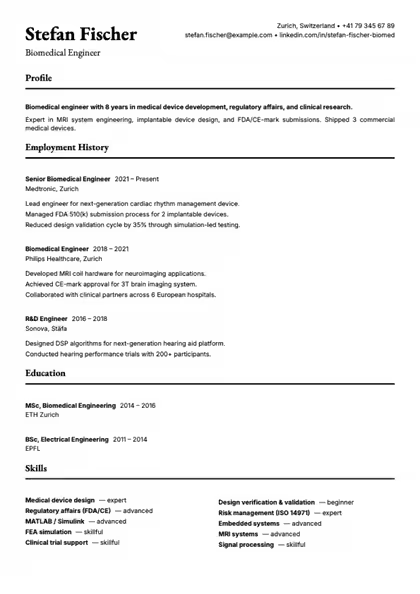
Traditional serifs and bold underline separators, made for deep expertise.
Use this template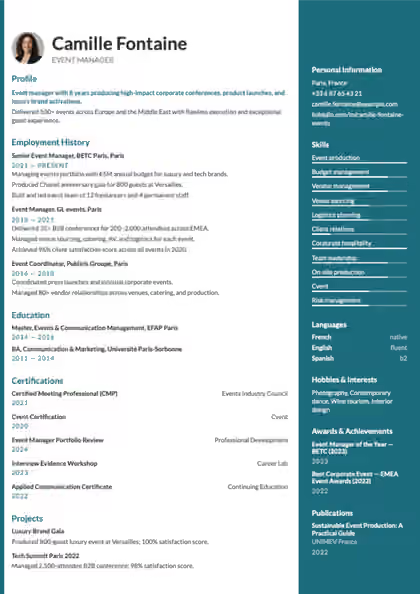
Bureau of Labor Statistics, Medical Assistants · American Association of Medical Assistants, CMA Certification · American Medical Technologists, Registered Medical Assistant.