Graphic Designer Resume Examples

Show the brief, the design you delivered and where people saw it. Pair the portfolio link with a specific contribution so a reviewer knows which work to look at.

Graphic designer salary

Choose your country to see a salary range.

Describe the design behind each deliverable

  • Name the format

    Identify what you made before naming the software.

    A 24-page annual report in InDesign.

  • Describe the audience

    Tell the reader who received or used the finished work.

    Reusable templates for four marketing teams.

  • Explain your design choice

    Show what you presented for review and what the client chose.

    Three creative routes in one deck.

  • Give the production detail

    For print work, give the handoff format or print run.

    Print-ready PDFs for two trade shows.

  • Show the review cycle

    State when the first concept was due or how many rounds led to approval.

    An average of two revision rounds.

  • Identify the portfolio piece

    Point to a permitted sample and state which part you designed.

    Layout, typesetting or final production.

In-house brand designer resume

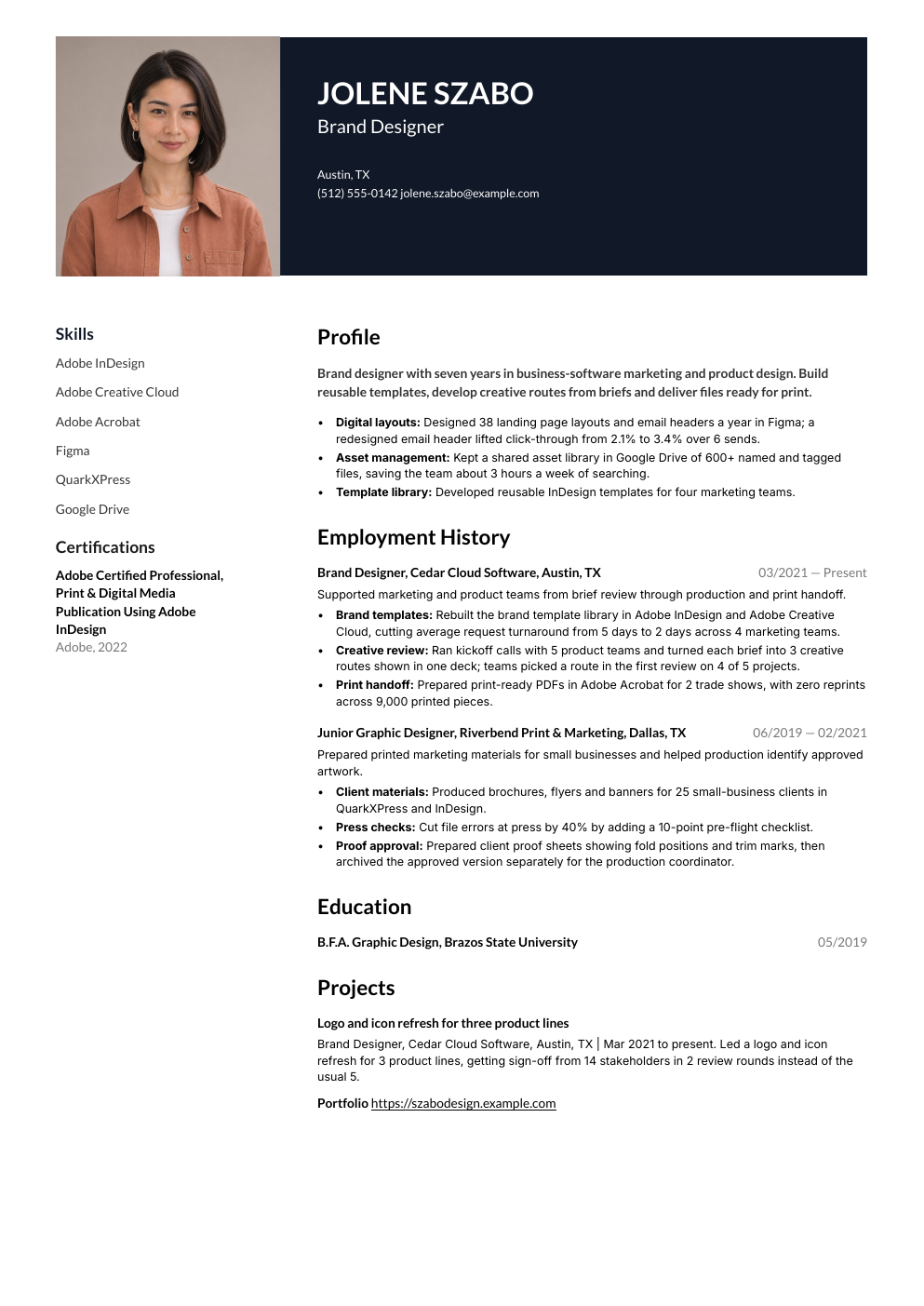
  1. JOLENE SZABO’s modern resume, page 1 of 1
JOLENE SZABO Brand Designer Austin, TX (512) 555-0142 [email protected] Skills Adobe InDesign Adobe Creative Cloud Adobe Acrobat Figma QuarkXPress Google Drive Certifications Adobe Certified Professional, Print & Digital Media Publication Using Adobe InDesign Adobe, 2022 Profile Brand designer with seven years in business-software marketing and product design. Build reusable templates, develop creative routes from briefs and deliver files ready for print. • Digital layouts: Designed 38 landing page layouts and email headers a year in Figma; a redesigned email header lifted click-through from 2.1% to 3.4% over 6 sends. • Asset management: Kept a shared asset library in Google Drive of 600+ named and tagged files, saving the team about 3 hours a week of searching. • Template library: Developed reusable InDesign templates for four marketing teams. Employment History Brand Designer, Cedar Cloud Software, Austin, TX 03/2021 — Present Supported marketing and product teams from brief review through production and print handoff. • Brand templates: Rebuilt the brand template library in Adobe InDesign and Adobe Creative Cloud, cutting average request turnaround from 5 days to 2 days across 4 marketing teams. • Creative review: Ran kickoff calls with 5 product teams and turned each brief into 3 creative routes shown in one deck; teams picked a route in the first review on 4 of 5 projects. • Print handoff: Prepared print-ready PDFs in Adobe Acrobat for 2 trade shows, with zero reprints across 9,000 printed pieces. Junior Graphic Designer, Riverbend Print & Marketing, Dallas, TX 06/2019 — 02/2021 Prepared printed marketing materials for small businesses and helped production identify approved artwork. • Client materials: Produced brochures, flyers and banners for 25 small-business clients in QuarkXPress and InDesign. • Press checks: Cut file errors at press by 40% by adding a 10-point pre-flight checklist. • Proof approval: Prepared client proof sheets showing fold positions and trim marks, then archived the approved version separately for the production coordinator. Education B.F.A. Graphic Design, Brazos State University 05/2019 Projects Logo and icon refresh for three product lines Brand Designer, Cedar Cloud Software, Austin, TX | Mar 2021 to present. Led a logo and icon refresh for 3 product lines, getting sign-off from 14 stakeholders in 2 review rounds instead of the usual 5. Portfolio https://szabodesign.example.com

Turn a portfolio image into a resume bullet

Identify the assignment

Say what the client or internal team needed, such as a report or a template system. A thumbnail rarely communicates the brief.

Claim your contribution

Identify your layouts, illustrations or production files. Credit the team for photography, writing or direction when others owned those pieces.

Name the release format

Give the final output, such as a printed report or live website. Link only to a piece you can share and discuss.

Freelance graphic designer resume

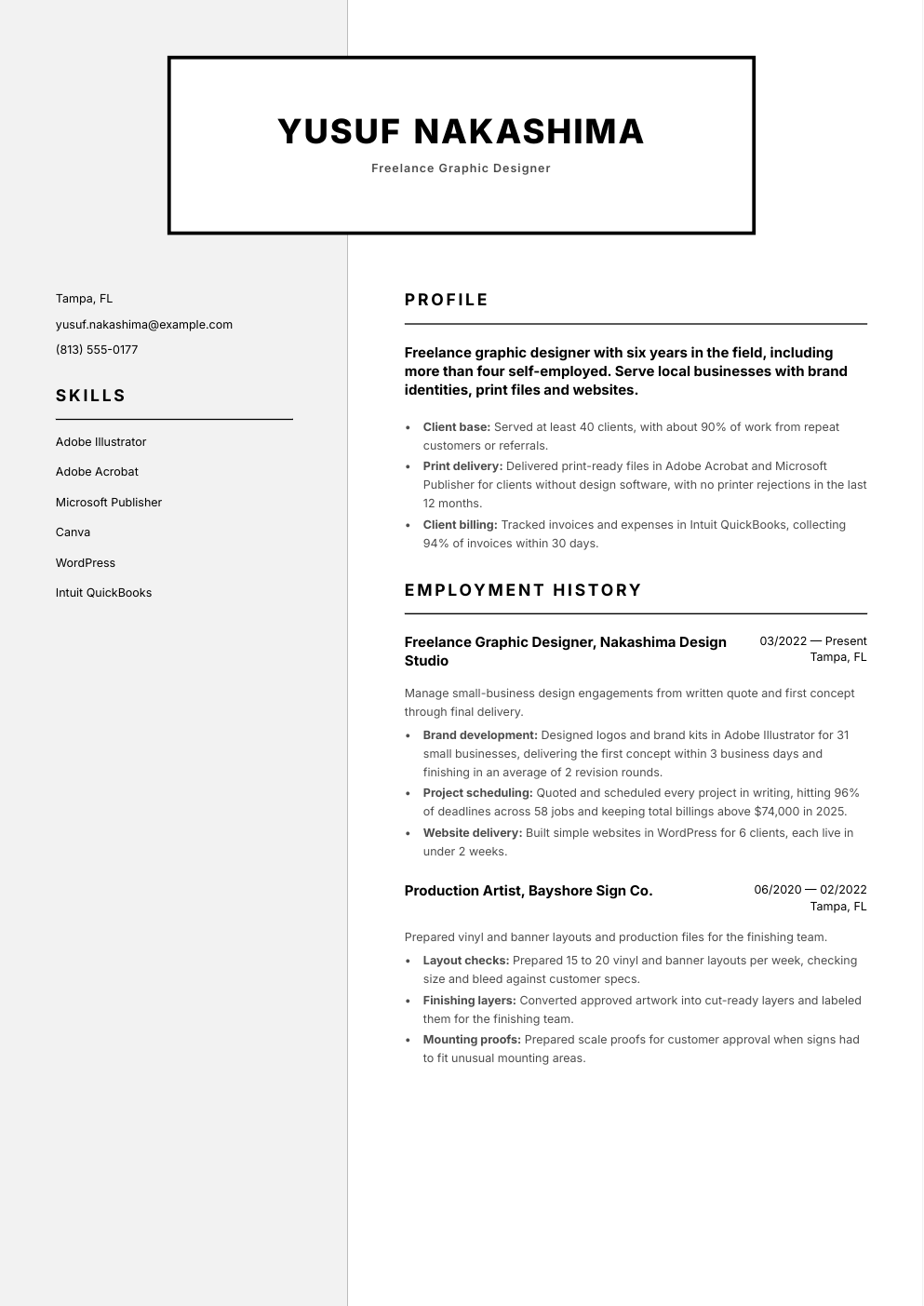
  1. YUSUF NAKASHIMA’s minimal resume, page 1 of 2
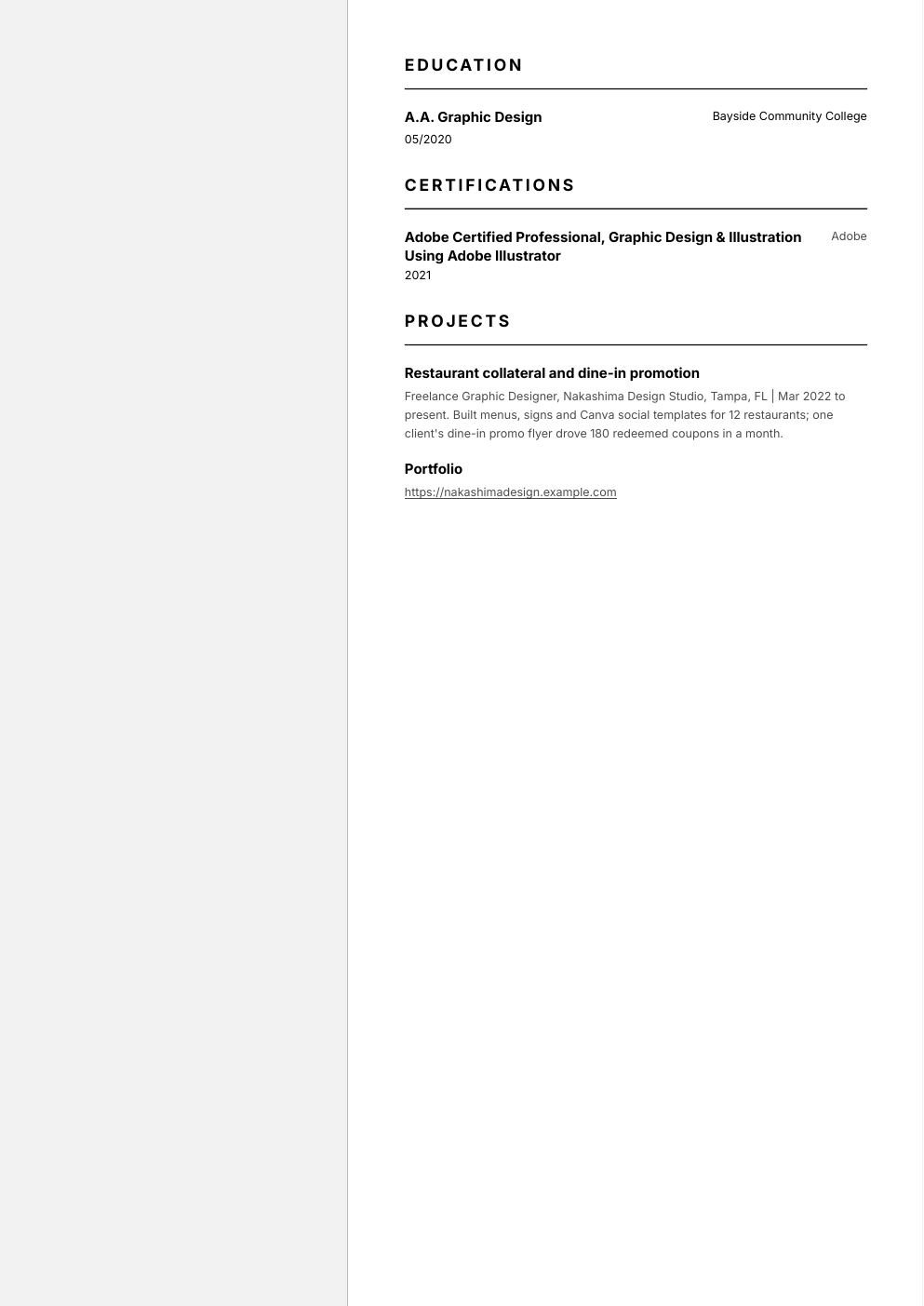
  2. YUSUF NAKASHIMA’s minimal resume, page 2 of 2
YUSUF NAKASHIMA Freelance Graphic Designer Tampa, FL [email protected] (813) 555-0177 Skills Adobe Illustrator Adobe Acrobat Microsoft Publisher Canva WordPress Intuit QuickBooks Profile Freelance graphic designer with six years in the field, including more than four self-employed. Serve local businesses with brand identities, print files and websites. • Client base: Served at least 40 clients, with about 90% of work from repeat customers or referrals. • Print delivery: Delivered print-ready files in Adobe Acrobat and Microsoft Publisher for clients without design software, with no printer rejections in the last 12 months. • Client billing: Tracked invoices and expenses in Intuit QuickBooks, collecting 94% of invoices within 30 days. Employment History Freelance Graphic Designer, Nakashima Design Studio 03/2022 — Present Tampa, FL Manage small-business design engagements from written quote and first concept through final delivery. • Brand development: Designed logos and brand kits in Adobe Illustrator for 31 small businesses, delivering the first concept within 3 business days and finishing in an average of 2 revision rounds. • Project scheduling: Quoted and scheduled every project in writing, hitting 96% of deadlines across 58 jobs and keeping total billings above $74,000 in 2025. • Website delivery: Built simple websites in WordPress for 6 clients, each live in under 2 weeks. Production Artist, Bayshore Sign Co. 06/2020 — 02/2022 Tampa, FL Prepared vinyl and banner layouts and production files for the finishing team. • Layout checks: Prepared 15 to 20 vinyl and banner layouts per week, checking size and bleed against customer specs. • Finishing layers: Converted approved artwork into cut-ready layers and labeled them for the finishing team. • Mounting proofs: Prepared scale proofs for customer approval when signs had to fit unusual mounting areas. Education A.A. Graphic Design Bayside Community College 05/2020 Certifications Adobe Certified Professional, Graphic Design & Illustration Using Adobe Illustrator 2021 Adobe Projects Restaurant collateral and dine-in promotion Freelance Graphic Designer, Nakashima Design Studio, Tampa, FL | Mar 2022 to present. Built menus, signs and Canva social templates for 12 restaurants; one client's dine-in promo flyer drove 180 redeemed coupons in a month. Portfolio https://nakashimadesign.example.com

Describe a revision that mattered

Give the choice

Name what reviewers compared, such as concepts or layout options, rather than writing that you “collaborated.”

Explain the review

State who gave feedback and how you brought it into the next version. Use the number of rounds if it was recorded.

Show the finish

Use a meaningful endpoint: first-review approval, an on-time print handoff or a reusable layout adopted by several teams.

Design intern resume

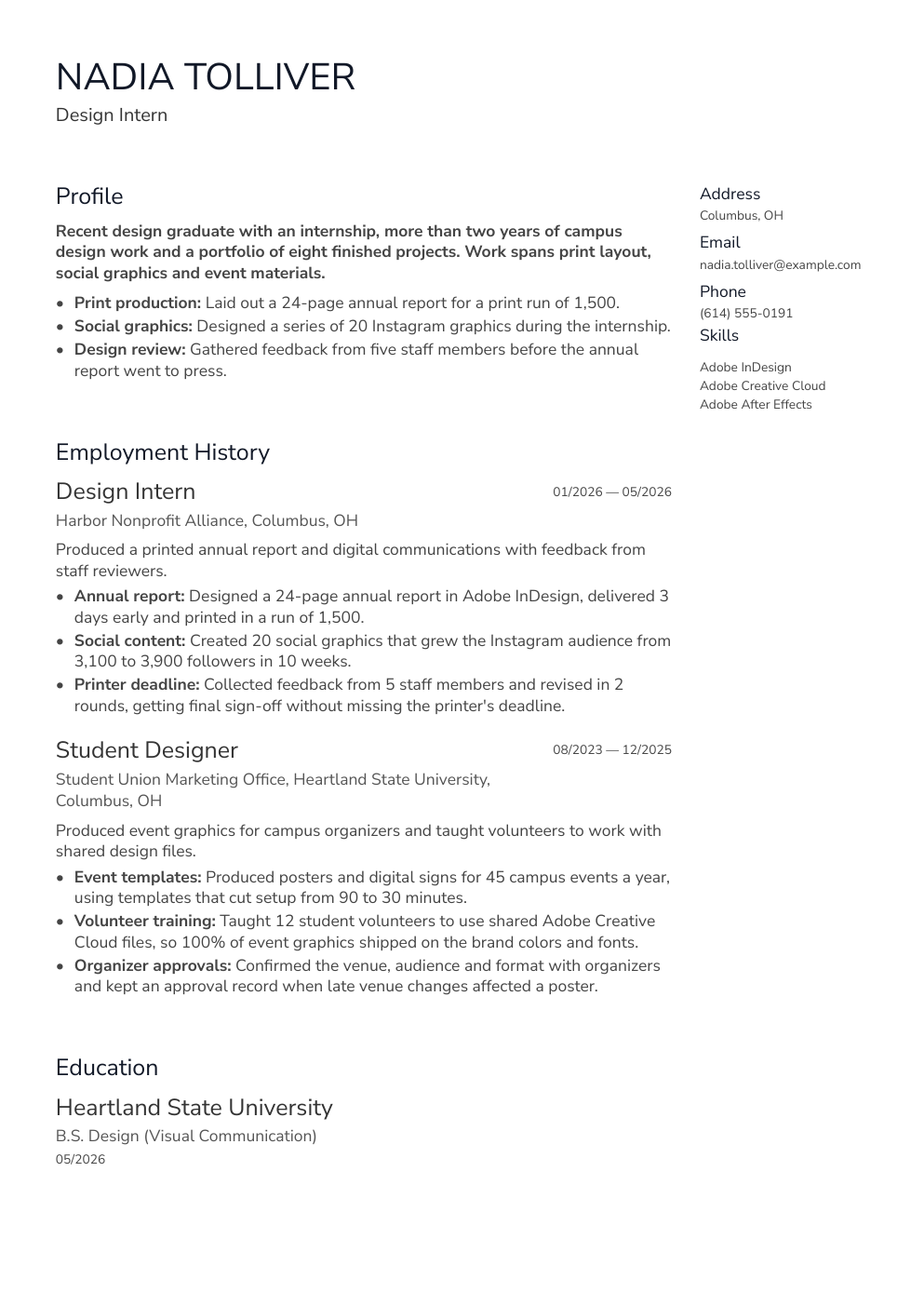
  1. NADIA TOLLIVER’s formal resume, page 1 of 2
  2. NADIA TOLLIVER’s formal resume, page 2 of 2
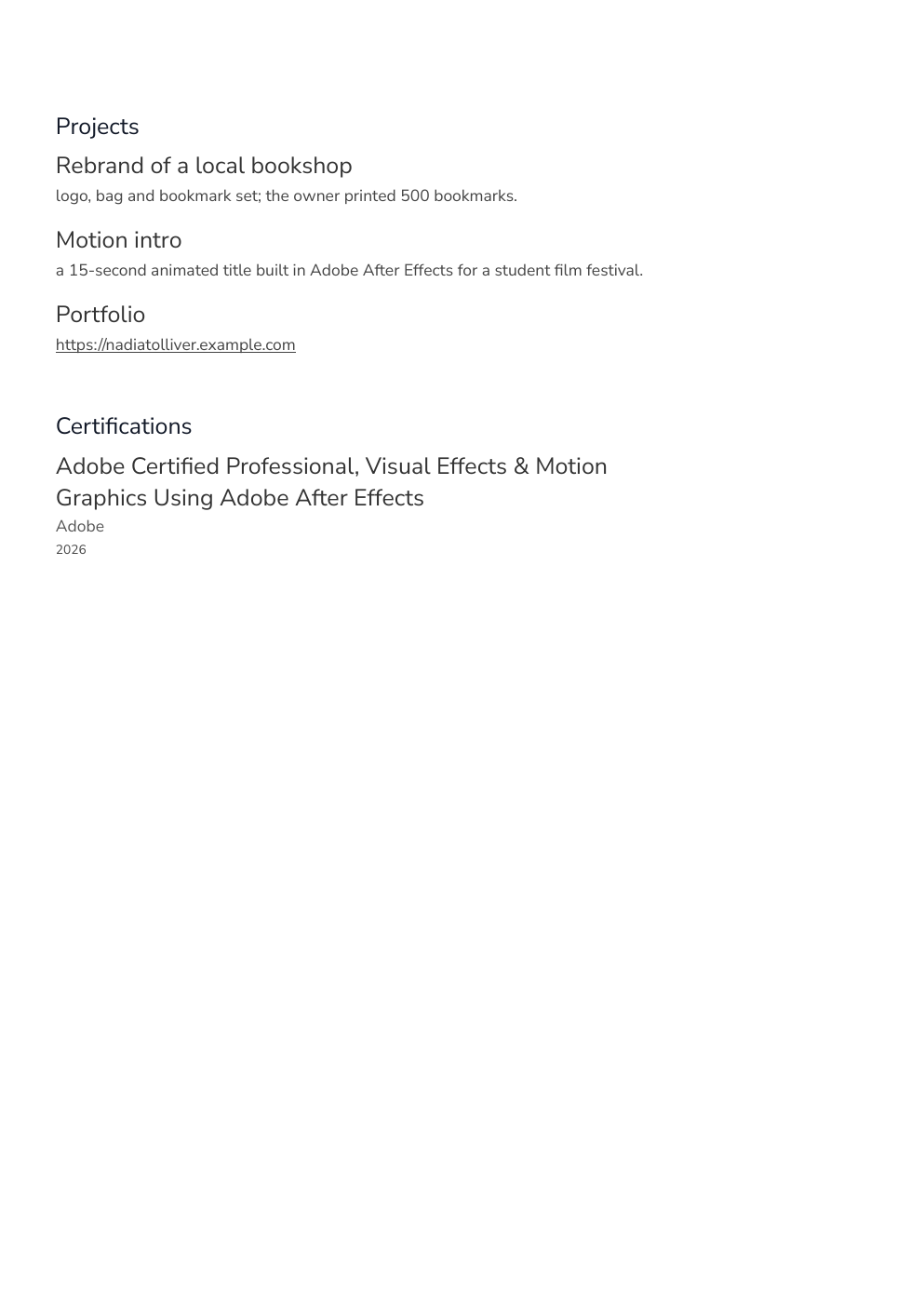
NADIA TOLLIVER Design Intern Profile Recent design graduate with an internship, more than two years of campus design work and a portfolio of eight finished projects. Work spans print layout, social graphics and event materials. • Print production: Laid out a 24-page annual report for a print run of 1,500. • Social graphics: Designed a series of 20 Instagram graphics during the internship. • Design review: Gathered feedback from five staff members before the annual report went to press. Employment History Design Intern Harbor Nonprofit Alliance, Columbus, OH 01/2026 — 05/2026 Produced a printed annual report and digital communications with feedback from staff reviewers. • Annual report: Designed a 24-page annual report in Adobe InDesign, delivered 3 days early and printed in a run of 1,500. • Social content: Created 20 social graphics that grew the Instagram audience from 3,100 to 3,900 followers in 10 weeks. • Printer deadline: Collected feedback from 5 staff members and revised in 2 rounds, getting final sign-off without missing the printer's deadline. Student Designer Student Union Marketing Office, Heartland State University, Columbus, OH 08/2023 — 12/2025 Produced event graphics for campus organizers and taught volunteers to work with shared design files. • Event templates: Produced posters and digital signs for 45 campus events a year, using templates that cut setup from 90 to 30 minutes. • Volunteer training: Taught 12 student volunteers to use shared Adobe Creative Cloud files, so 100% of event graphics shipped on the brand colors and fonts. • Organizer approvals: Confirmed the venue, audience and format with organizers and kept an approval record when late venue changes affected a poster. Education Heartland State University B.S. Design (Visual Communication) 05/2026 Projects Rebrand of a local bookshop logo, bag and bookmark set; the owner printed 500 bookmarks. Motion intro a 15-second animated title built in Adobe After Effects for a student film festival. Portfolio https://nadiatolliver.example.com Certifications Adobe Certified Professional, Visual Effects & Motion Graphics Using Adobe After Effects Adobe 2026 Address Columbus, OH Email [email protected] Phone (614) 555-0191 Skills Adobe InDesign Adobe Creative Cloud Adobe After Effects

Graphic Designer resume questions

Should I put my portfolio at the top?

Yes. Put a working portfolio link beside your contact details. Make sure a recruiter can open it without an account.

Which projects should I include?

Choose work similar to the job, such as campaign layouts, packaging, presentation systems, or editorial design. Explain what you owned.

How do I describe a group project?

Name your contribution, such as art direction, illustration, layout, or production, and credit collaboration where it matters.

What if I don’t have campaign metrics?

Describe what shipped, where it appeared, and what changed in the production process. Deliverables and turnaround can show scope.

Should I list Adobe Creative Cloud?

List the tools you can use independently and show where you used them. A print job is a good place to mention InDesign or Illustrator.

Do I need a designed résumé?

Use a clean layout with readable type, familiar section labels, and selectable text. Put richer visuals in your portfolio.

Can I list freelance clients?

Yes, if you can name them publicly. Group short jobs together and explain the brief, your work, and what you delivered.

How should I show a brand refresh?

Name the brand materials you updated and show how the new system made later work easier to produce or recognize.

Can student design projects count?

Yes. Label them accurately and describe the audience, design choices, and final deliverables.

Should I mention print production?

Do when the posting calls for it. Name the handoff or checks you owned, such as preparing files for press or reviewing proofs.

Build a resume ready to send.

Import your CV, tailor it to a job with AI, add a cover letter. You approve every change.

Built for careful job applications
Create resume
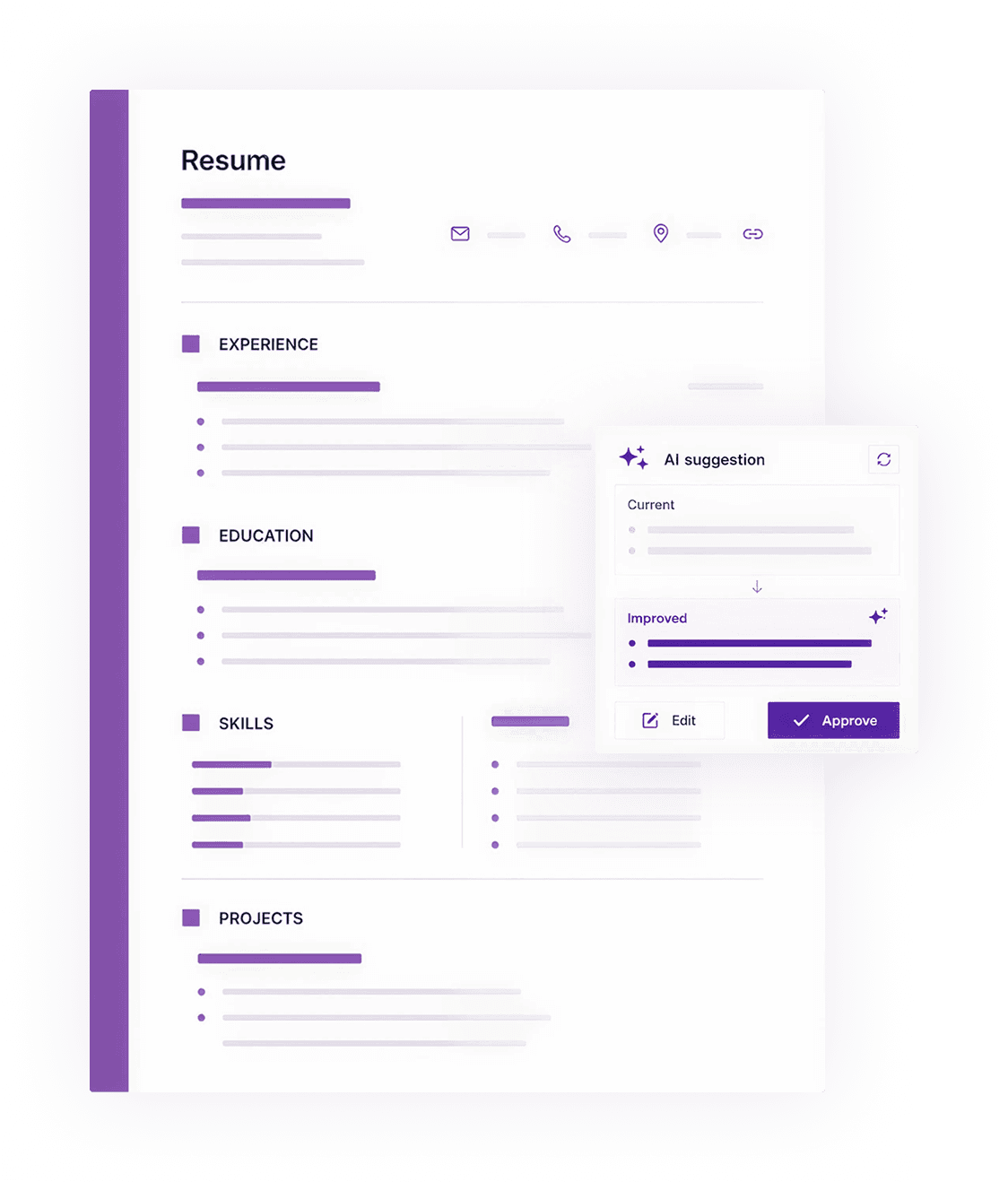
Jobapply resume editor suggestion preview

30 resume templates

Choose from professional layouts with real A4 previews.

ATS-friendly templates

Clean headings and text-based structure help hiring systems read the resume correctly.

AI suggestions you control

Rewrite summaries, bullets, and education text, then approve or edit before anything changes.

Job-description suggestions

Paste a role description and review suggestions before applying them.

Export-ready files

Download PDF, DOCX, or TXT when your resume and cover letter are ready.

Import, tailor, write, export — one job at a time

Start from the CV you already have. Point it at a job description and export a resume and cover letter written for that role.
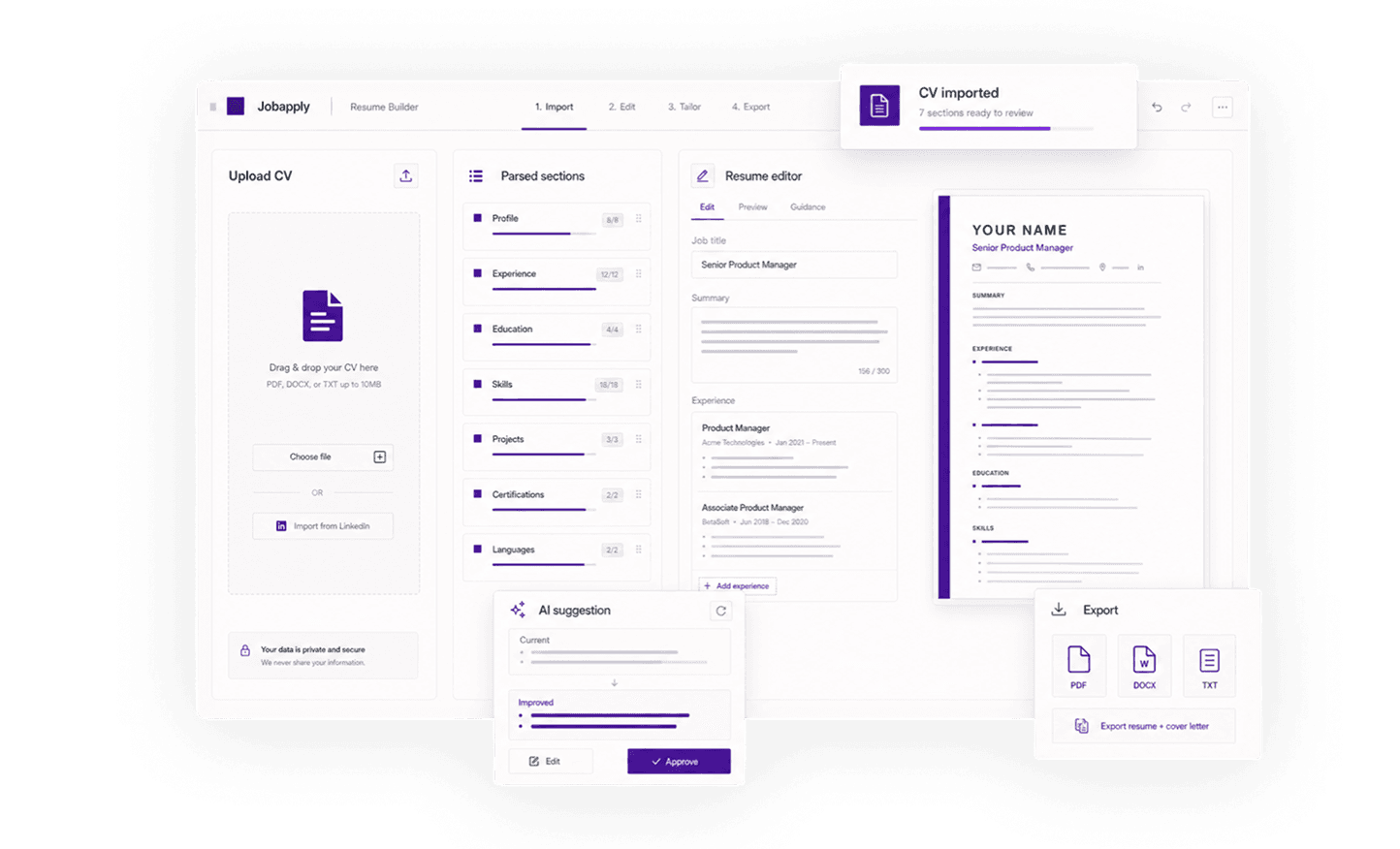
Jobapply upload, edit, AI review, and export workflow
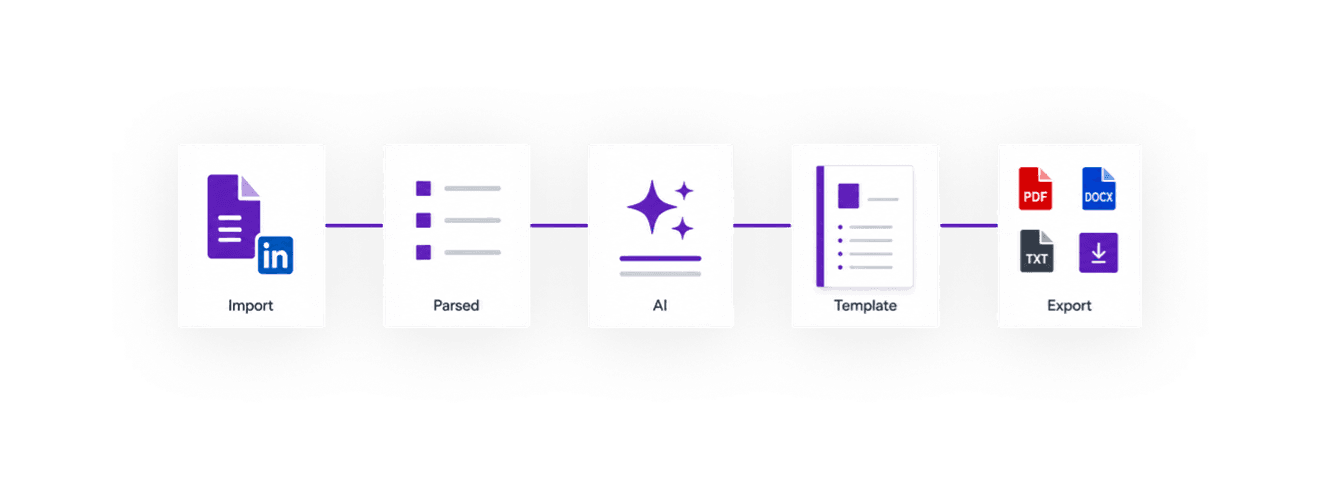
Import, parse, AI, template, and export workflow

Every AI change appears beside your current text. Accept it, edit it, or skip it.

1. Upload CV

Upload your CV

Start with a file or pasted text, then review the imported sections.

2. Add details

Live editor

Fill in personal details, experience, education, skills, and optional sections.

3. Tailor with AI

AI review

Review job-description suggestions before applying them to your resume.

PDF fileDOCX fileTXT file

Export Package

Download resume and cover letter files as PDF, DOCX, or TXT.

Our users have worked at
Kayak logoMomondo logoSoundboks logoBosch logo

Start editing right away

Choose a template, import or add details, and keep editing without an activation gate.
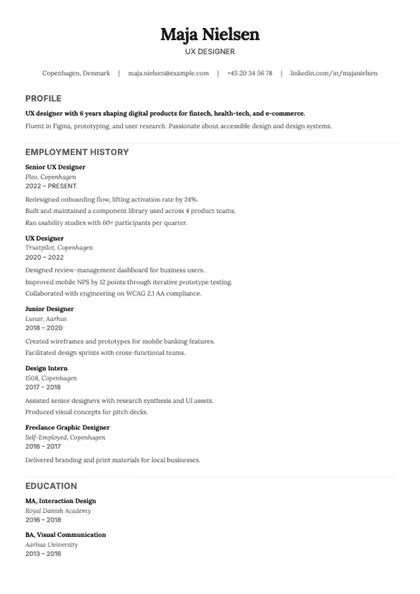
Choose template

Resume templates for different application needs

Browse templates
Minimal resume template preview

Minimal

Black and white, nothing extra — your experience does the talking.

Use this template
Classic resume template preview

Classic

The timeless centered layout — right in every industry, every decade.

Use this template
Academic resume template preview

Academic

Built for academic CVs — calm serif titles and room for long publication lists.

Use this template
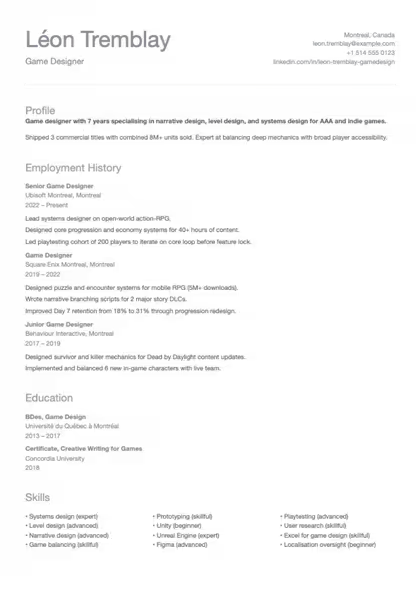
Editorial resume template preview

Editorial

Swiss-minimal and strictly grayscale, for when restraint is the statement.

Use this template
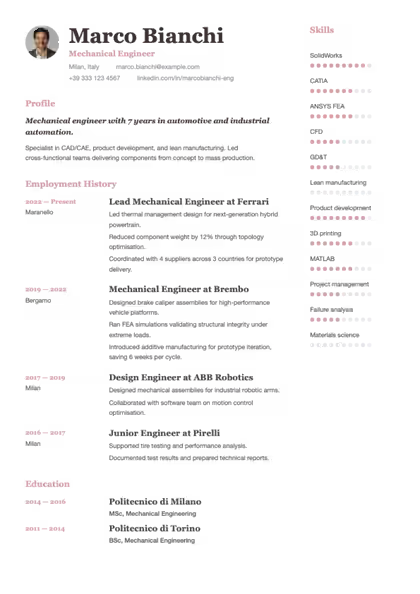
Vibrant resume template preview

Vibrant

Editorial serifs with a dusty-rose touch — polished without trying too hard.

Use this template
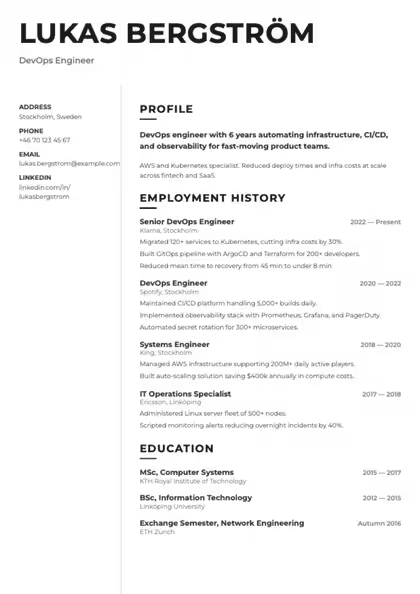
Formal resume template preview

Formal

Warm and structured, with an orange accent that keeps formal from feeling stiff.

Use this template
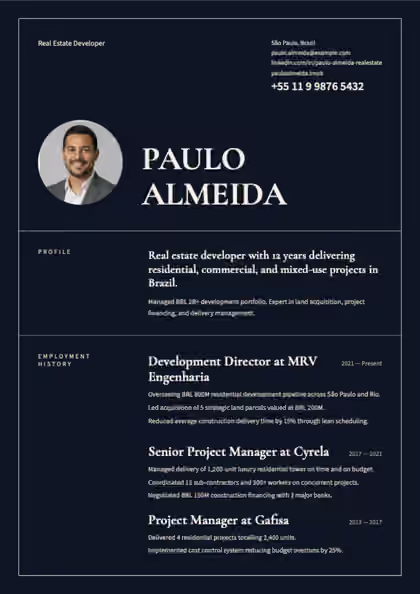
Bold resume template preview

Bold

Warm cream on deep navy — a dark editorial look that gets remembered.

Use this template
Quiet resume template preview

Quiet

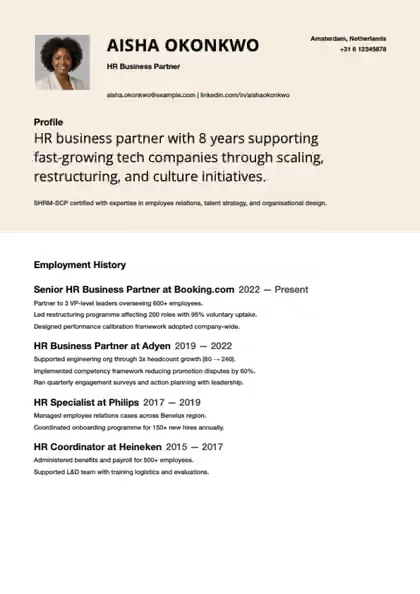
A warm sand header and calm single column that let your record speak quietly.

Use this template
Refined resume template preview

Refined

Left-labeled sections in monochrome blue for a measured, senior feel.

Use this template
Distinguished resume template preview

Distinguished

The classic European CV with a date-column timeline recruiters already know how to read.

Use this template
Streamlined resume template preview

Streamlined

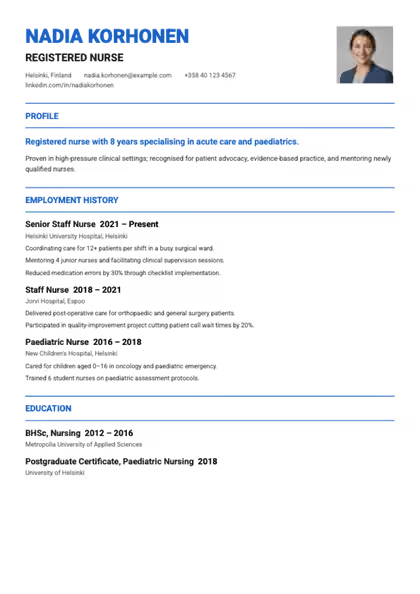
A clean single column with photo — the safe pick that still looks sharp.

Use this template
Warm resume template preview

Warm

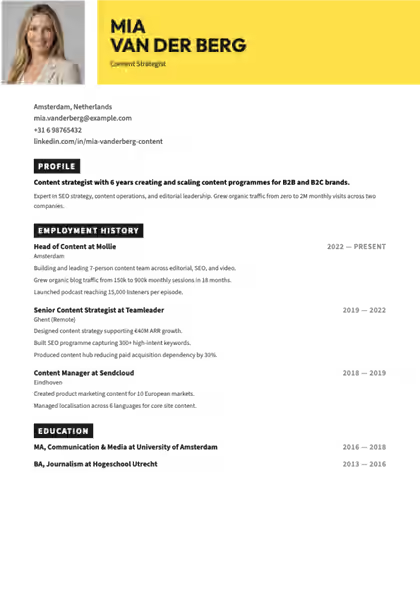
A gold header and badge titles that make a friendly first impression.

Use this template
Sharp resume template preview

Sharp

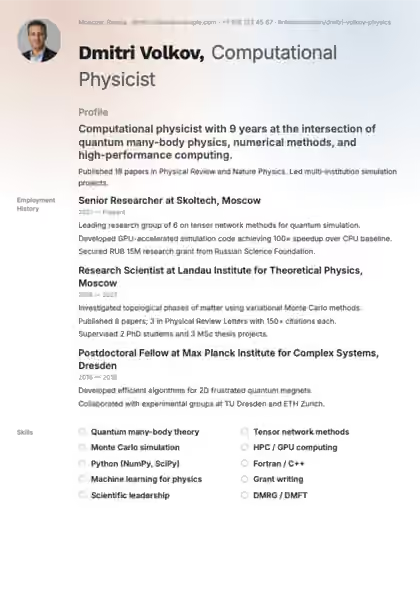
A warm gradient up top, strict left-label structure below — personality and precision.

Use this template
Executive resume template preview

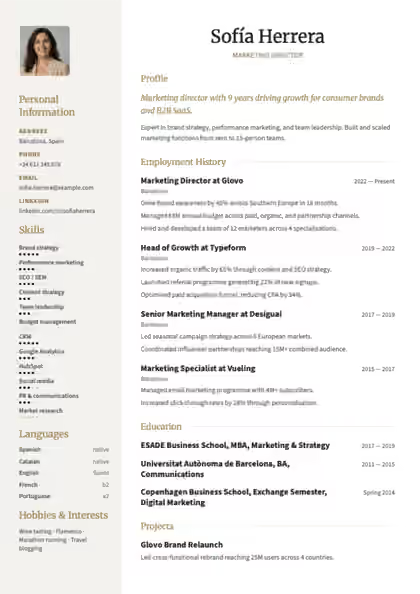
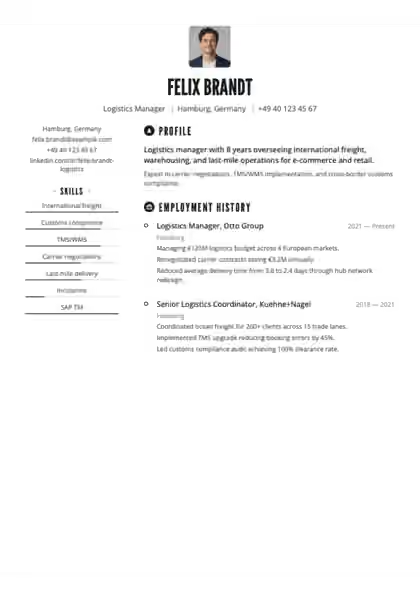
Executive

Condensed headers, timeline dots, progress bars — built to look decisive.

Use this template
Sleek resume template preview

Sleek

Dark earth tones and a centered photo, styled like a magazine masthead.

Use this template
Timeless resume template preview

Timeless

Terracotta warmth and italic serifs — traditional, never boring.

Use this template
Heritage resume template preview

Heritage

An editorial single column with circled section numbers — crafted, not decorated.

Use this template
Elegant resume template preview

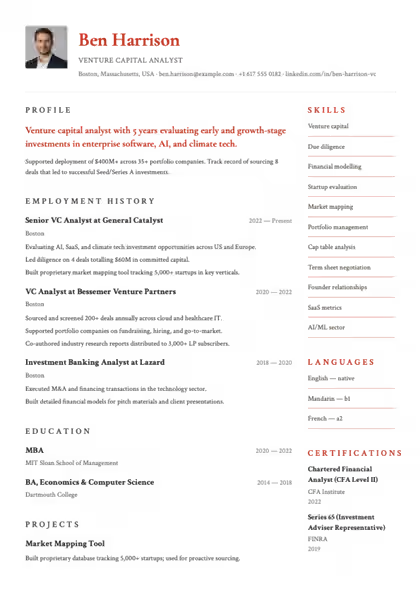
Elegant

Classic serif two-column with a crimson accent, made for high-stakes applications.

Use this template
Crisp resume template preview

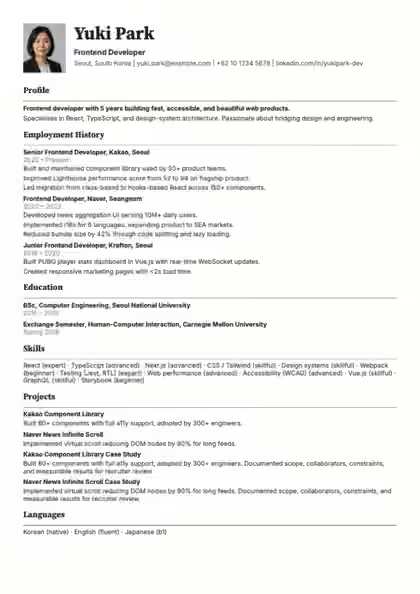
Crisp

Underlined serif titles on warm off-white — simple, tidy, confident.

Use this template
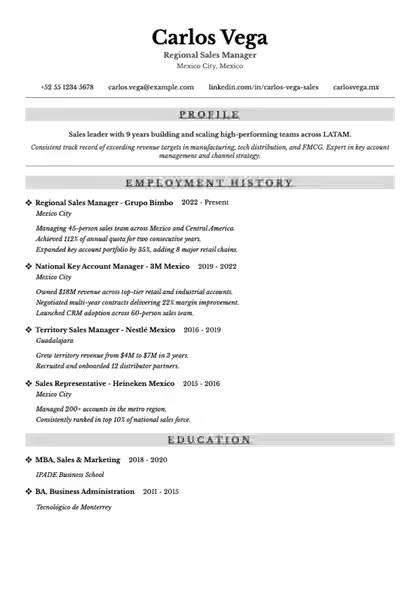
Bright resume template preview

Bright

Classical detailing, diamond ornaments, dotted leader lines — fine print done right.

Use this template
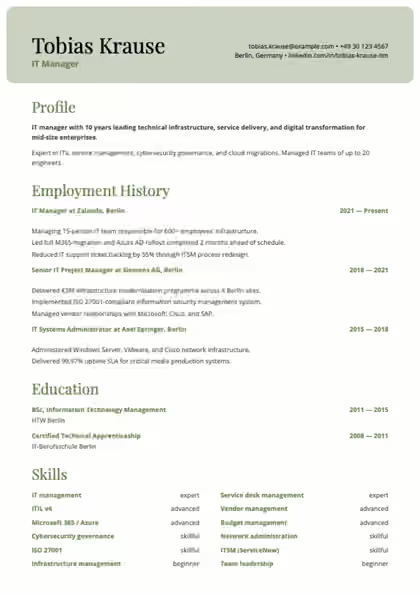
Dynamic resume template preview

Dynamic

A sage-green header card that reads fresh without losing seriousness.

Use this template
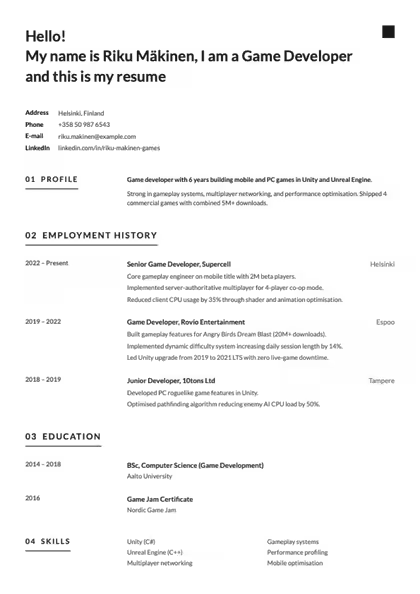
Spacious resume template preview

Spacious

Opens with a greeting, breathes with numbered sections — personal and organized.

Use this template
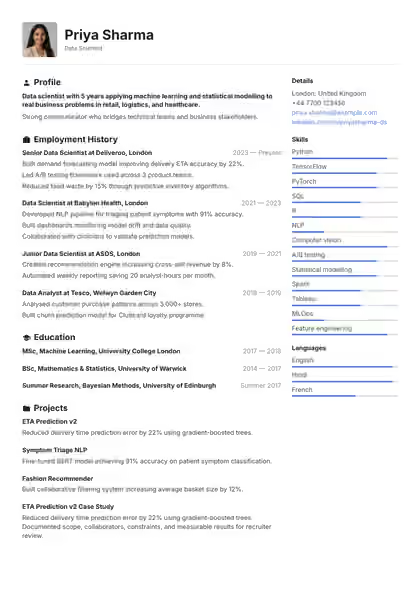
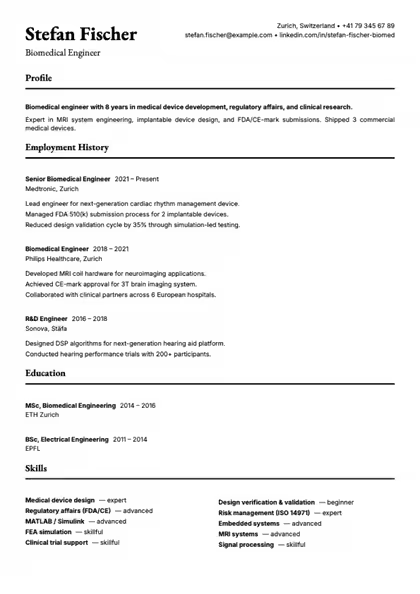
Clean resume template preview

Clean

Filled section icons and a blue accent keep it friendly and easy to scan.

Use this template
Specialist resume template preview

Specialist

Traditional serifs and bold underline separators, made for deep expertise.

Use this template
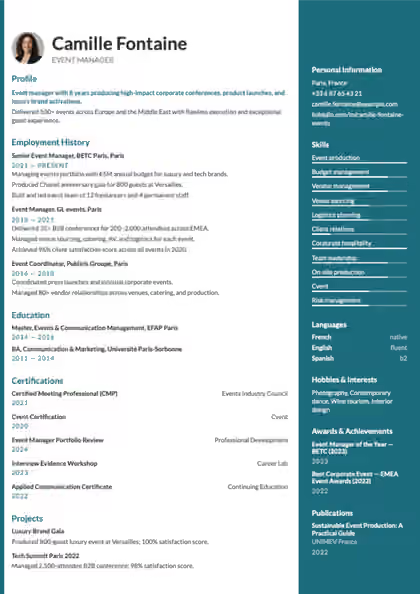
Casual resume template preview

Casual

Navy sidebar, teal accent, circular photo — approachable but put together.

Use this template
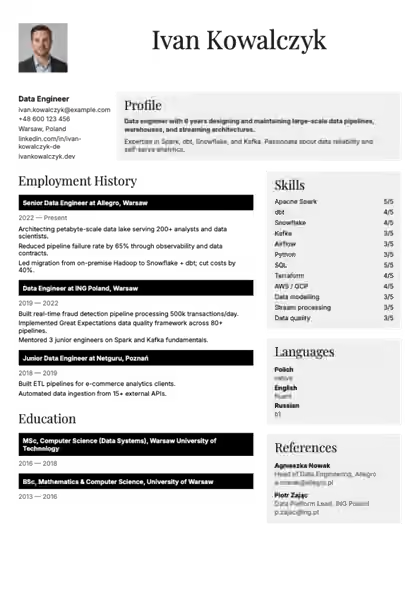
Versatile resume template preview

Versatile

Dark entry bars and grey sidebar boxes — structured enough for any role.

Use this template
Modern resume template preview

Modern

Mint accents and a photo header — current without being trendy.

Use this template

Sources

Bureau of Labor Statistics, Graphic Designers · O*NET OnLine, Graphic Designers · Adobe Certified Professional.