// AI RESUME BUILDER • IMPORT · TAILOR · COVER LETTER
Build a resume ready to send.
Import your CV, tailor it to a job with AI, add a cover letter. You approve every change.


Built for careful job applications
Show what you kept on schedule and which decisions you handled at the desk. Use a calendar, inbox or expense-report example to explain how colleagues relied on your work.

Name the people or teams you scheduled and the usual meeting load.
Three directors and about 25 meetings a week.
Explain which messages you answered and which went to someone with authority.
Policy and claim questions went to the assigned agent.
Describe the record people received after the meeting and when they received it.
An action list with an owner and due date.
Explain how you found missing information in an expense report.
Match each receipt to its line in SAP Concur.
Use a daily or weekly figure to describe reception work.
About 35 visitors a day.
Give the rule another person could use to find a document you filed.
Alphabetical donor records labeled by year.
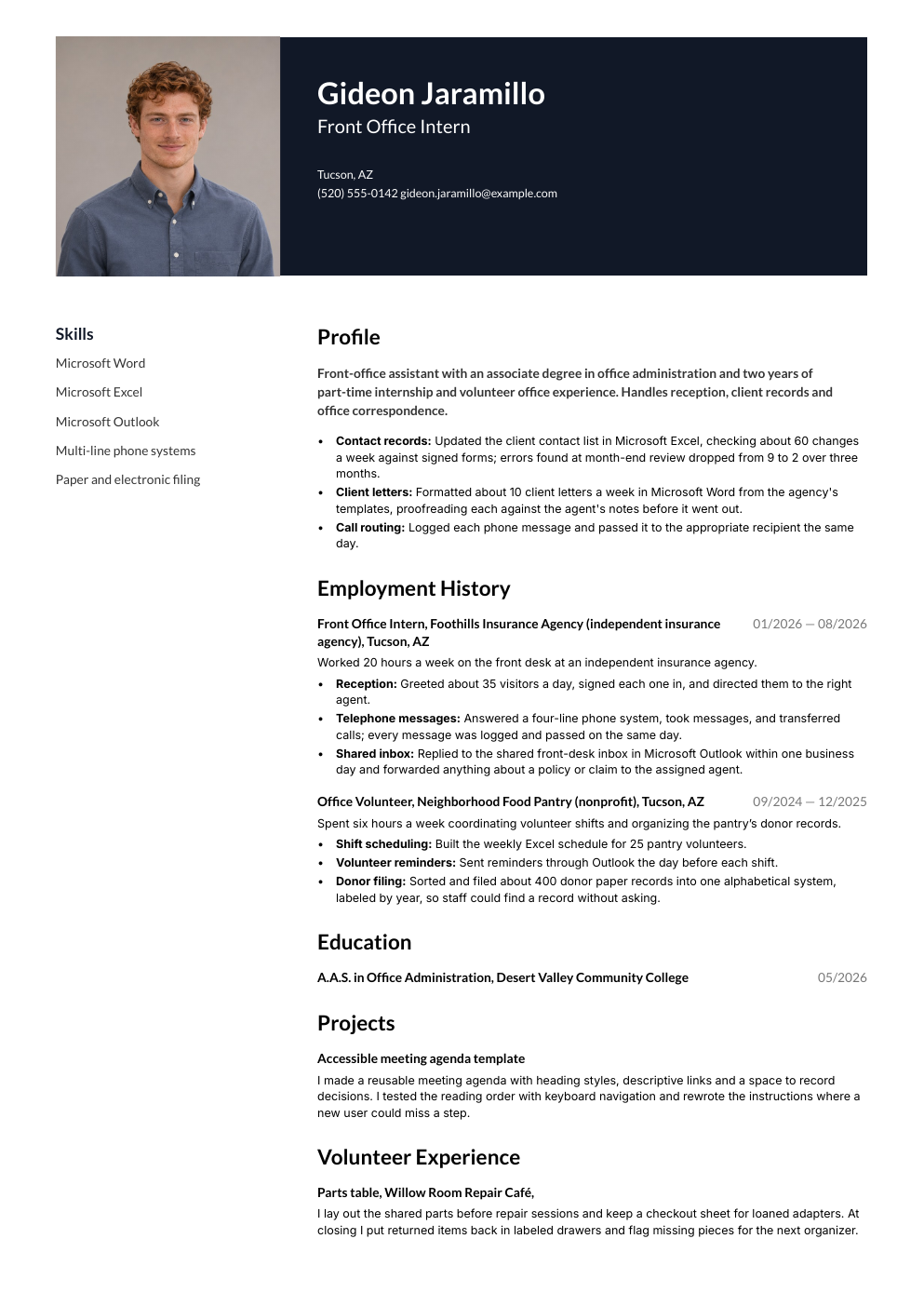
Replace “managed email” with the questions you could answer. A front desk might handle appointments and route policy questions to an agent.
Name the cue that moved an item to the top of the list, such as a decision a director needed to make that morning.
Say where you captured the message, who received it and how quickly. This makes a transfer more useful than a claim about communication skills.
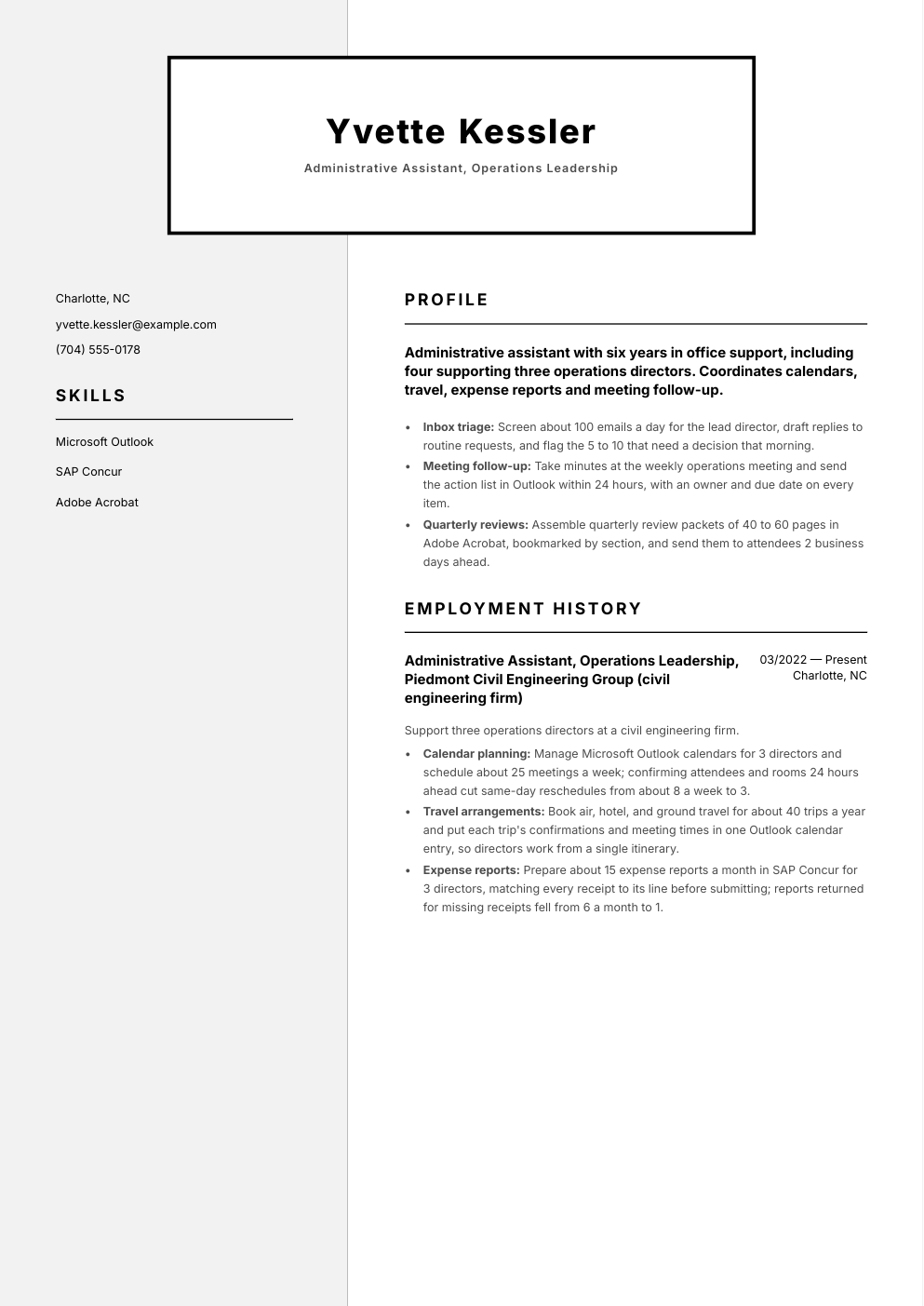
State how many people you supported. A shared office calendar and three directors’ calendars describe different workloads.
Say when you confirmed attendees and rooms, or how you handled competing requests. Use your actual routine.
If you tracked last-minute changes, compare weekly counts over the same period. Otherwise give the meeting volume and stop there.
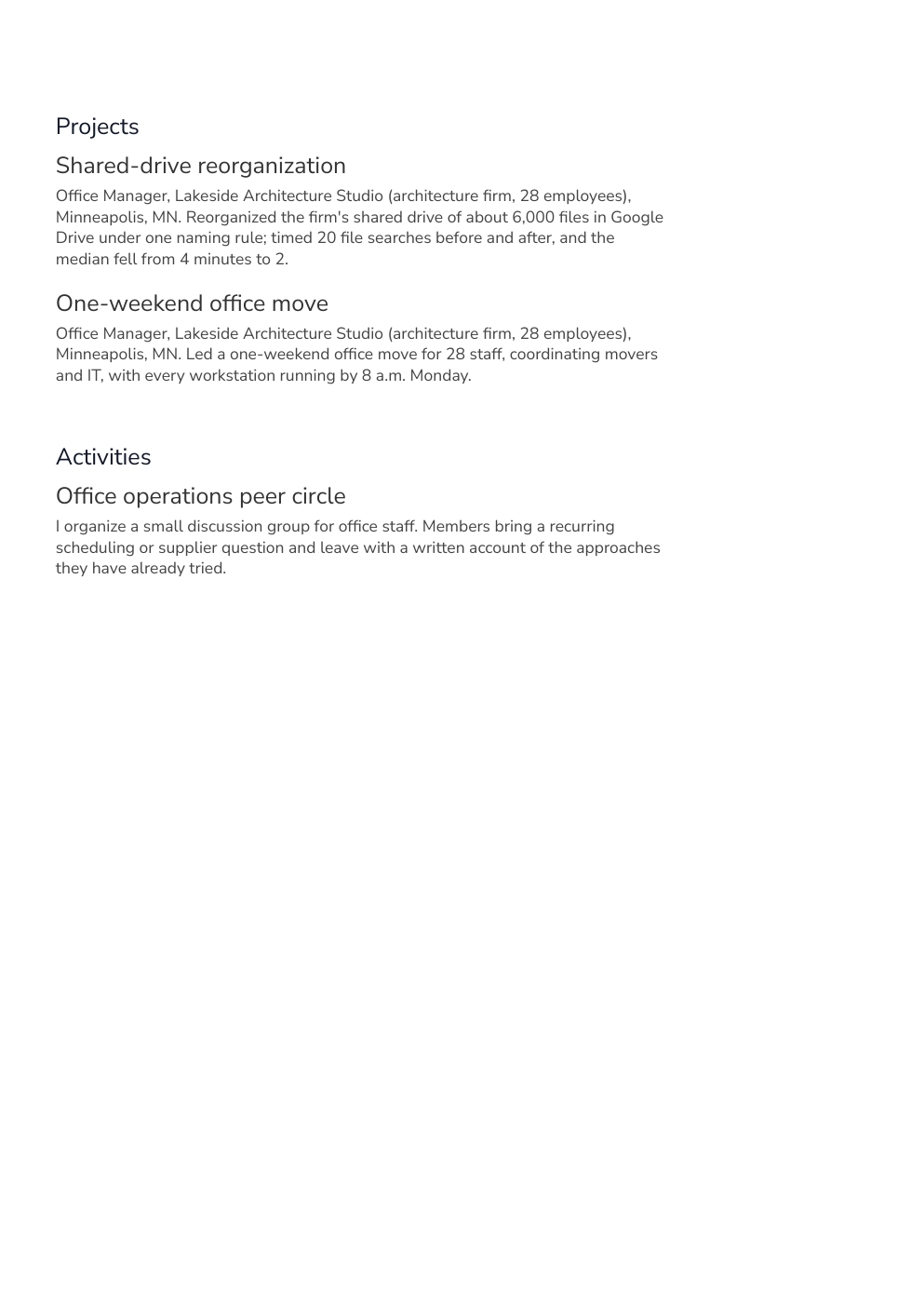
Yes. Name the organization and volunteer title, then describe the scheduling, filing or customer contact you handled.
Name the task, such as managing directors’ calendars, screening messages or sending action lists. Pick an example relevant to the job.
Describe the kind of decision you routed and who received it. Leave client names and message contents out.
Give their number and functions when relevant. Personal names usually add less than the calendar, travel or meeting work you handled.
Name the bookings you coordinated and the itinerary you delivered. Add trip volume if you know it.
Identify who arrived or called, your usual volume and what you did next. Include an escalation rule if it was part of the job.
Describe how you documented decisions and assigned next steps. Add how soon you sent the record to attendees.
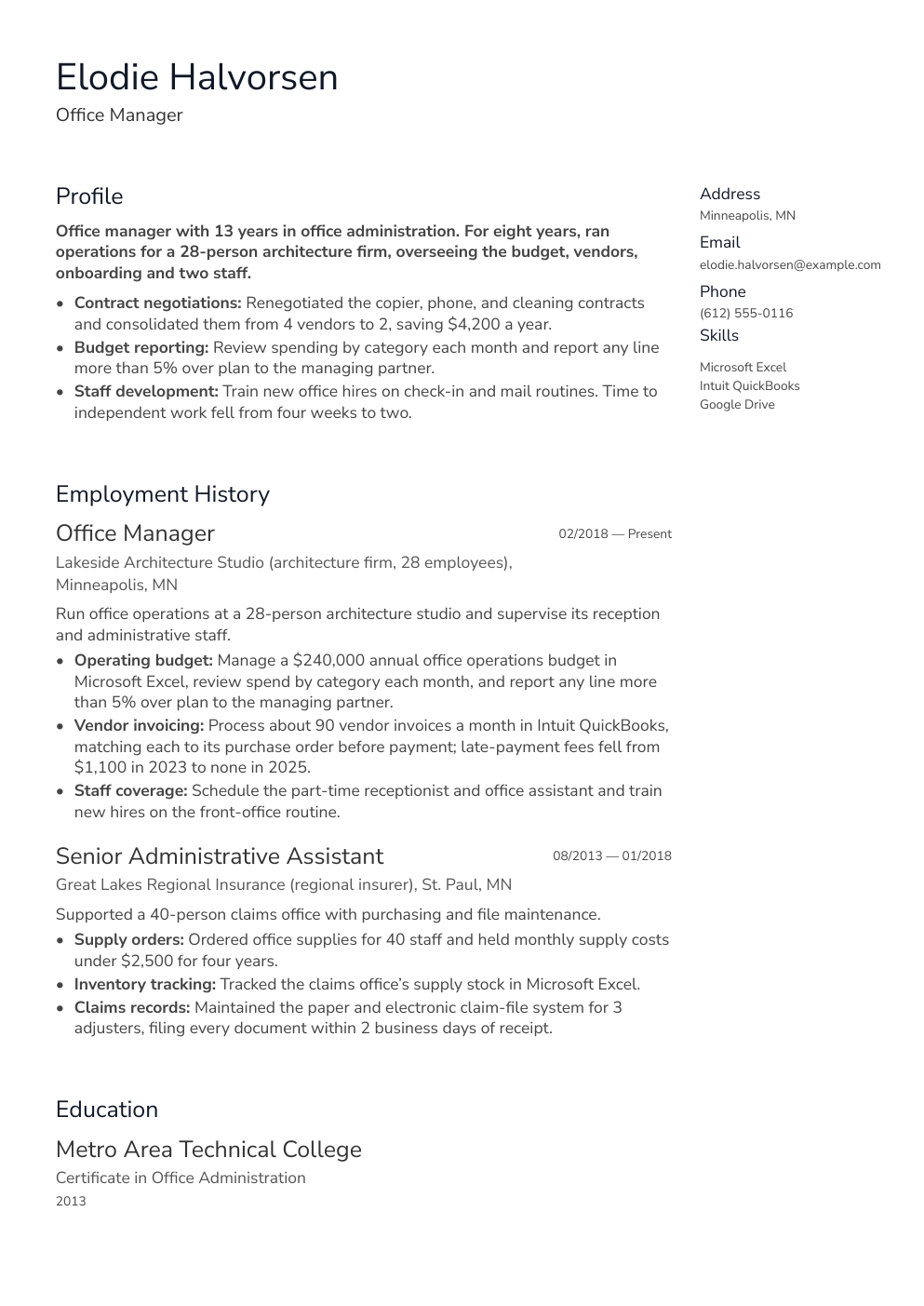
Distinguish ordering within a limit from managing the budget. Give the amount, reporting period and person who reviewed exceptions where relevant.
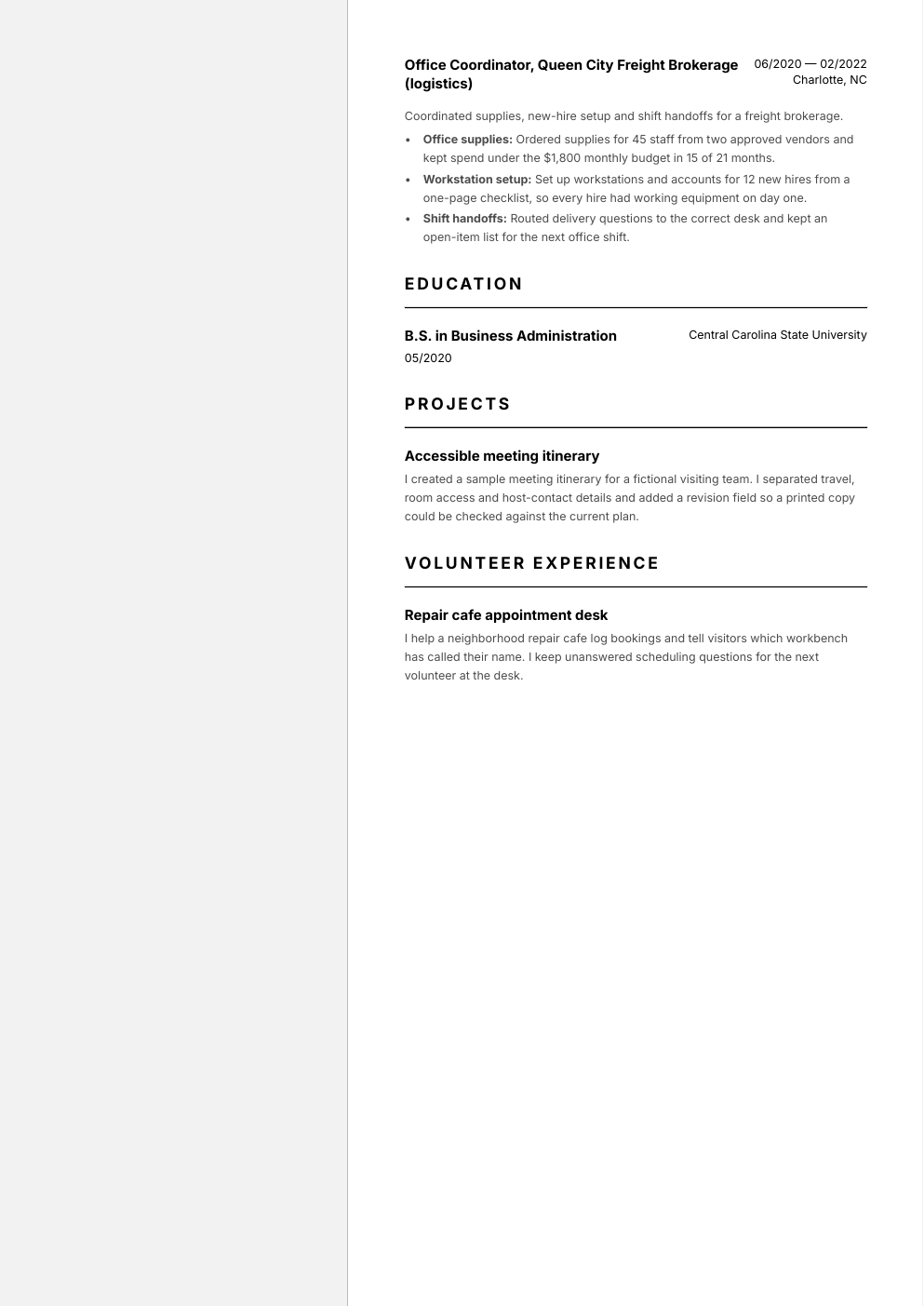
Keep the title you held and describe relevant work such as booking rooms or maintaining a shared contact list. A school or volunteer office can supply a credible example.
Choose the tools the opening asks for that you have used. Pair them with work such as Excel reporting, Acrobat review packets or Concur expense reports.
Import your CV, tailor it to a job with AI, add a cover letter. You approve every change.
Built for careful job applications
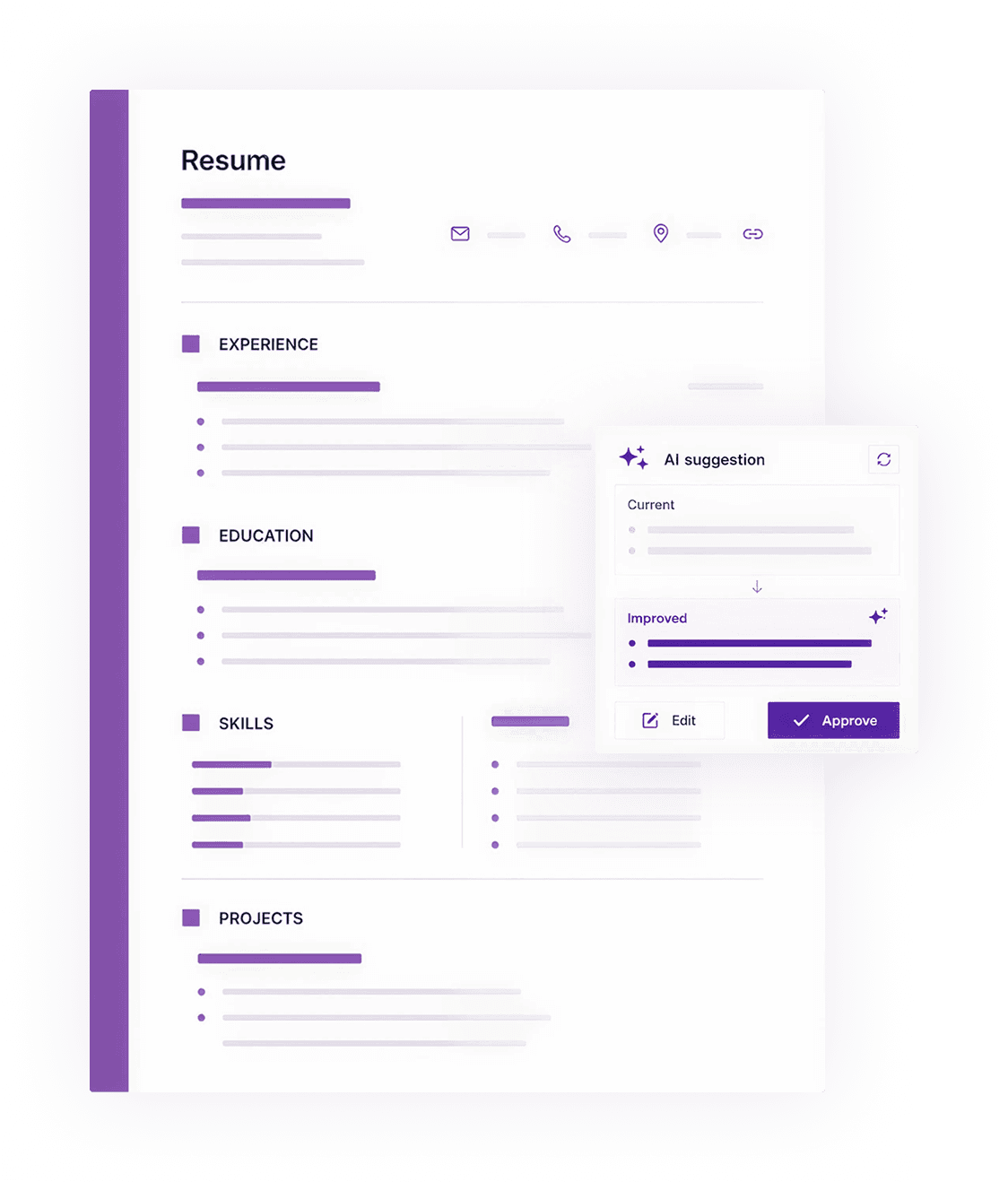
30 resume templates
Choose from professional layouts with real A4 previews.
ATS-friendly templates
Clean headings and text-based structure help hiring systems read the resume correctly.
AI suggestions you control
Rewrite summaries, bullets, and education text, then approve or edit before anything changes.
Job-description suggestions
Paste a role description and review suggestions before applying them.
Export-ready files
Download PDF, DOCX, or TXT when your resume and cover letter are ready.
Start from the CV you already have. Point it at a job description and export a resume and cover letter written for that role.
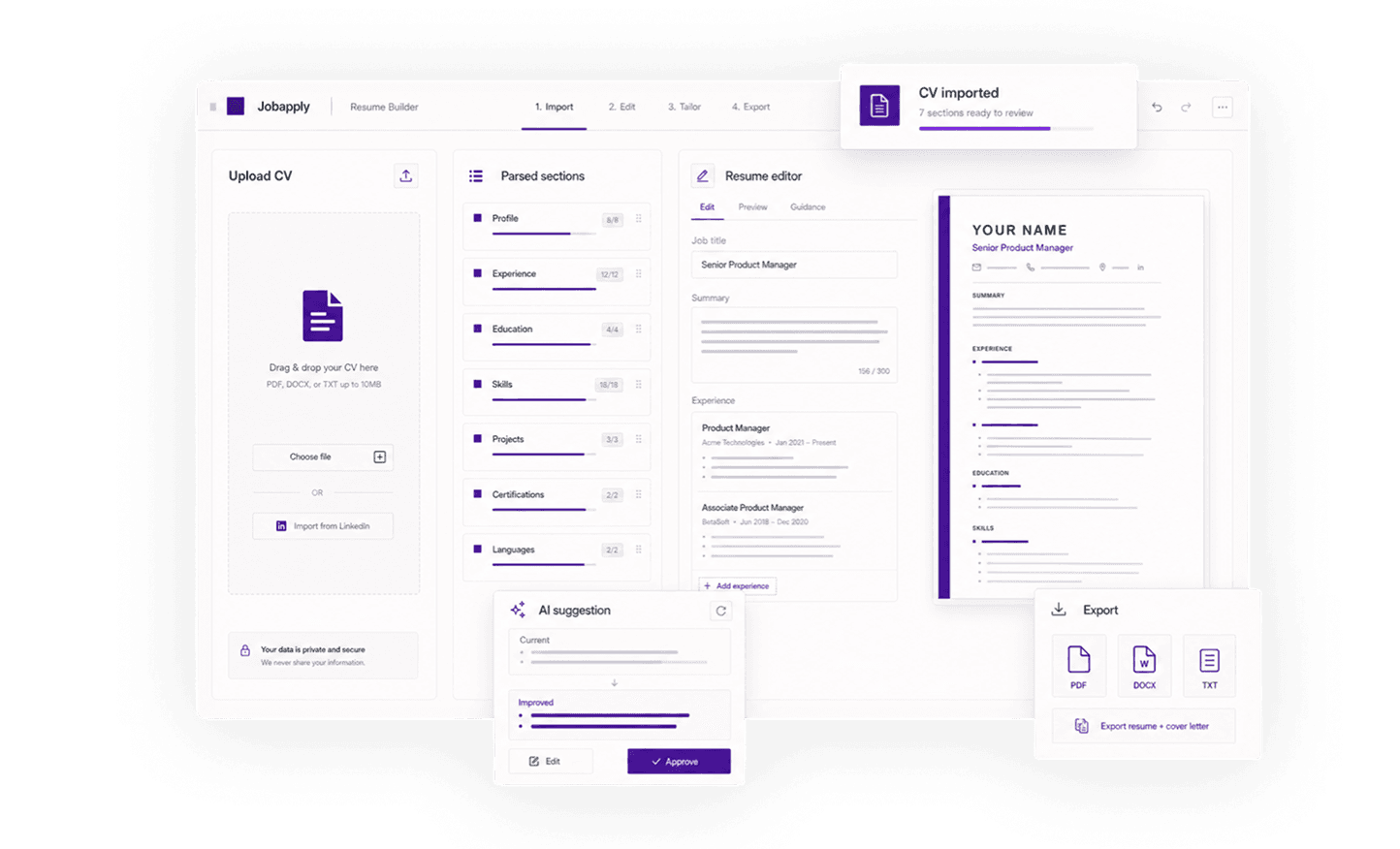
Every AI change appears beside your current text. Accept it, edit it, or skip it.
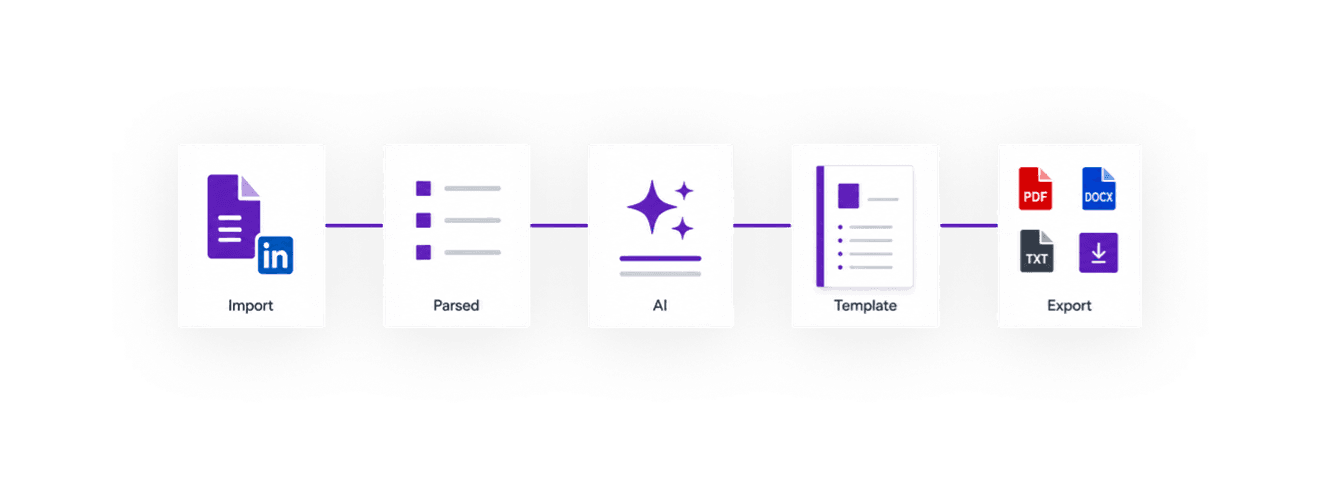
Start with a file or pasted text, then review the imported sections.
Fill in personal details, experience, education, skills, and optional sections.
Review job-description suggestions before applying them to your resume.


Download resume and cover letter files as PDF, DOCX, or TXT.




Start editing right away
Choose a template, import or add details, and keep editing without an activation gate.
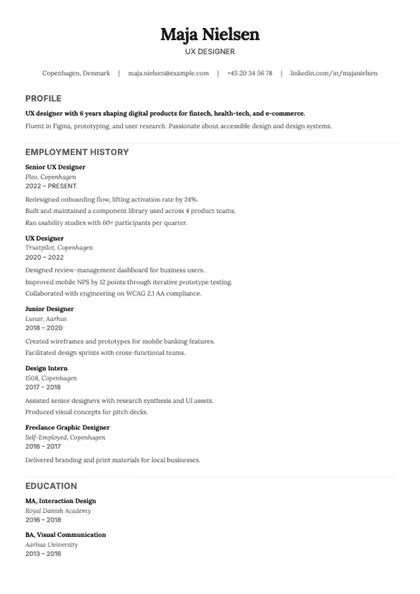
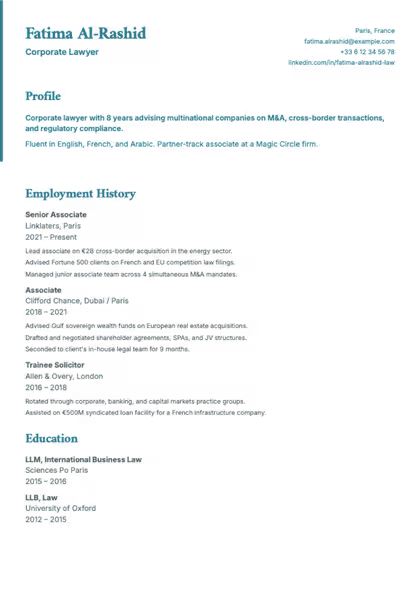
Built for academic CVs — calm serif titles and room for long publication lists.
Use this template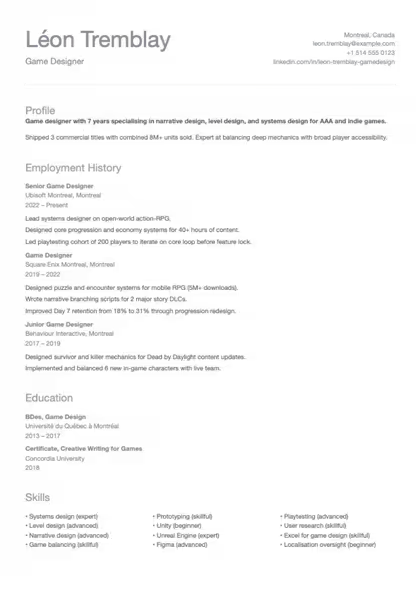
Swiss-minimal and strictly grayscale, for when restraint is the statement.
Use this template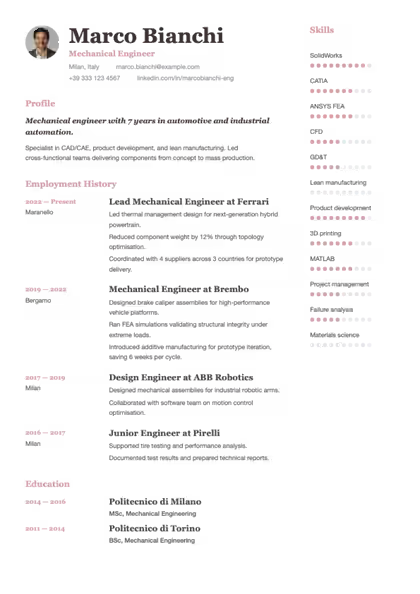
Editorial serifs with a dusty-rose touch — polished without trying too hard.
Use this template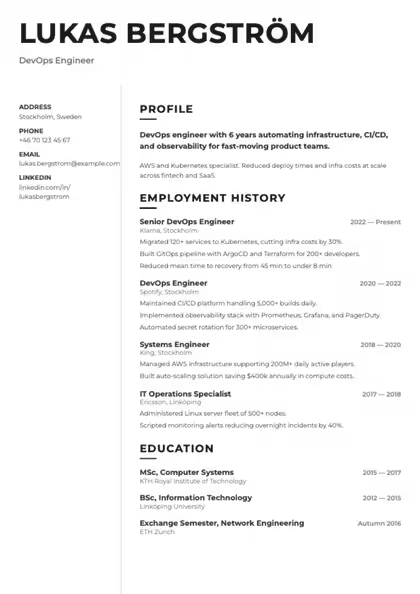
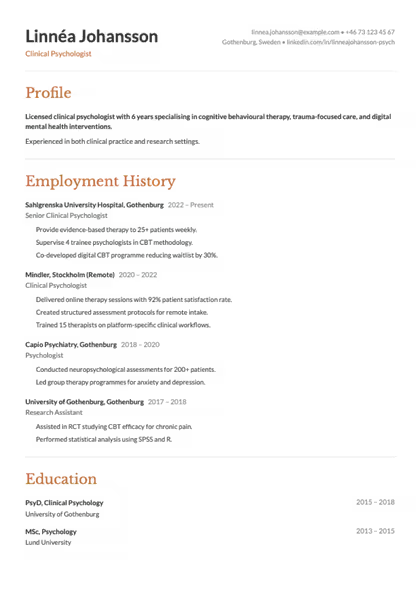
Warm and structured, with an orange accent that keeps formal from feeling stiff.
Use this template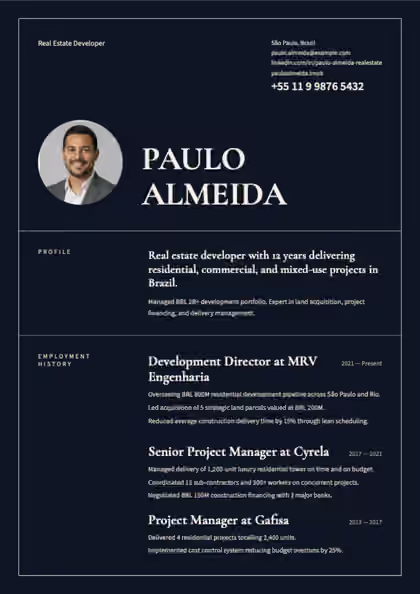
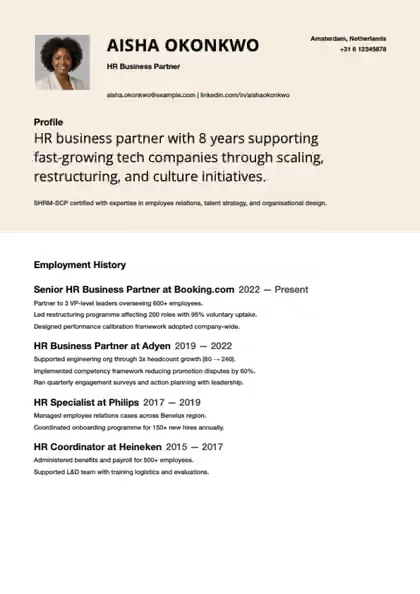
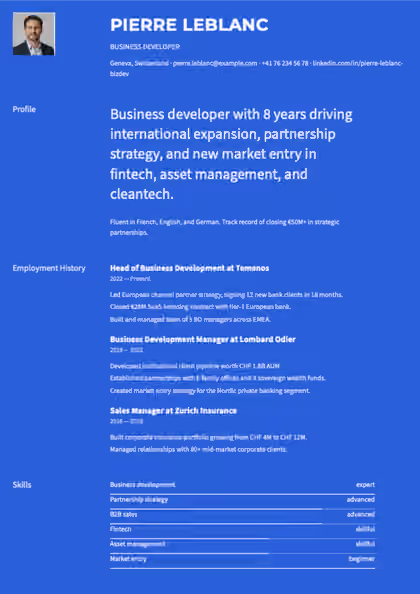
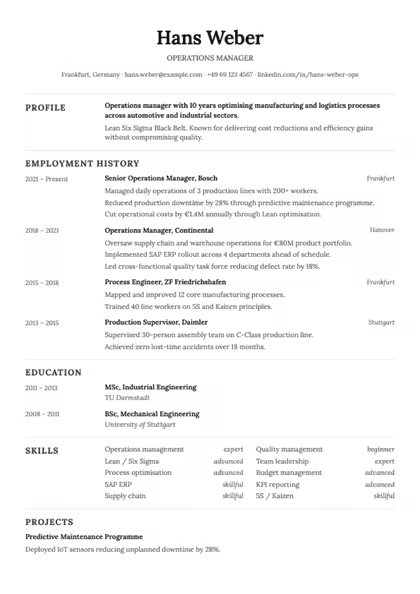
The classic European CV with a date-column timeline recruiters already know how to read.
Use this template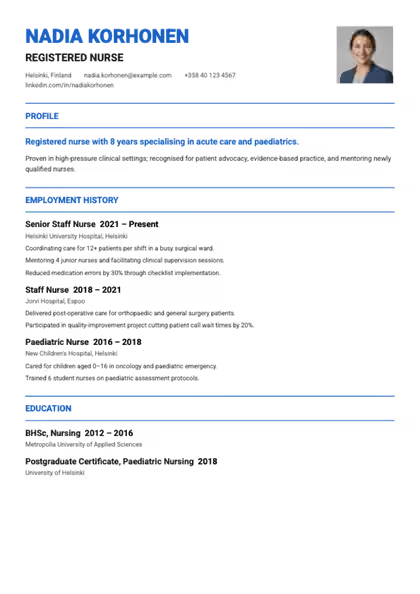
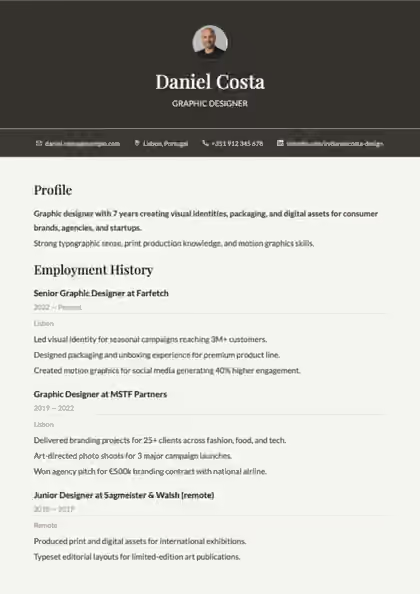
A clean single column with photo — the safe pick that still looks sharp.
Use this template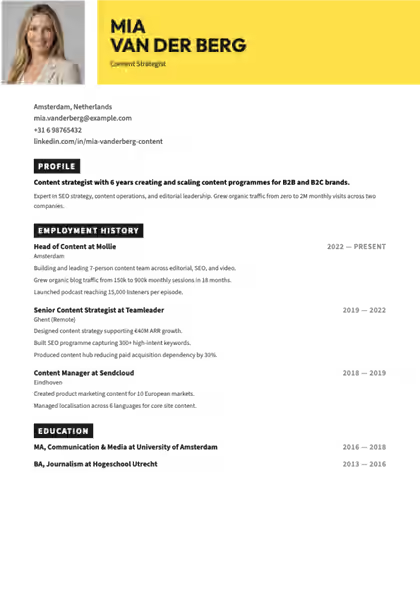
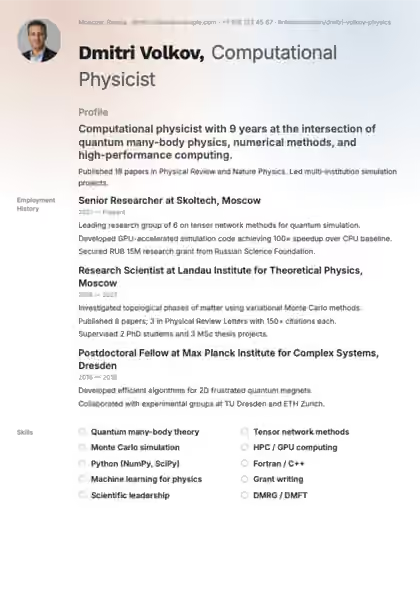
A warm gradient up top, strict left-label structure below — personality and precision.
Use this template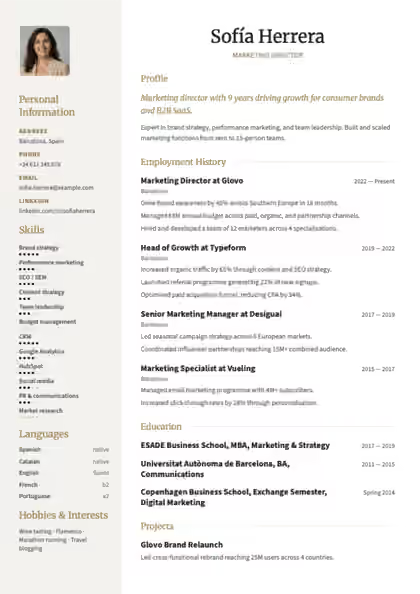
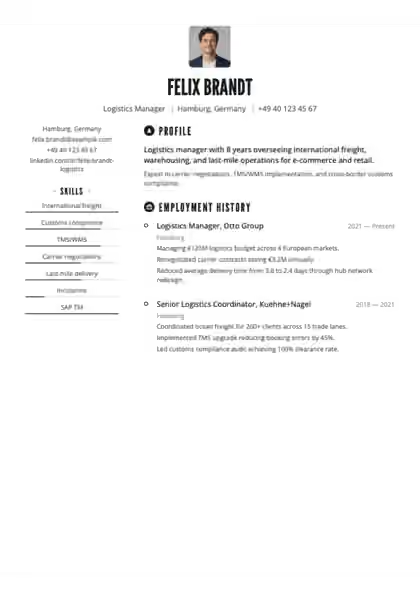
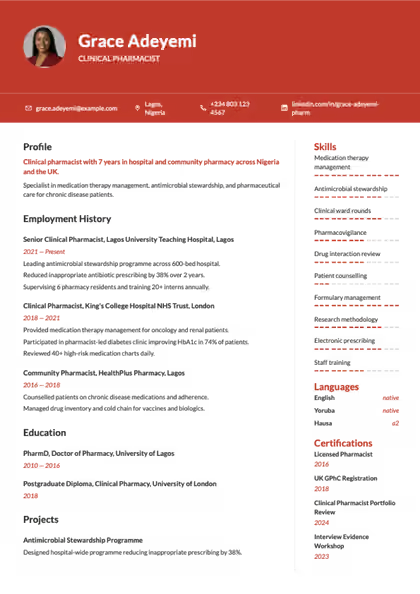
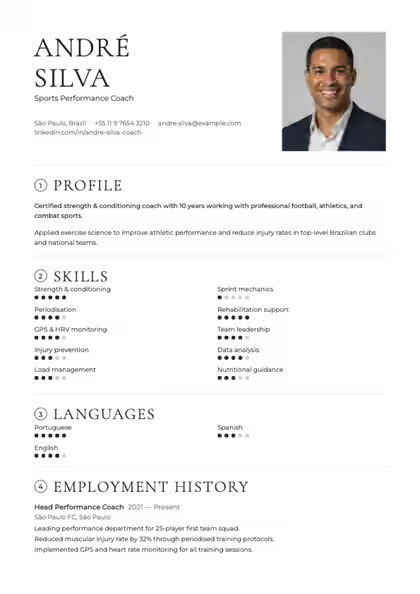
An editorial single column with circled section numbers — crafted, not decorated.
Use this template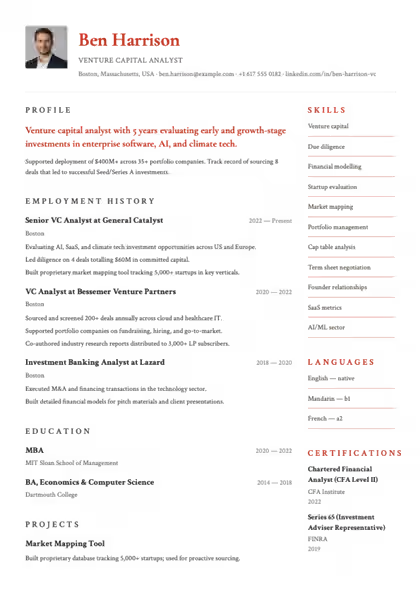
Classic serif two-column with a crimson accent, made for high-stakes applications.
Use this template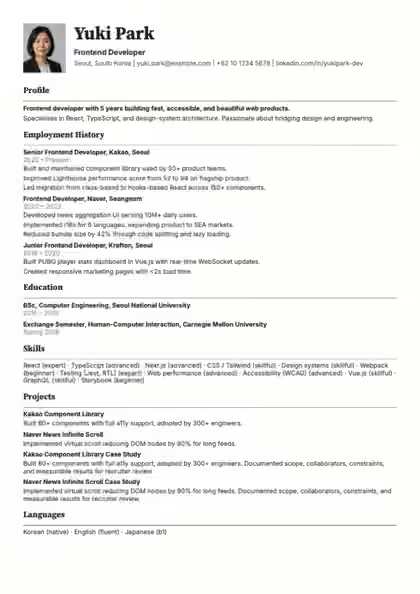
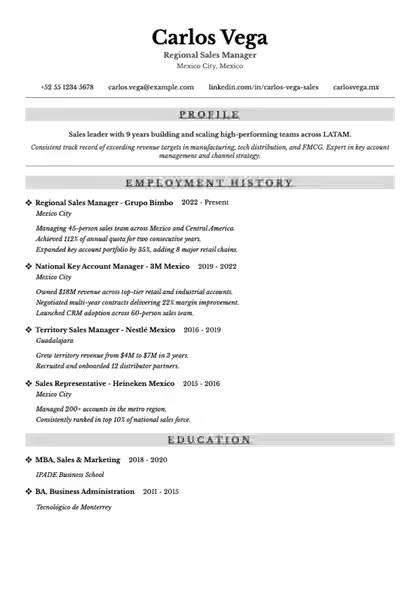
Classical detailing, diamond ornaments, dotted leader lines — fine print done right.
Use this template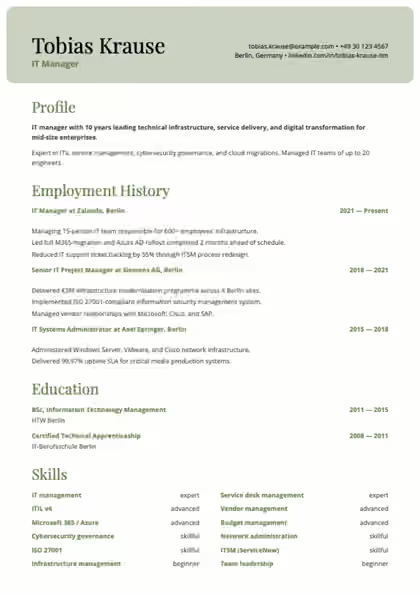
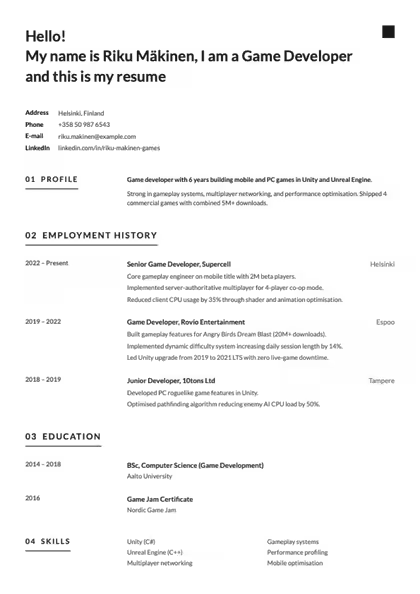
Opens with a greeting, breathes with numbered sections — personal and organized.
Use this template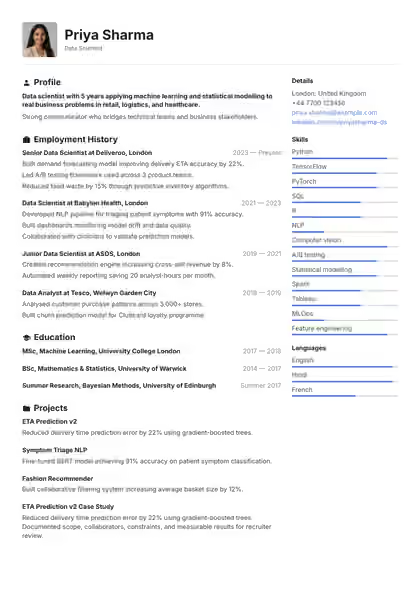
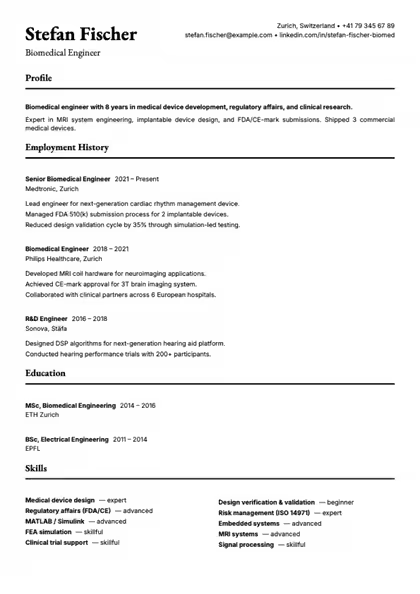
Traditional serifs and bold underline separators, made for deep expertise.
Use this template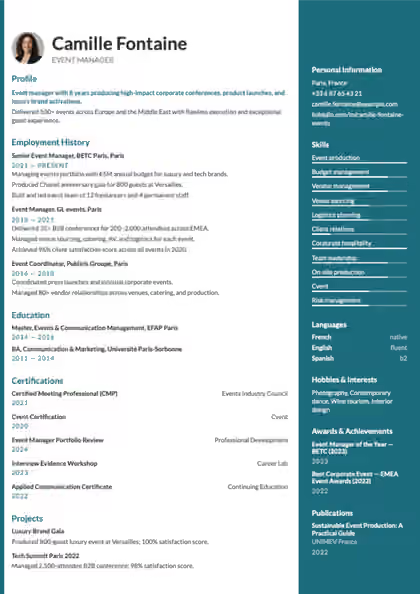
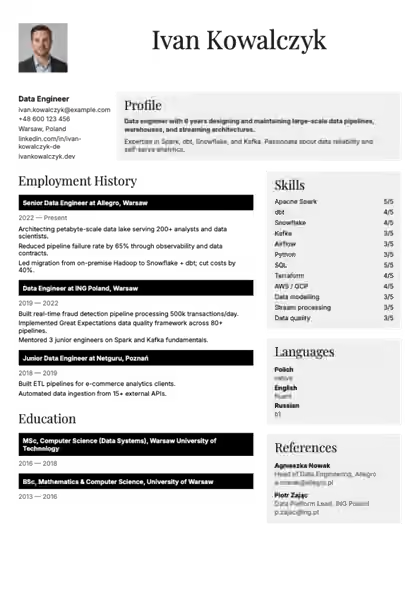
Bureau of Labor Statistics, Secretaries and Administrative Assistants · O*NET OnLine, Administrative Assistant Technology Skills.