// AI RESUME BUILDER • IMPORT · TAILOR · COVER LETTER
Build a resume ready to send.
Import your CV, tailor it to a job with AI, add a cover letter. You approve every change.


Built for careful job applications
Show which accounts you handled, who reviewed your work and what changed at close. Choose a reconciliation, filing or reporting example that fits the opening.

Tell the reader what you reconciled and how many accounts were involved.
Fourteen bank and credit card accounts.
Show how soon after month-end the books were ready.
Five business days for the monthly close, down from 12.
Name the documents you matched before an invoice went forward for payment.
Purchase order, receiving report and vendor invoice.
Identify the unit of the business you compared in a variance report.
Monthly budget to actual by store.
Separate personal, partnership and other returns when describing tax work.
Individual and partnership returns in Lacerte.
Put the issuing state beside an active license. Describe exam progress separately.
CPA exam in progress. Not yet licensed.
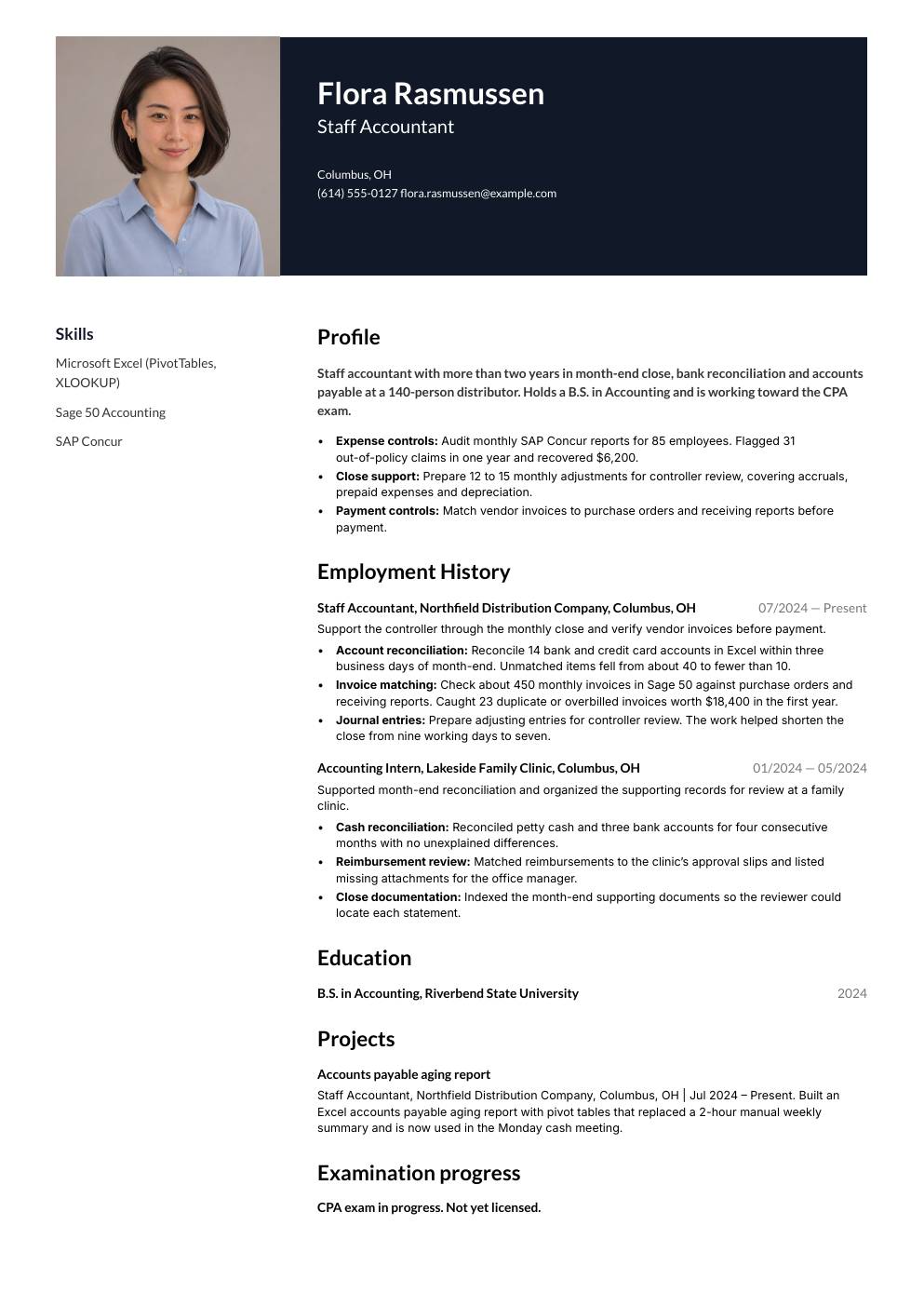
Name what you checked the vendor invoice against. A purchase order shows what was ordered and a receiving report records delivery.
Add the number of invoices you typically checked in a month. Keep that figure separate from the count of errors caught over a year.
Specify duplicate billing, an incorrect charge or a missing document. Say who received the issue if another person authorized payment.
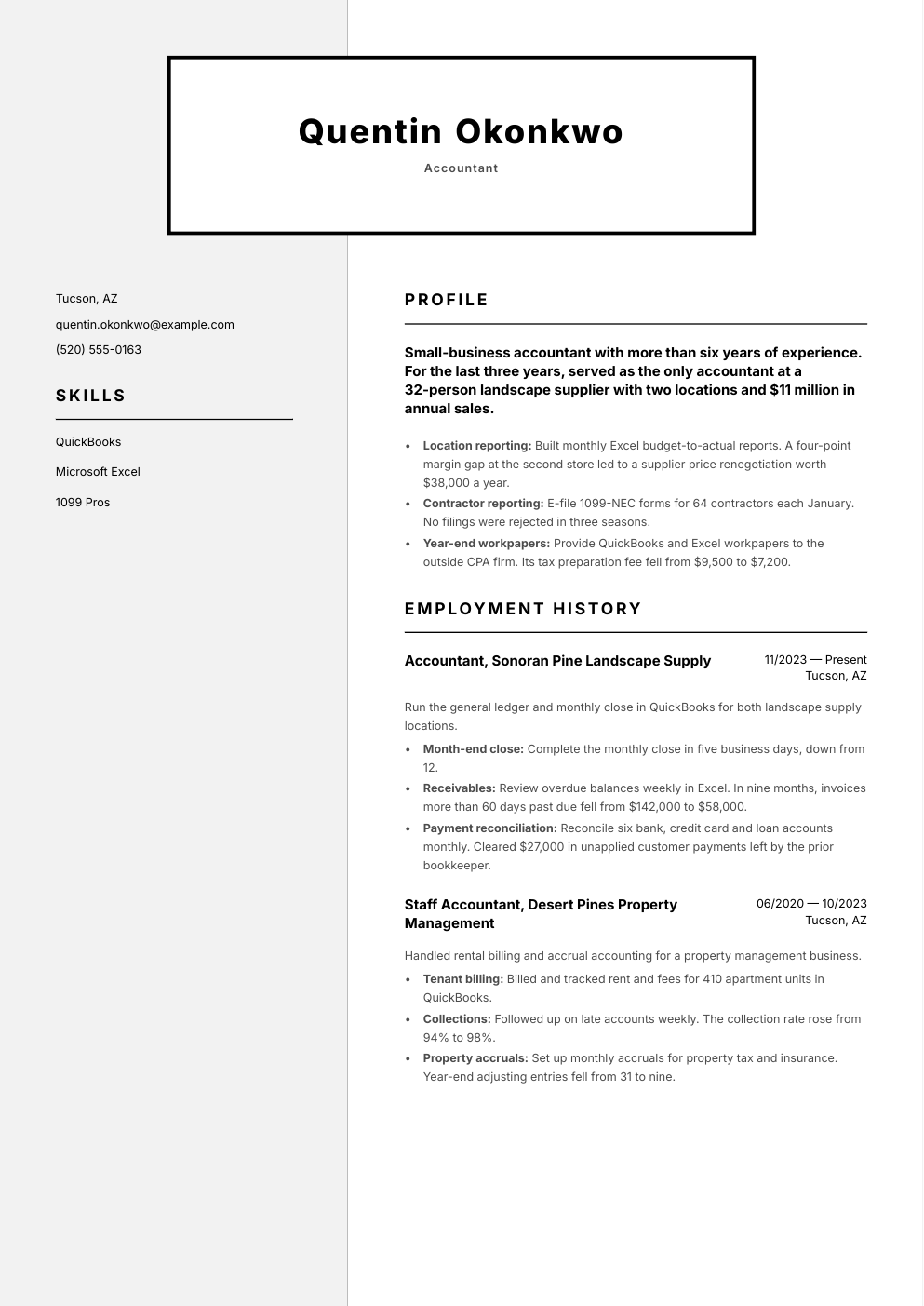
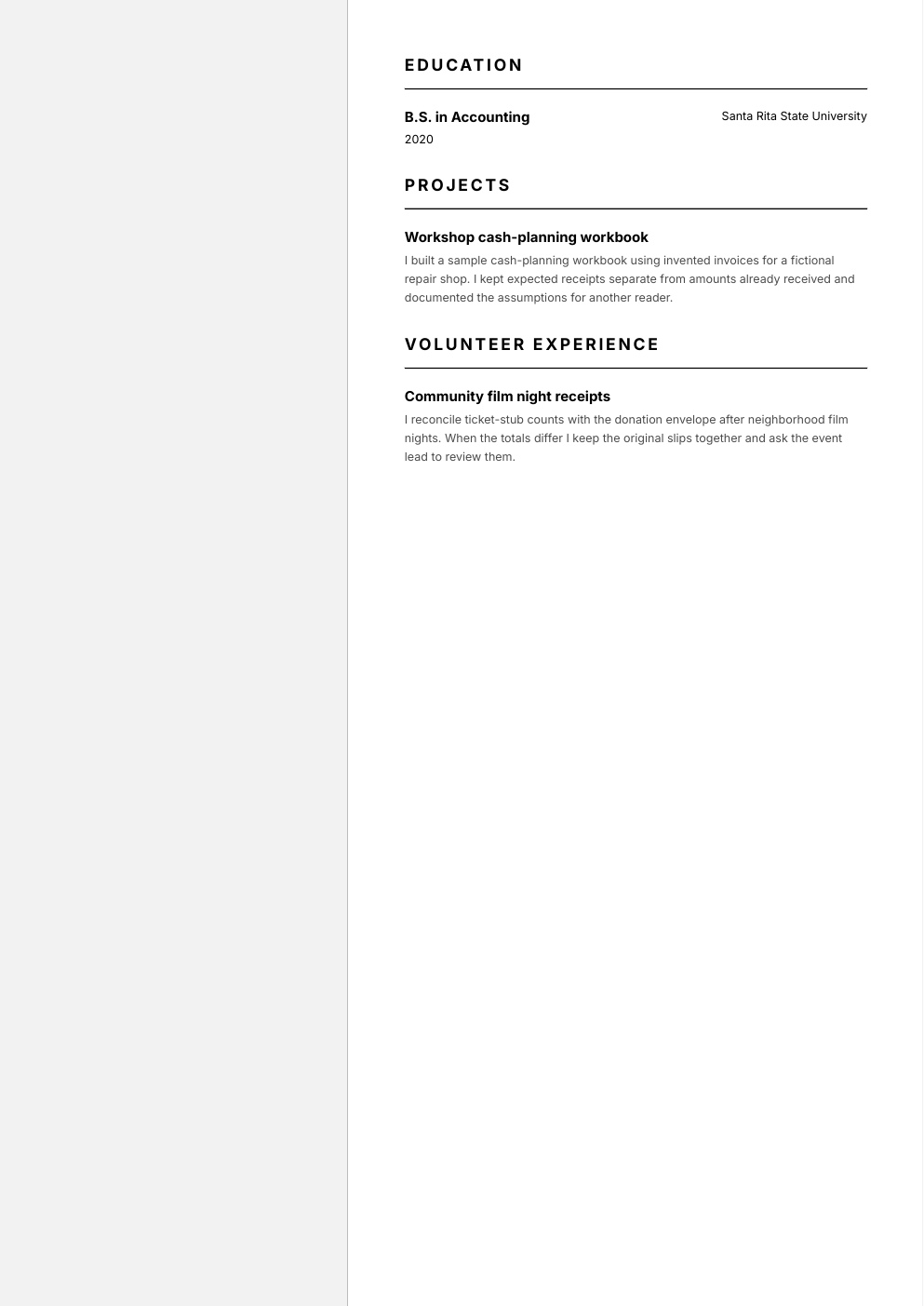
Give the aging threshold. A balance more than 60 days overdue tells a different story from the total amount customers owe.
Use the same aging bucket at both dates and give the interval. The small-business example compares two balances nine months apart.
Describe the weekly review, customer contact or payment reconciliation you performed. Only assign a collection decision to the person who made it.
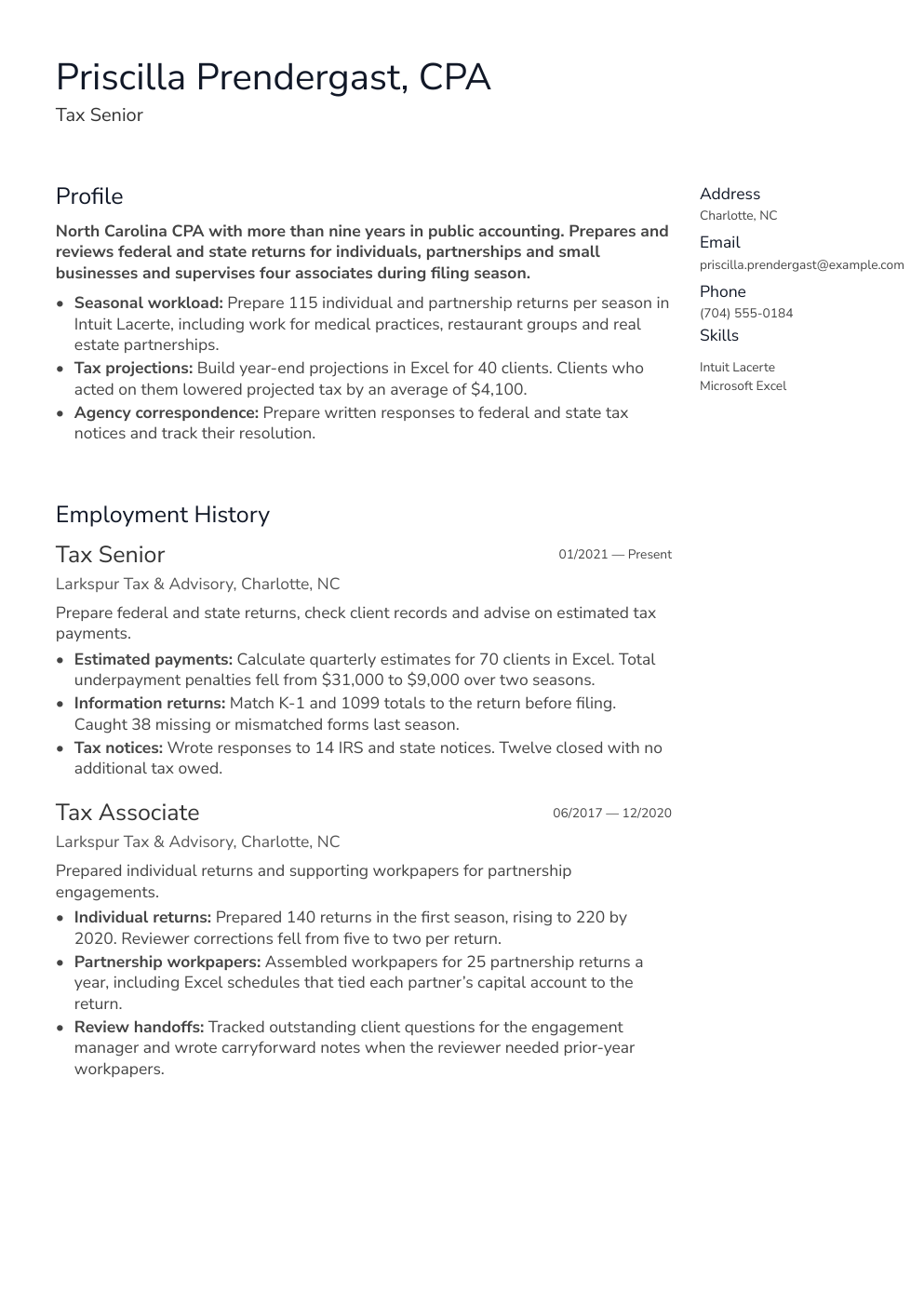
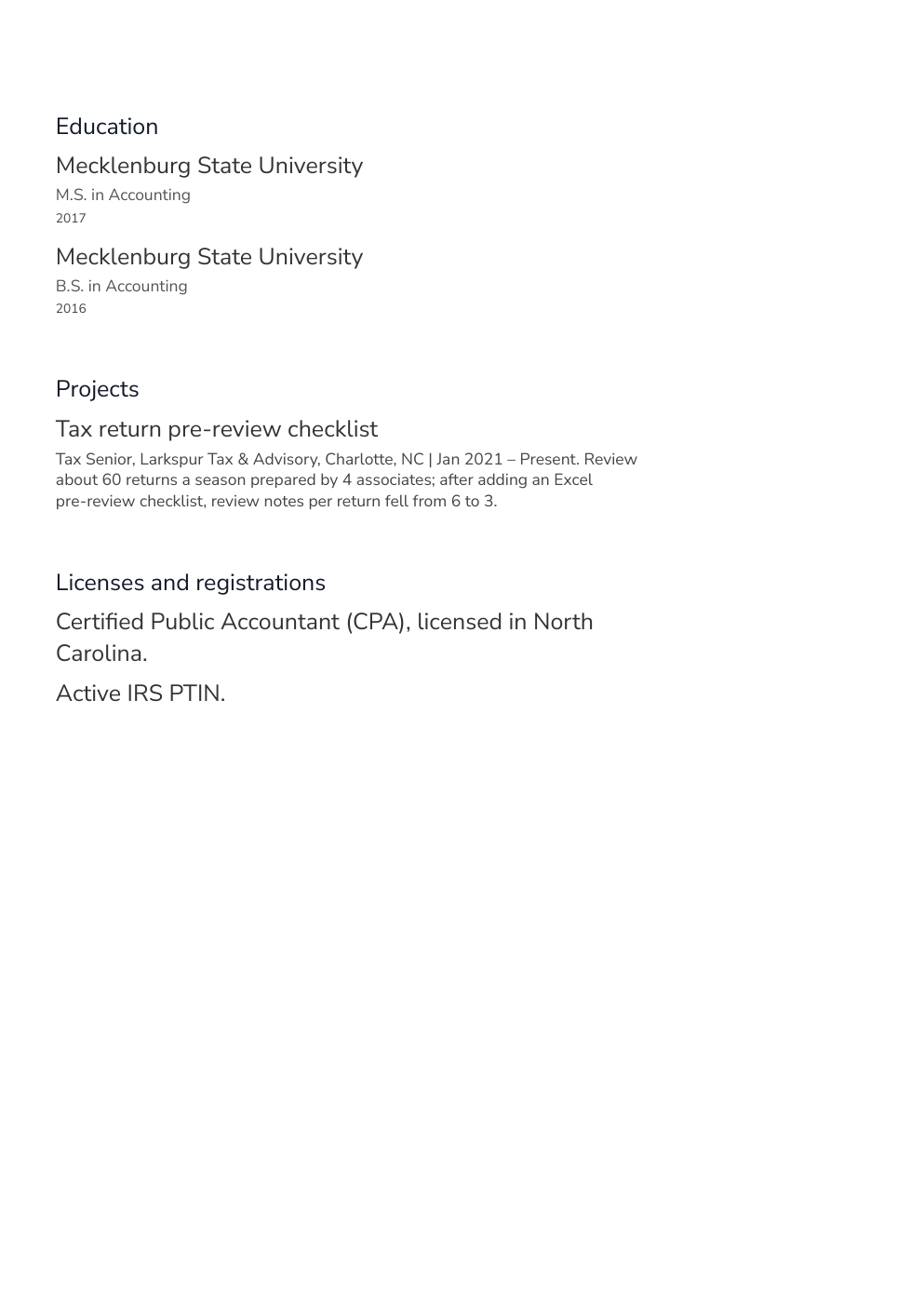
State your exam progress under credentials. Use the CPA designation beside your name only once you hold the license.
Name the work you do regularly, such as reconciliation or close support, and how your work is reviewed. Use a current workload to give the reader a sense of scale.
Describe the invoice check, its monthly volume and the exception you caught. If a controller approved payments, name the handoff.
Name an output you produced, such as an aging report or budget-to-actual comparison. Describe the formula or pivot table only when you actually used it.
Keep it when it demonstrates part of the accounting job, such as reconciling bank accounts or preparing monthly accruals. Give the business size or number of accounts.
Give its duration in working days and say which part you completed. Use a before-and-after comparison only when both figures cover the same close process.
Include the return types, workload and software. Separate returns you prepared from returns you reviewed or signed.
Use figures you have permission to share. A count of returns, number of accounts or rounded workload can describe the work without identifying a client.
Use a credentials section with the designation and issuing state. Place it near the top when the opening asks for that license.
Keep the actual title. Use a work bullet to show the reconciliation, adjusting entries or year-end workpapers that relate to the accountant opening.
Import your CV, tailor it to a job with AI, add a cover letter. You approve every change.
Built for careful job applications
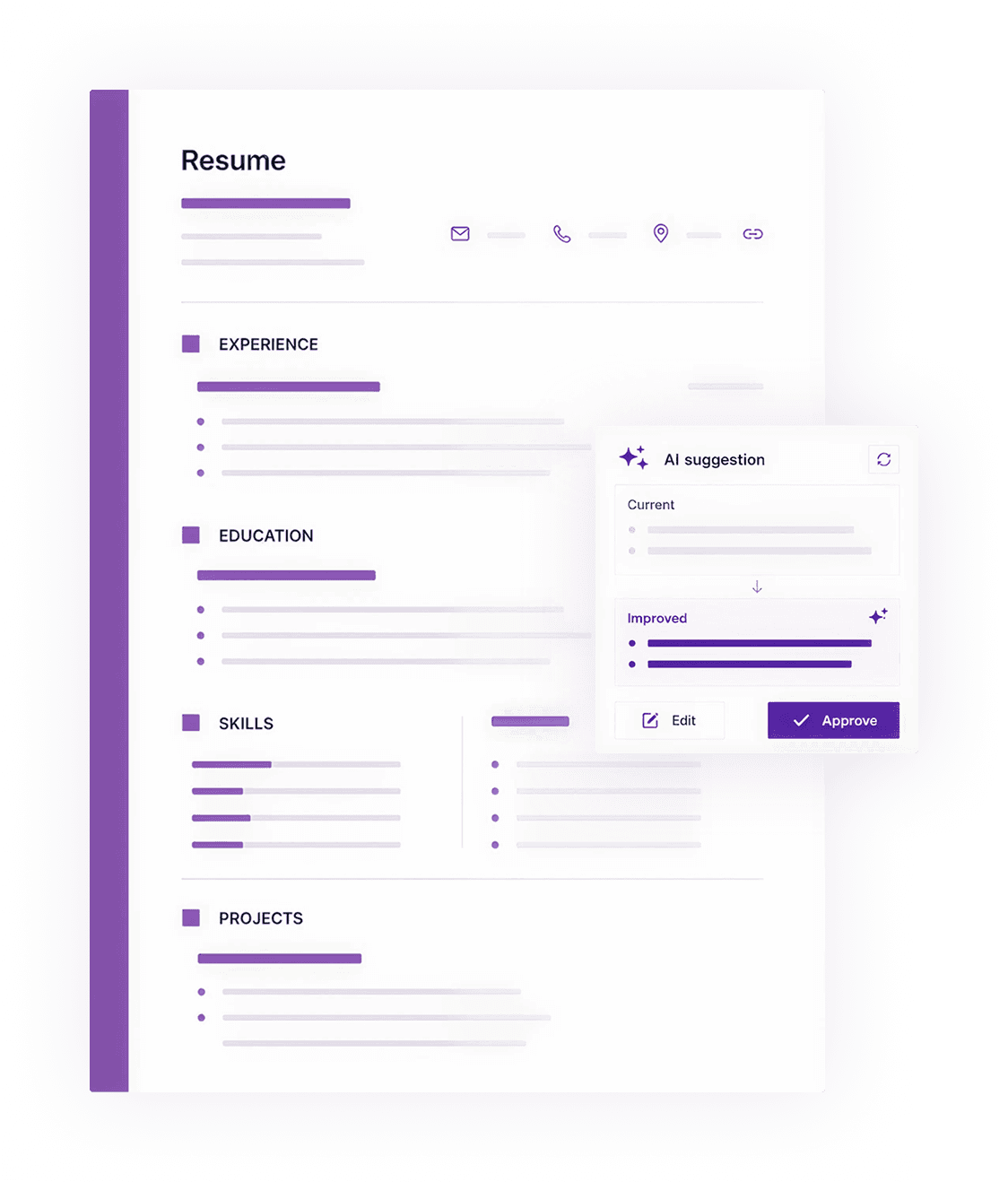
30 resume templates
Choose from professional layouts with real A4 previews.
ATS-friendly templates
Clean headings and text-based structure help hiring systems read the resume correctly.
AI suggestions you control
Rewrite summaries, bullets, and education text, then approve or edit before anything changes.
Job-description suggestions
Paste a role description and review suggestions before applying them.
Export-ready files
Download PDF, DOCX, or TXT when your resume and cover letter are ready.
Start from the CV you already have. Point it at a job description and export a resume and cover letter written for that role.
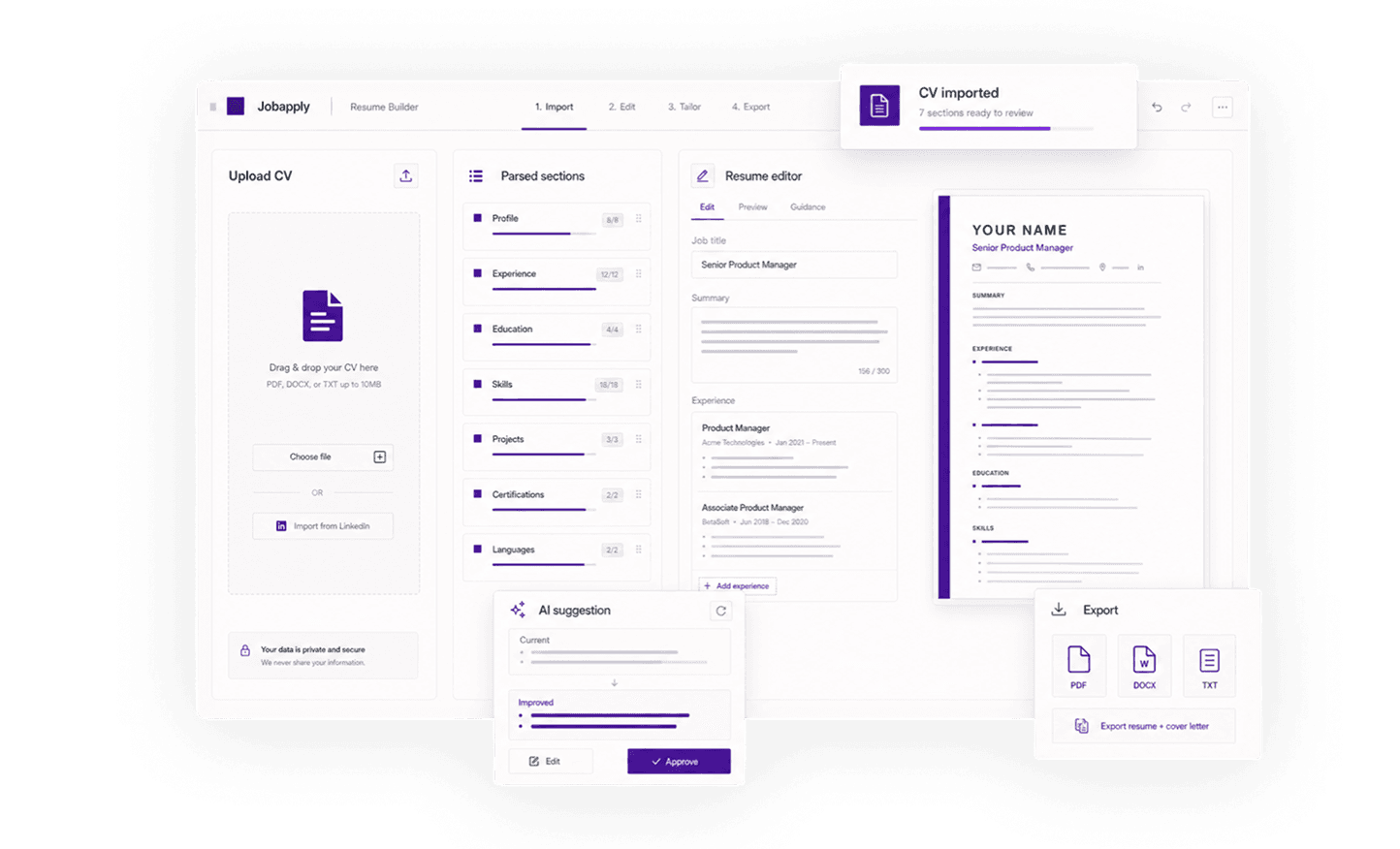
Every AI change appears beside your current text. Accept it, edit it, or skip it.
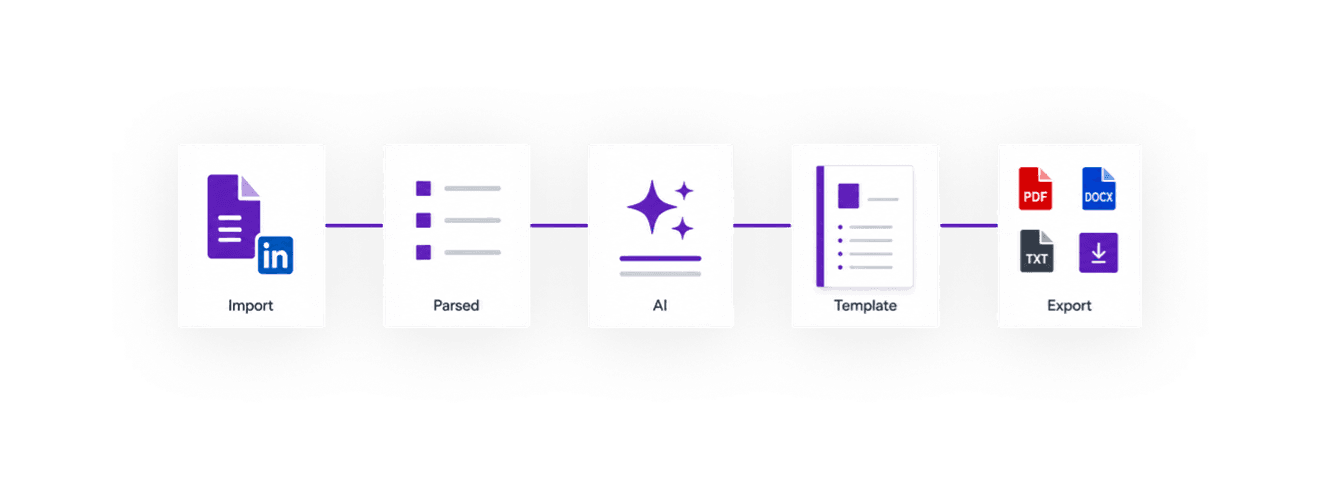
Start with a file or pasted text, then review the imported sections.
Fill in personal details, experience, education, skills, and optional sections.
Review job-description suggestions before applying them to your resume.


Download resume and cover letter files as PDF, DOCX, or TXT.




Start editing right away
Choose a template, import or add details, and keep editing without an activation gate.
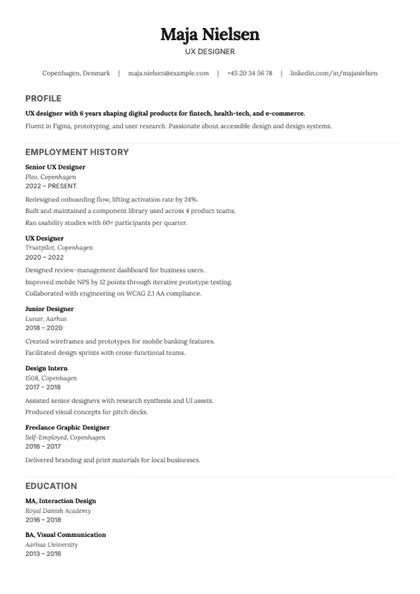
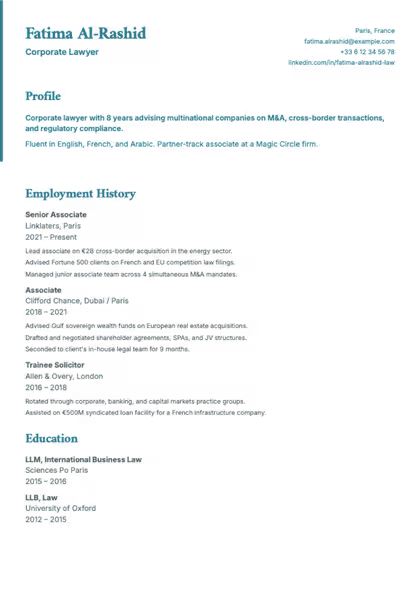
Built for academic CVs — calm serif titles and room for long publication lists.
Use this template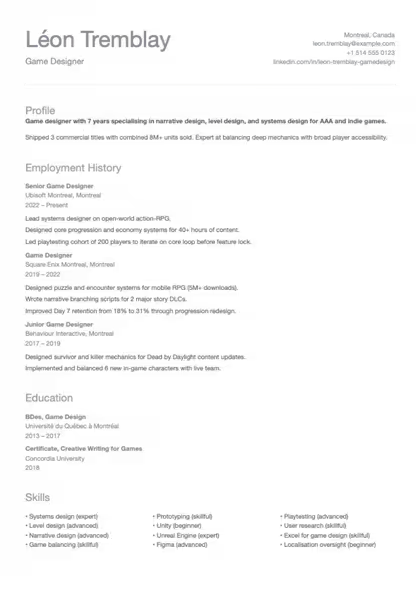
Swiss-minimal and strictly grayscale, for when restraint is the statement.
Use this template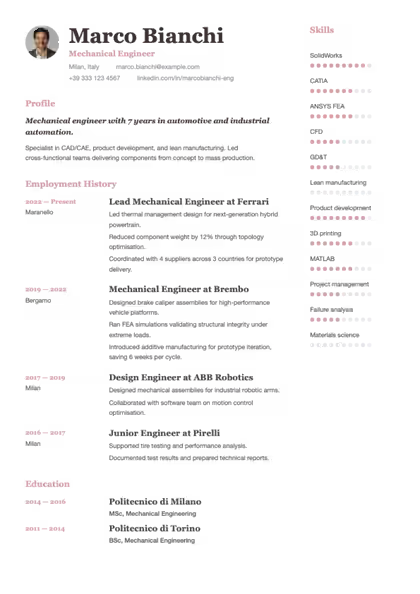
Editorial serifs with a dusty-rose touch — polished without trying too hard.
Use this template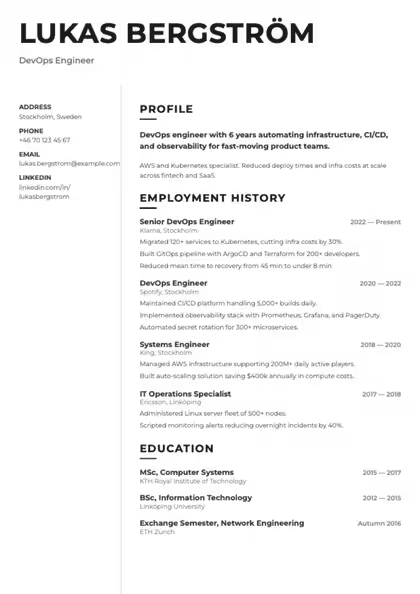
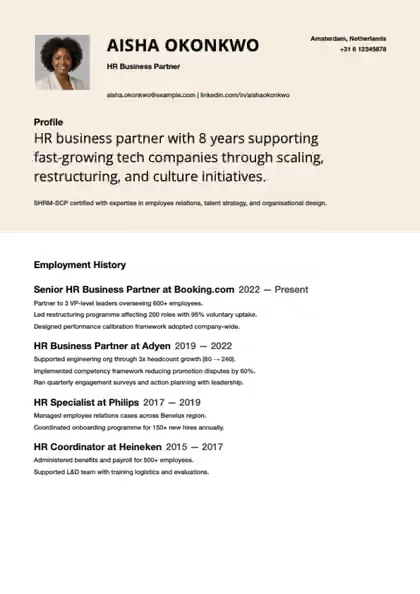
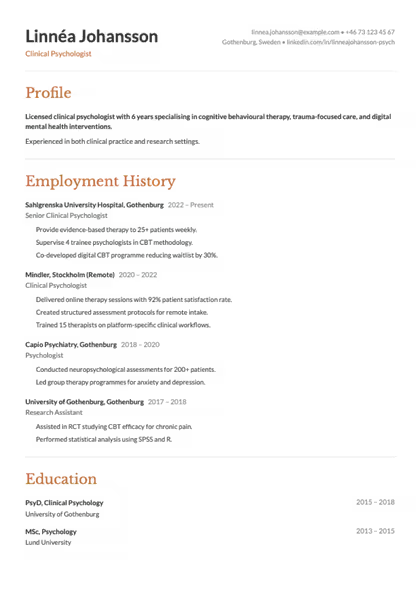
Warm and structured, with an orange accent that keeps formal from feeling stiff.
Use this template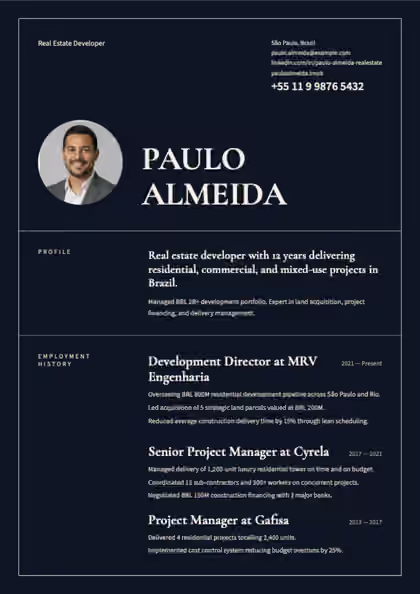
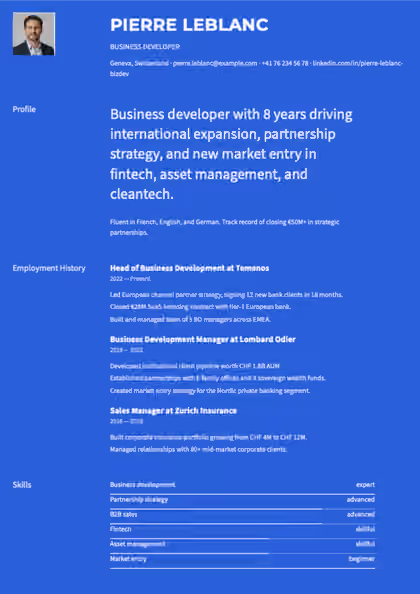
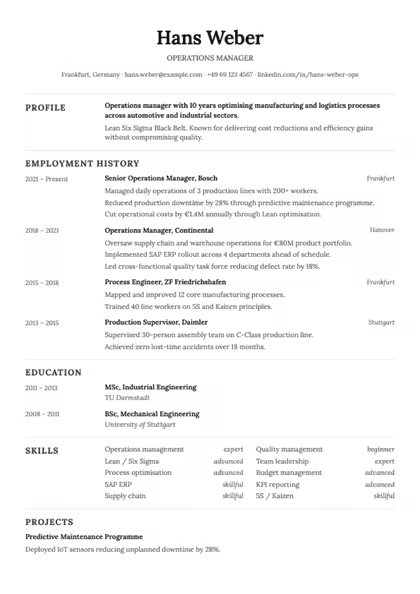
The classic European CV with a date-column timeline recruiters already know how to read.
Use this template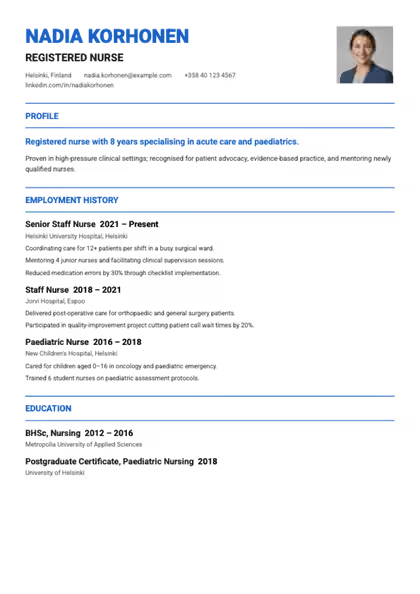
A clean single column with photo — the safe pick that still looks sharp.
Use this template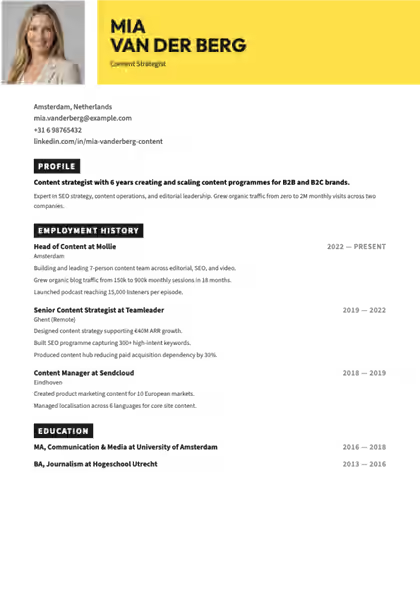
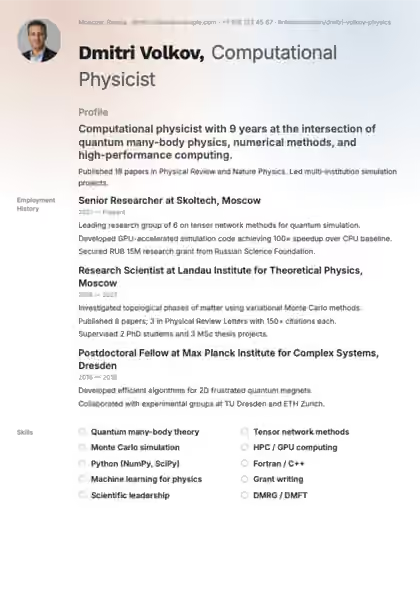
A warm gradient up top, strict left-label structure below — personality and precision.
Use this template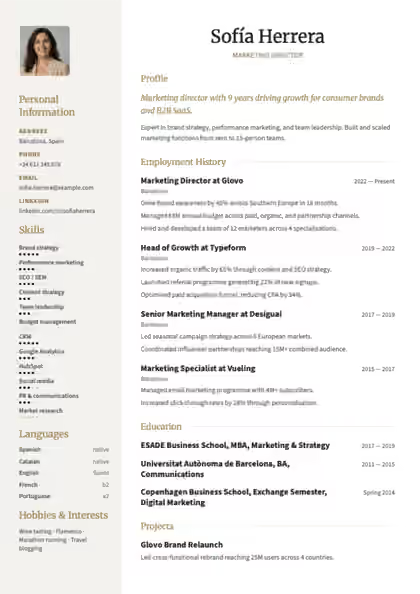
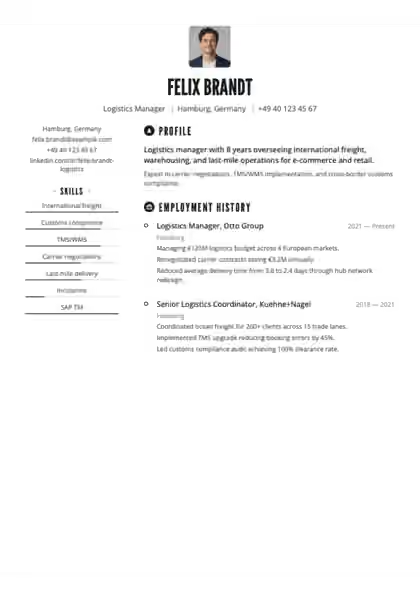
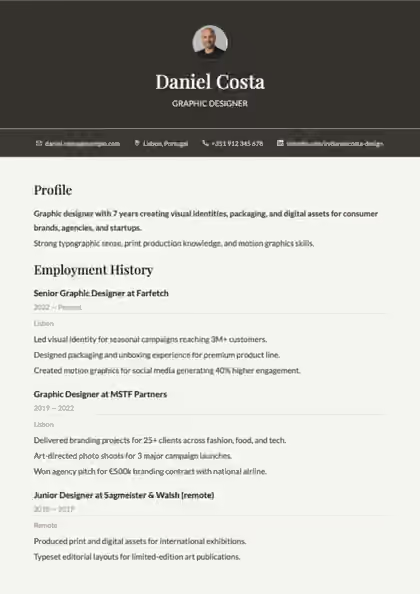
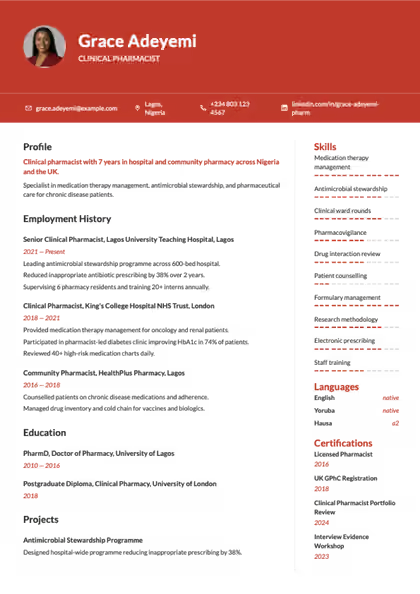
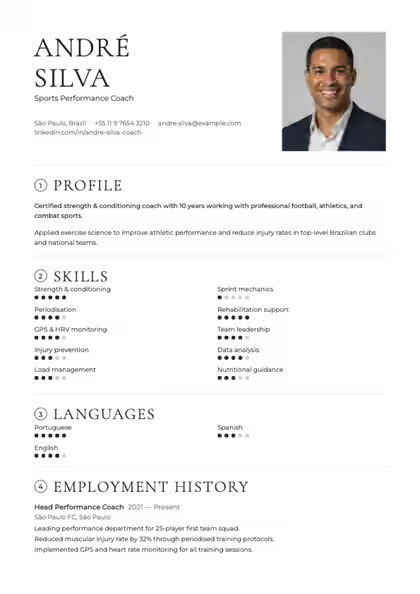
An editorial single column with circled section numbers — crafted, not decorated.
Use this template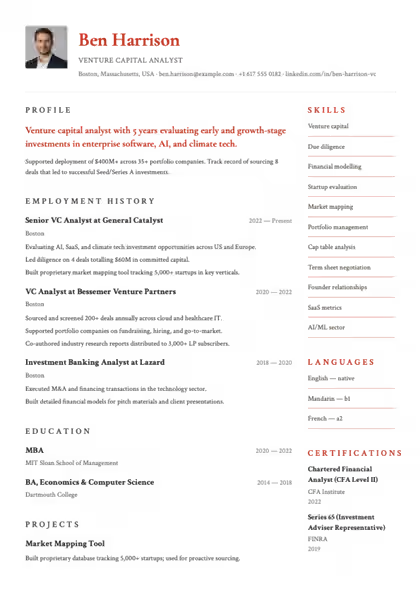
Classic serif two-column with a crimson accent, made for high-stakes applications.
Use this template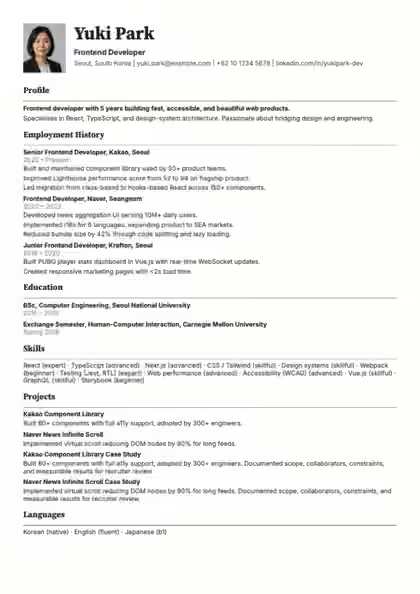
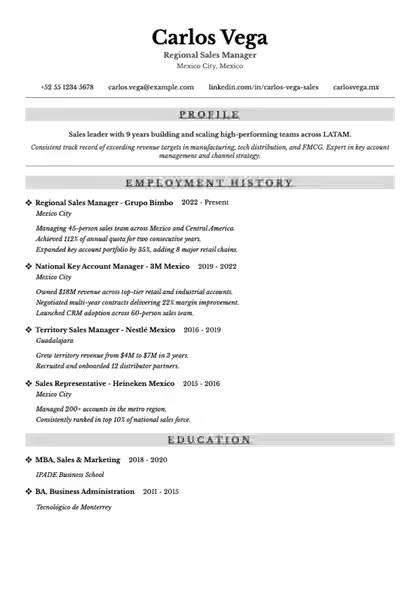
Classical detailing, diamond ornaments, dotted leader lines — fine print done right.
Use this template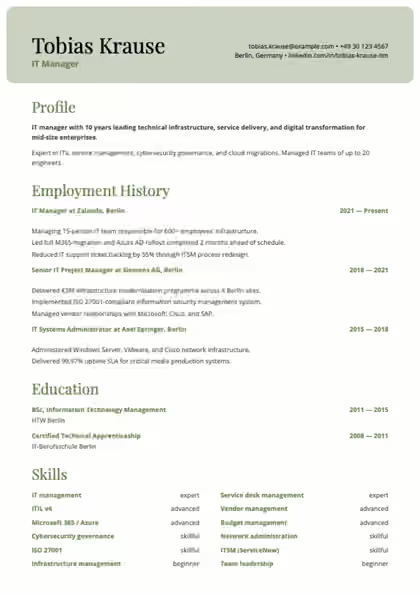
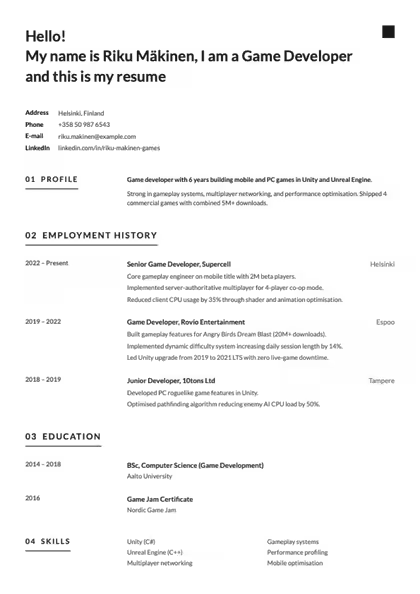
Opens with a greeting, breathes with numbered sections — personal and organized.
Use this template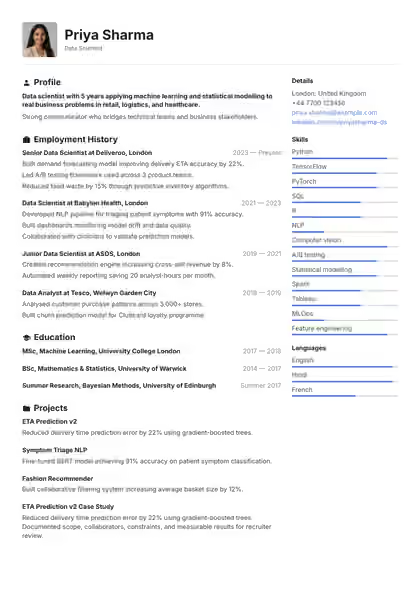
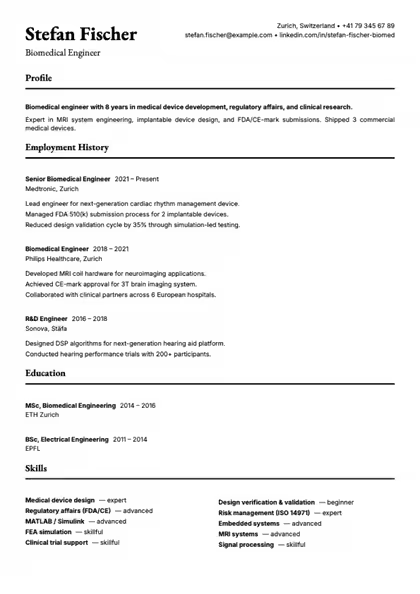
Traditional serifs and bold underline separators, made for deep expertise.
Use this template
Bureau of Labor Statistics, Accountants and Auditors · NASBA, Getting a CPA License · IRS, Tax Return Preparer Credentials and Qualifications.